
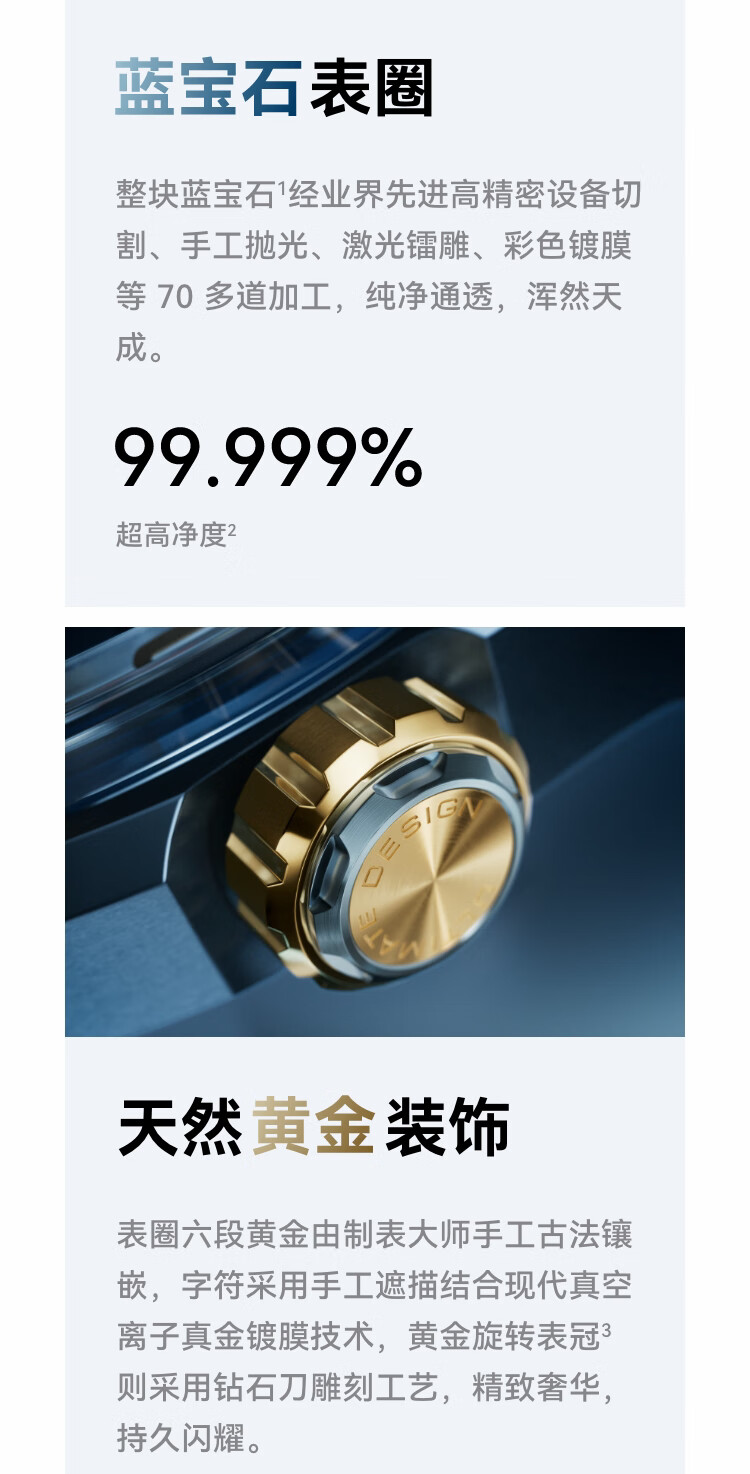
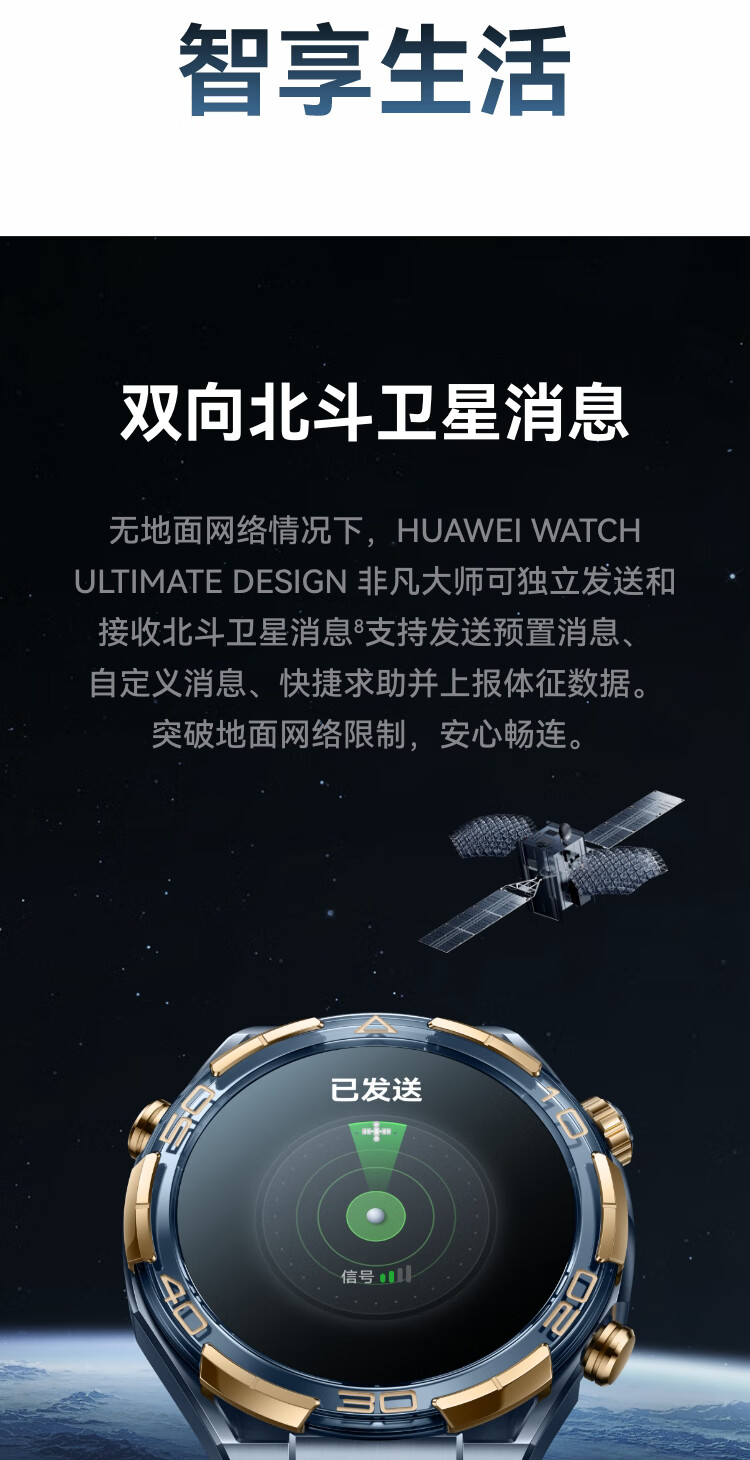
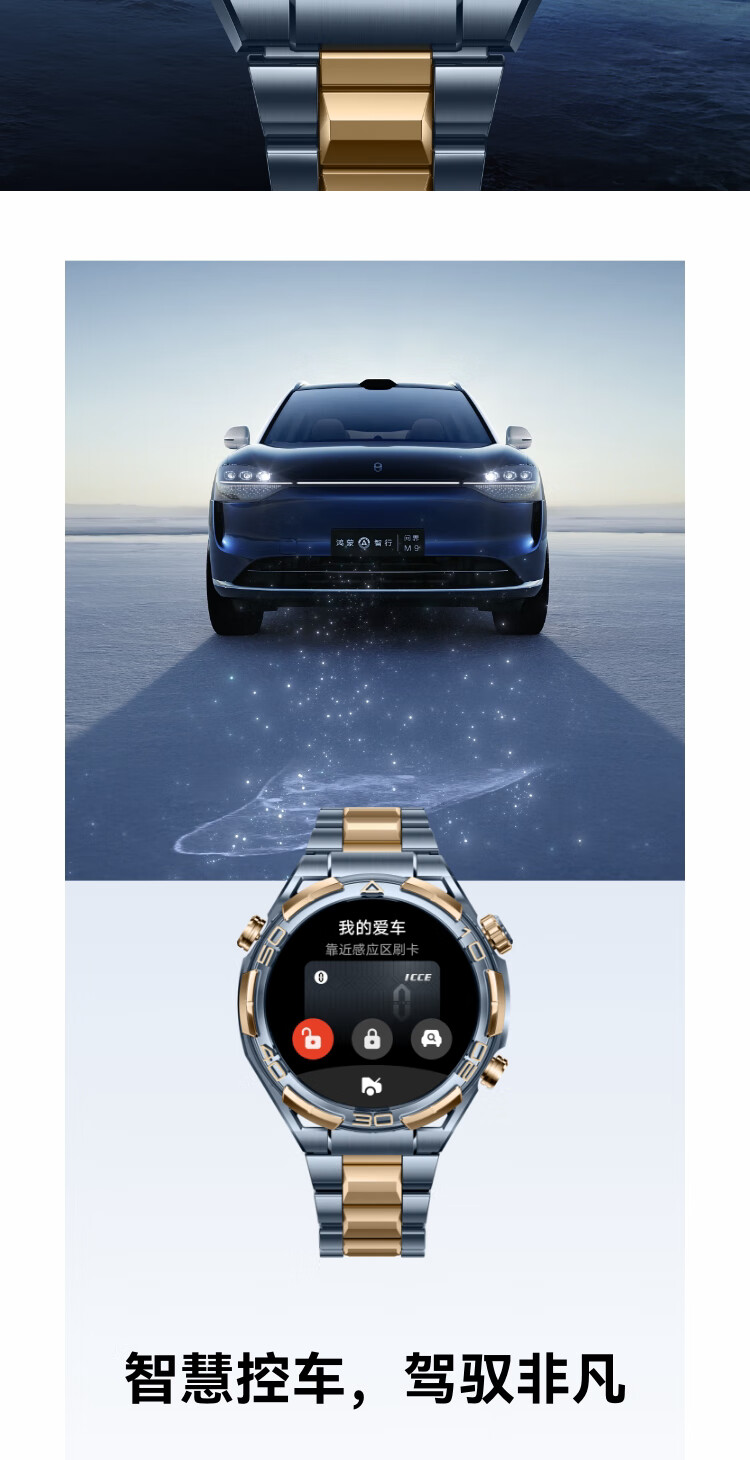
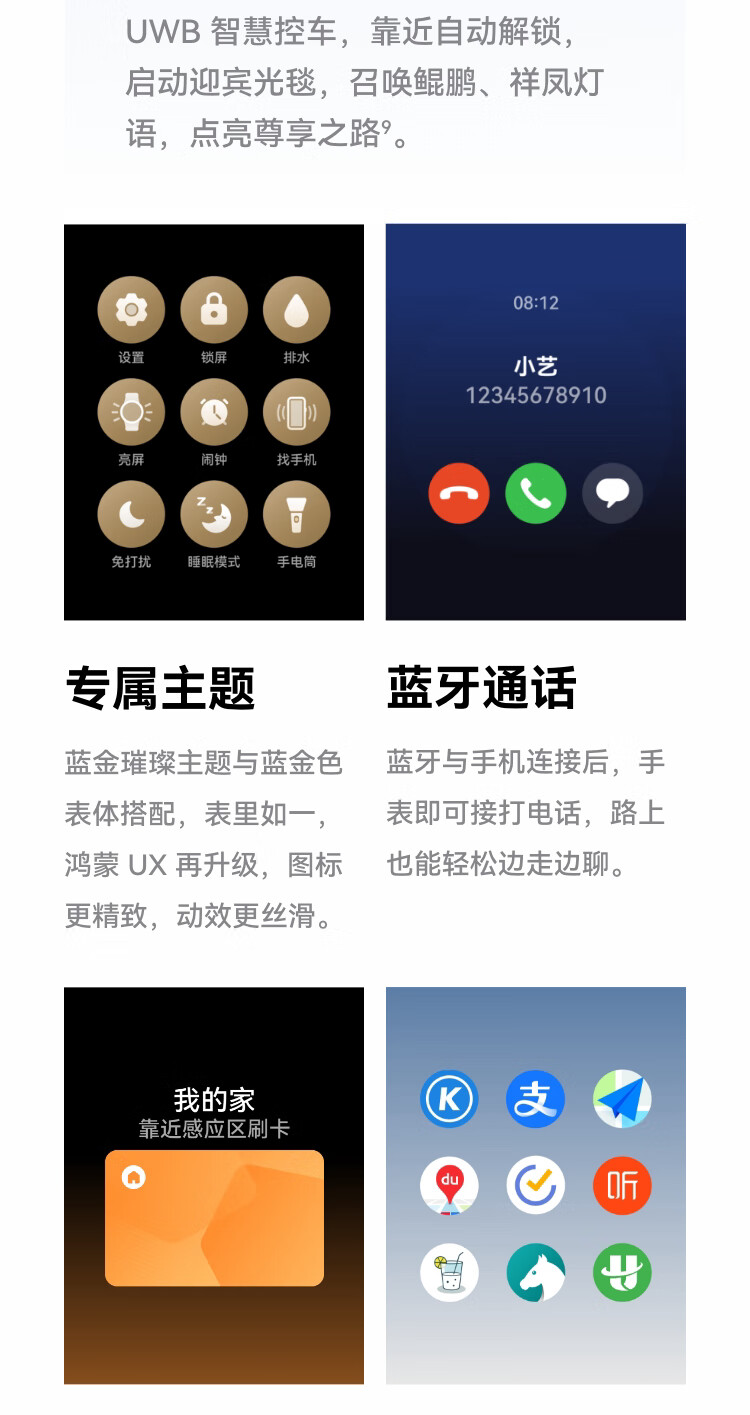
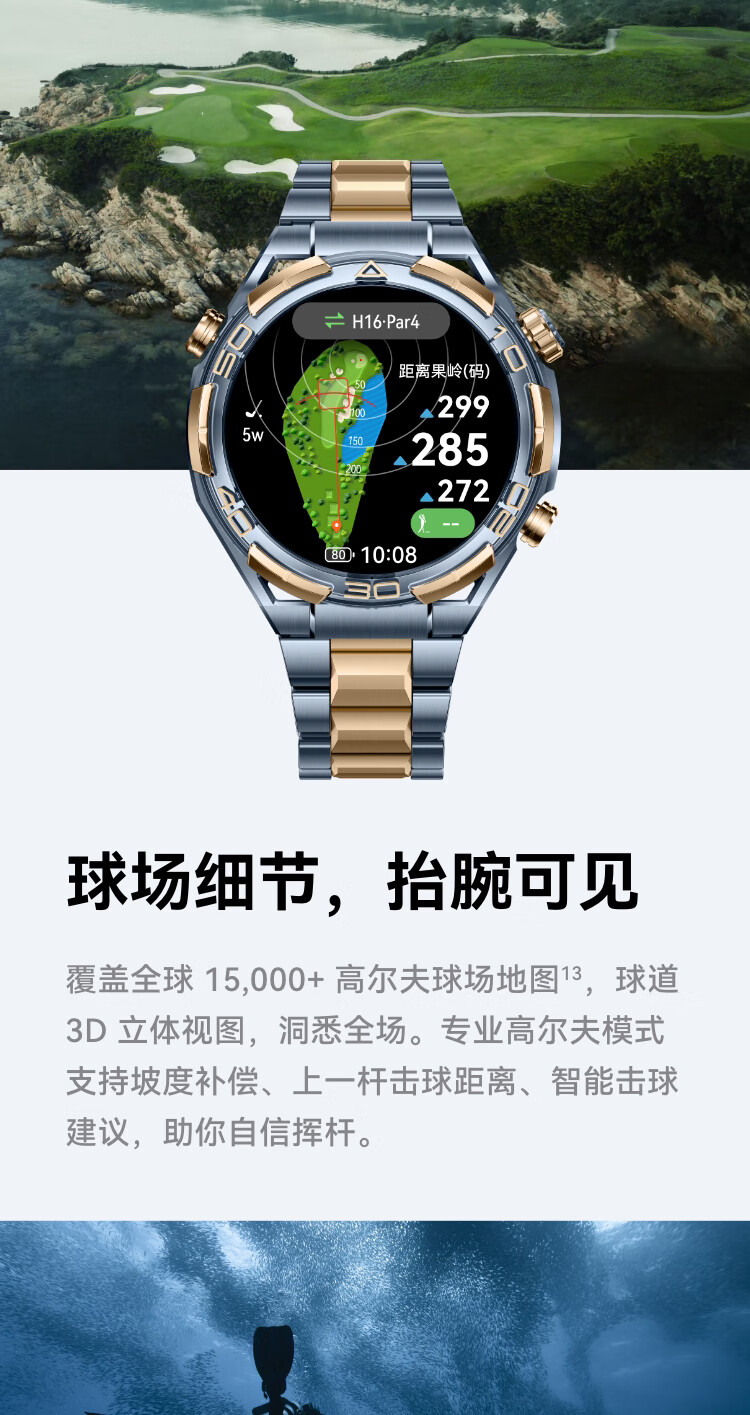
HUAWEI WATCH ULTIMATE DESIGN Ultimate Master Edition | Sapphire & Gold Smartwatch | Two-Way Beidou Satellite Messaging | Bluetooth Calling







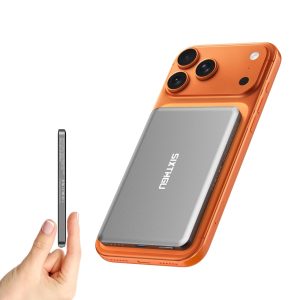
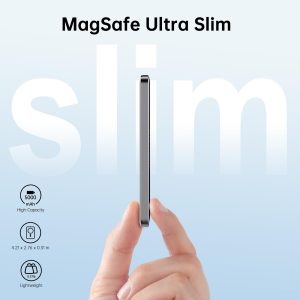
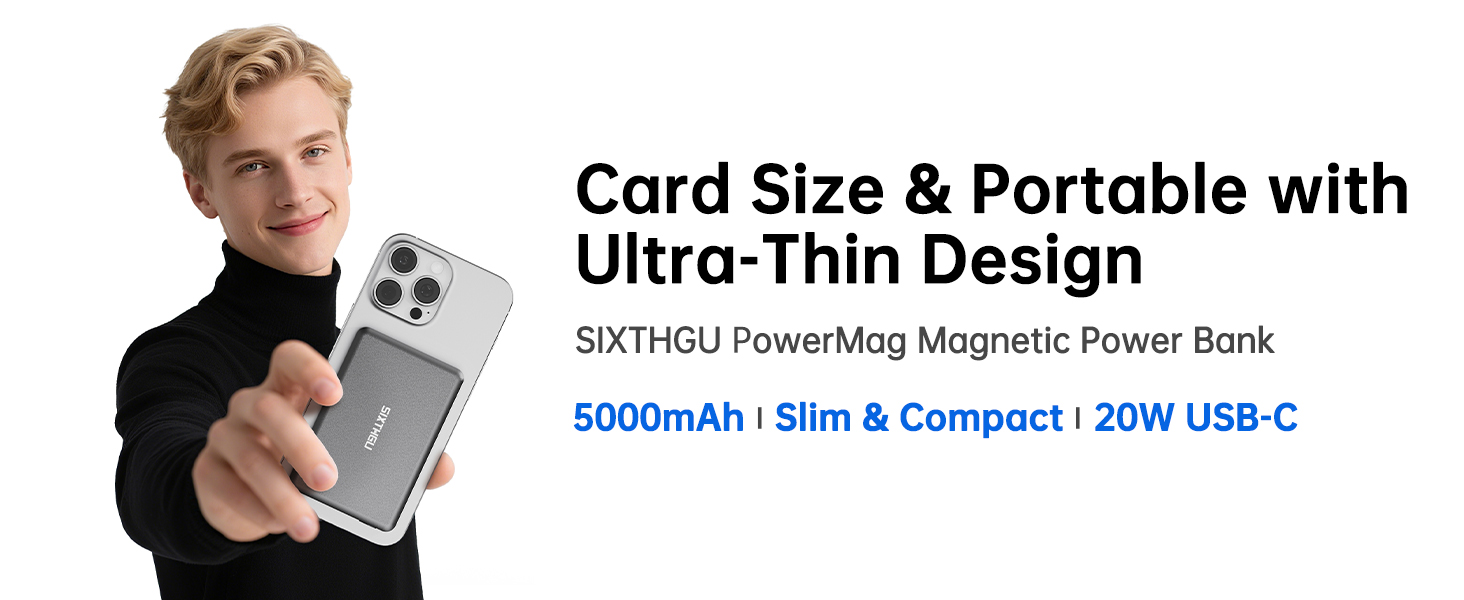
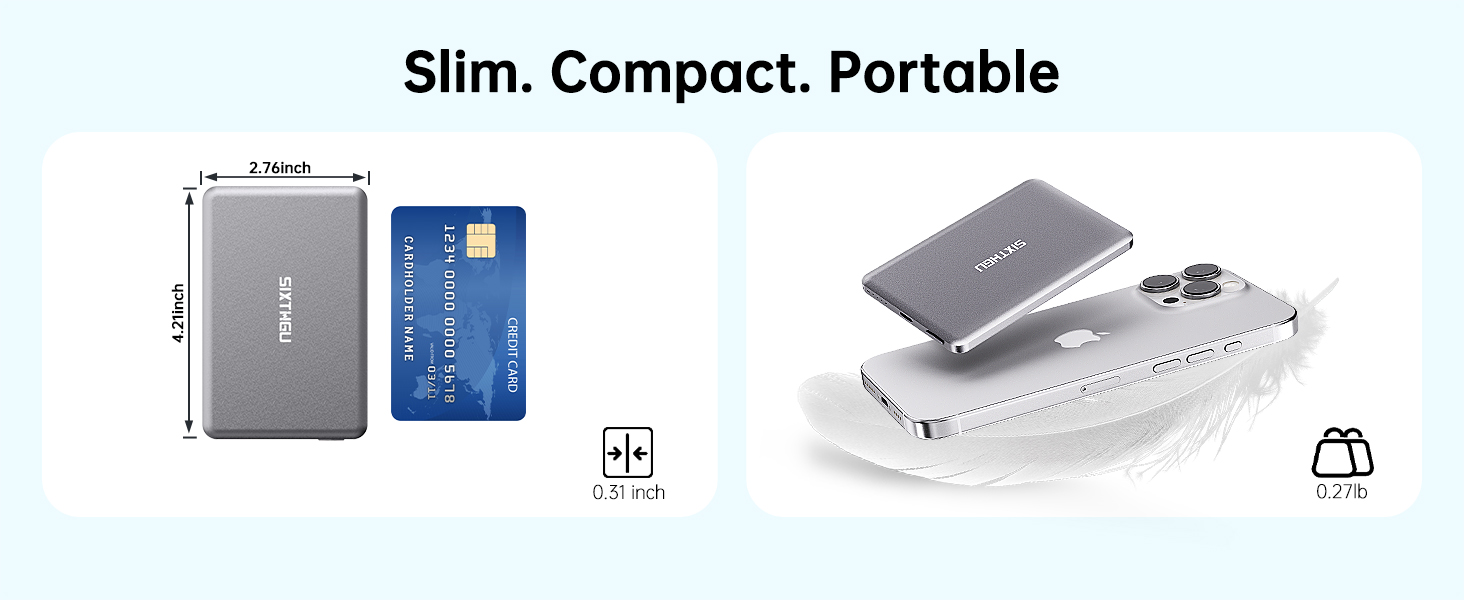
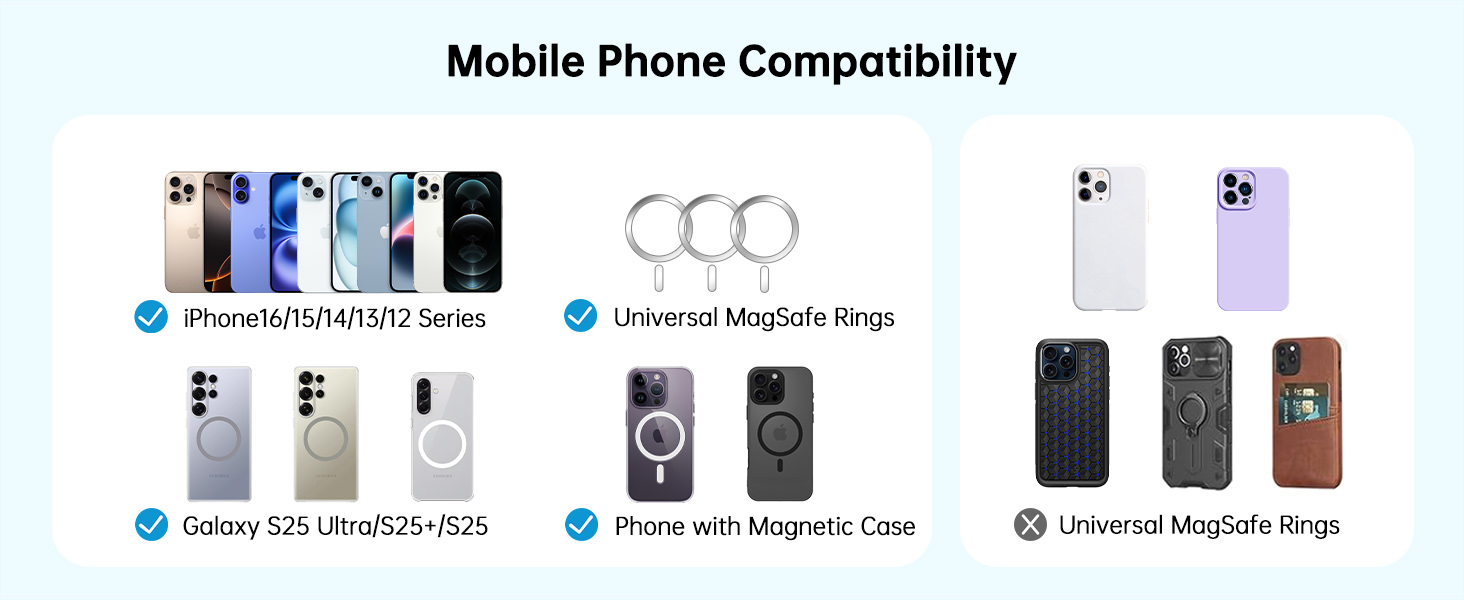
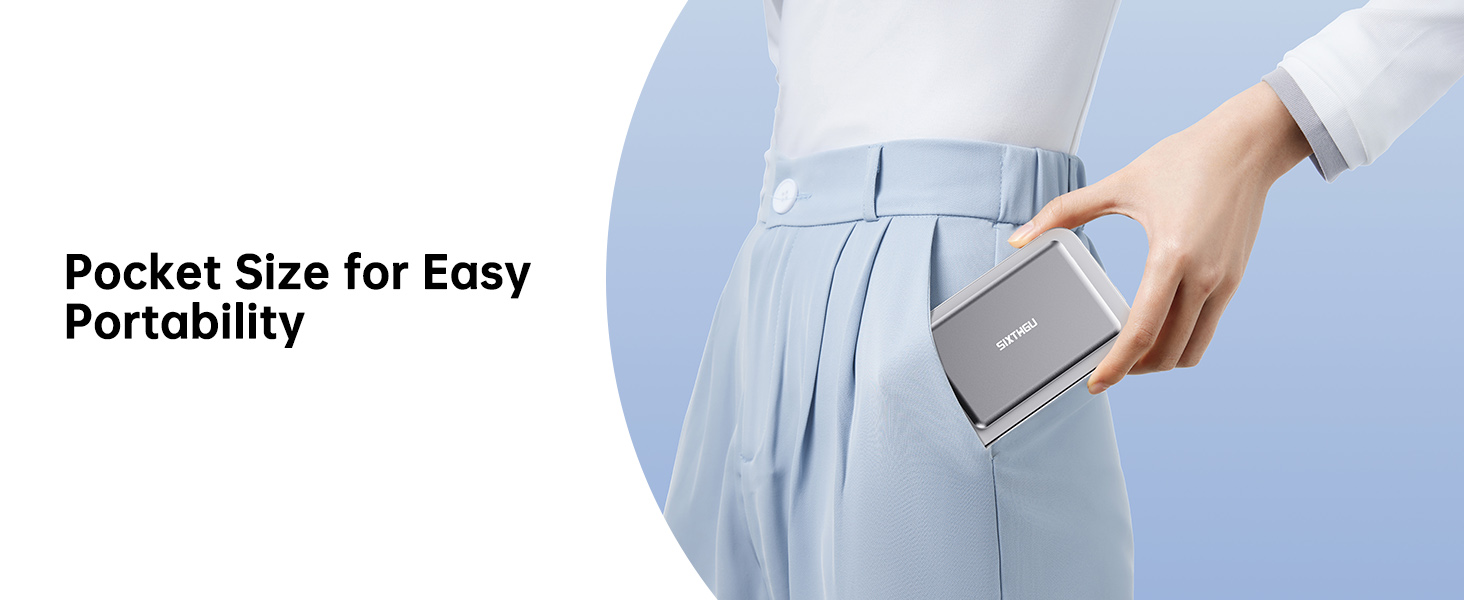
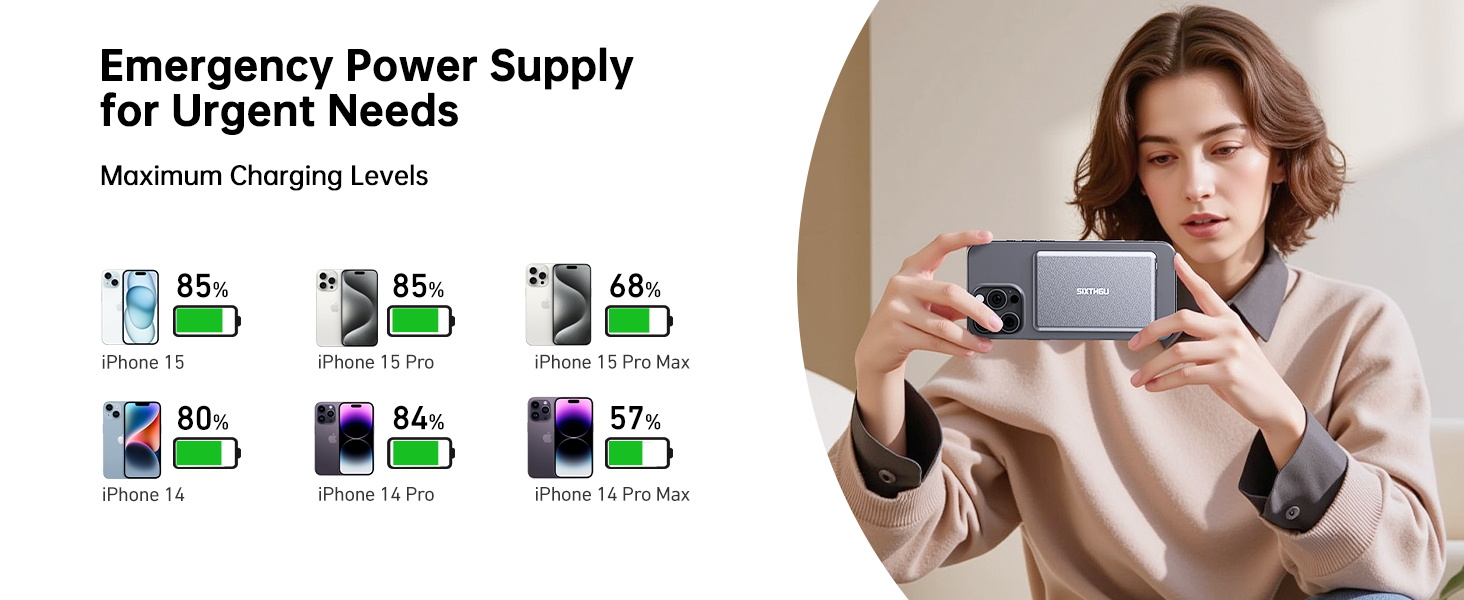
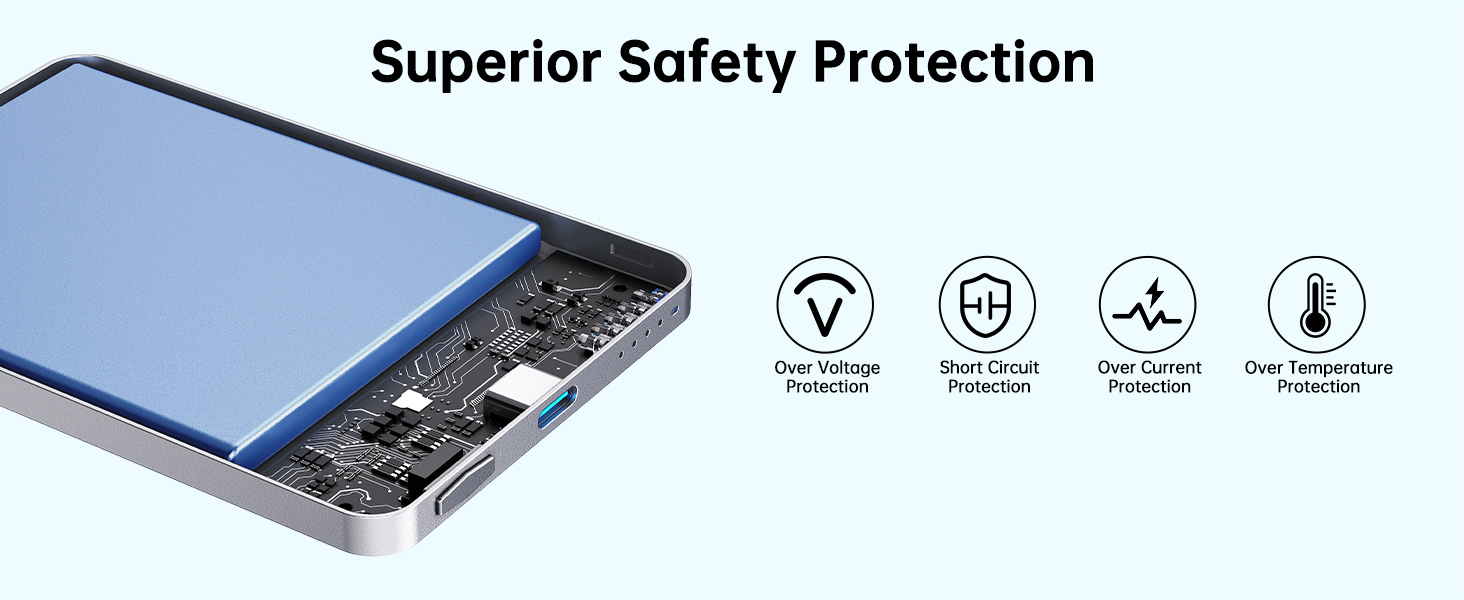
Magnetic Portable Charger, Ultra Slim 5,000mAh Wireless Power Bank, PD 20W USB C Fast Charging, for Magsafe Battery Pack Compatible with iPhone 16/15/14/13/12 Pro/Pro Max Series


-
How can I estimate the number of times my device will be charged?
To estimate charging cycles, use these formula:
(Power Bank Capacity × 0.5) ÷ Device Battery Capacity ≈ Number of Charges.
For instance, charging a 3,200mAh device using a 5,000mAh Wireless power bank would offer approximately 0.78 charges.
-
Why does my phone generate heat while charging?
The charging temperature should be kept below 104 ° F (40 ° C), but using the phone during charging will generate heat. If the temperature is too high, please stop charging and let the phone cool down before continuing.
-
Why does charging stop at 80%?
As part of the iOS 17 hot management strategy, your iPhone may automatically stop charging at 80% to prevent battery overheating. After the device cools down, charging will resume. Moving it to a colder place can help speed up this process.
-
Why does my phone display the prompt message ''Slow Charger''?
To manage heat, if the device heats up, it may reduce power. On iOS 18, there may be a "slow charging" alert, but charging is still safe and effective.
-
Why is the actual charging capacity of the power bank less than expected?
The decrease in capacity during charging is due to 30% to 45% energy loss in the battery unit and conversion circuit. Therefore, a fully charged battery is estimated to supply 2750mAh~3250mAh of power to the device.
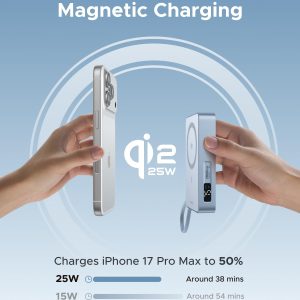
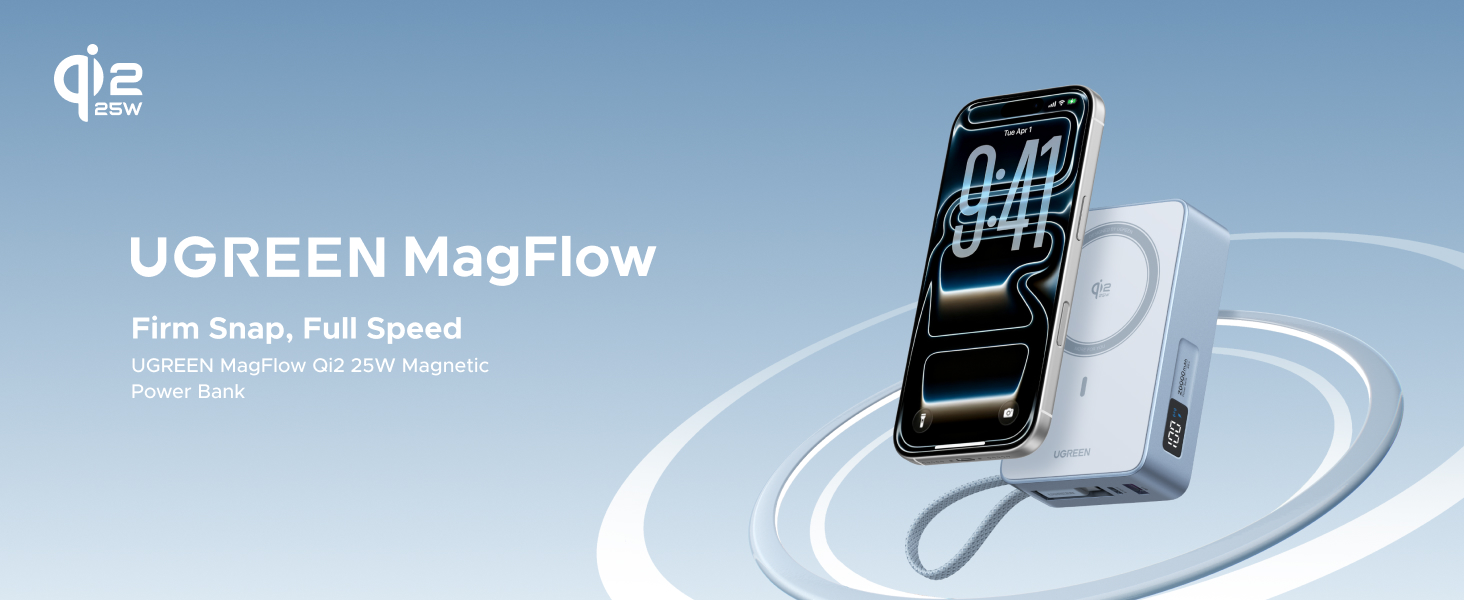
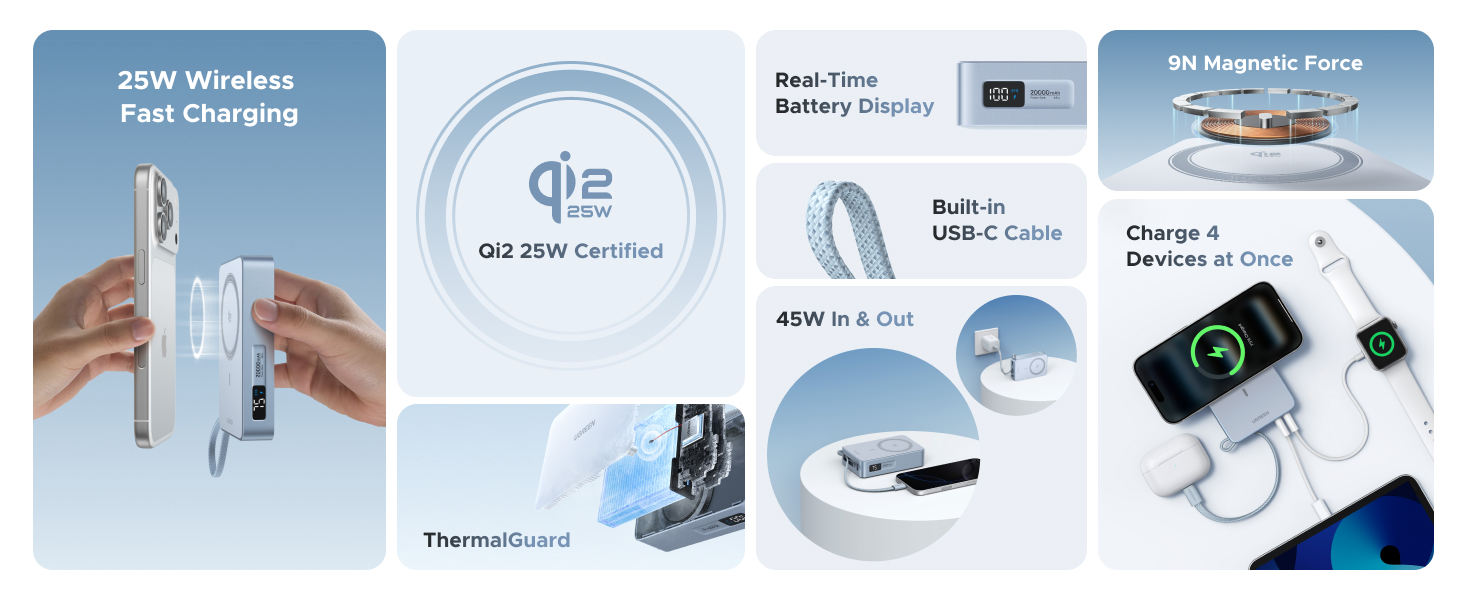
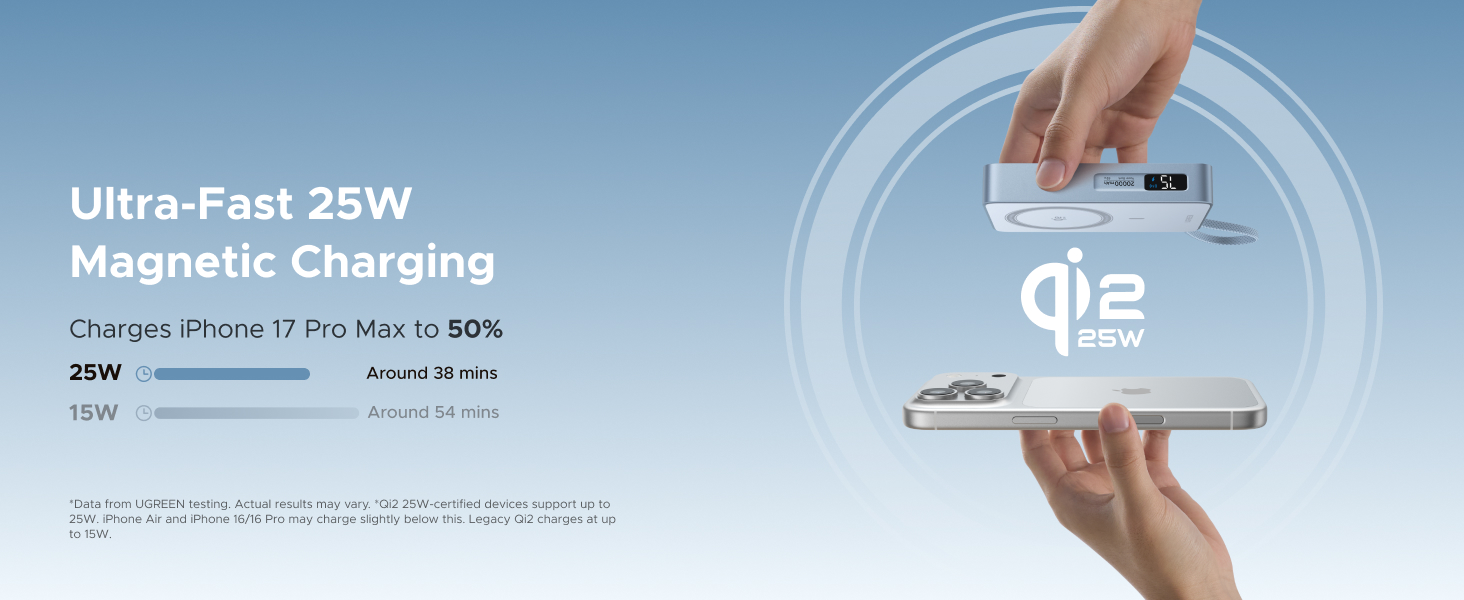
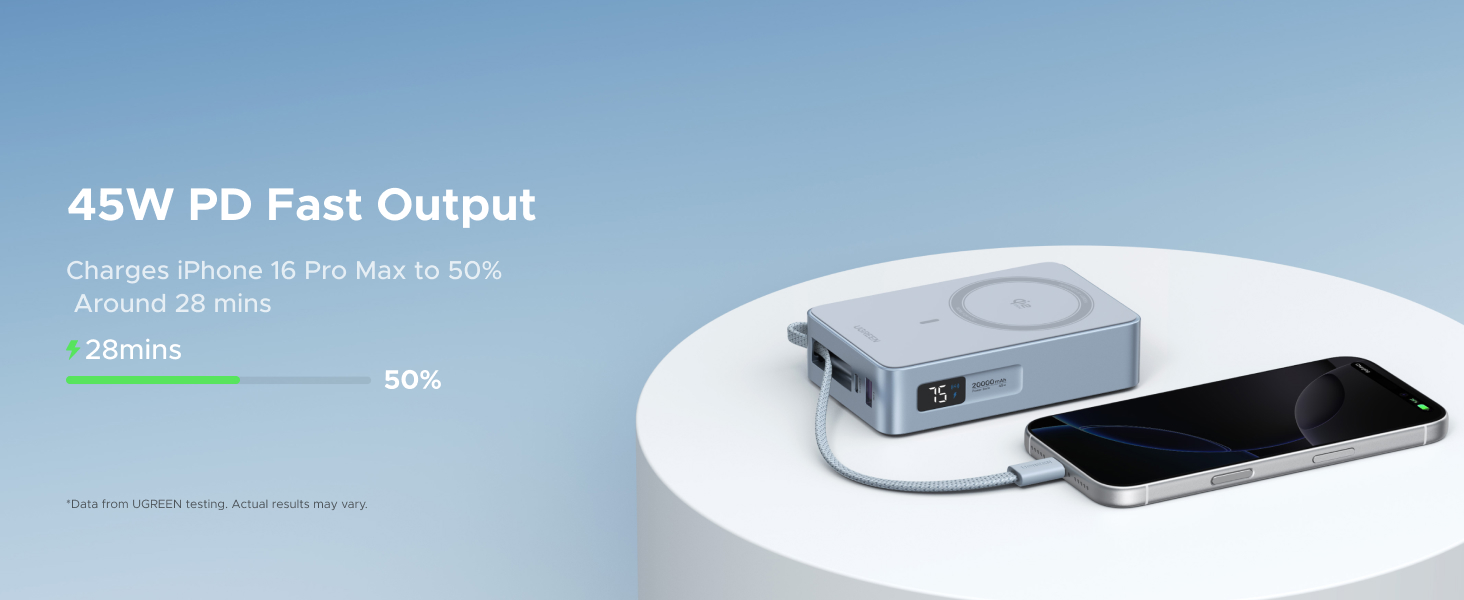
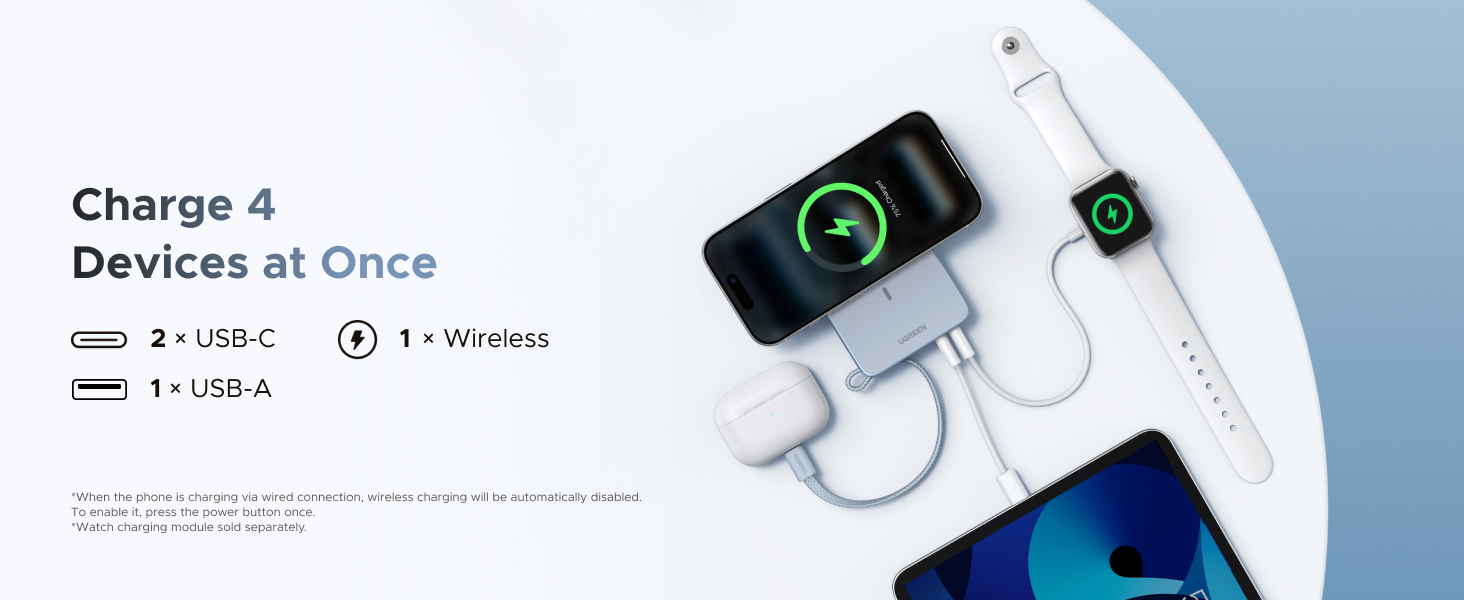
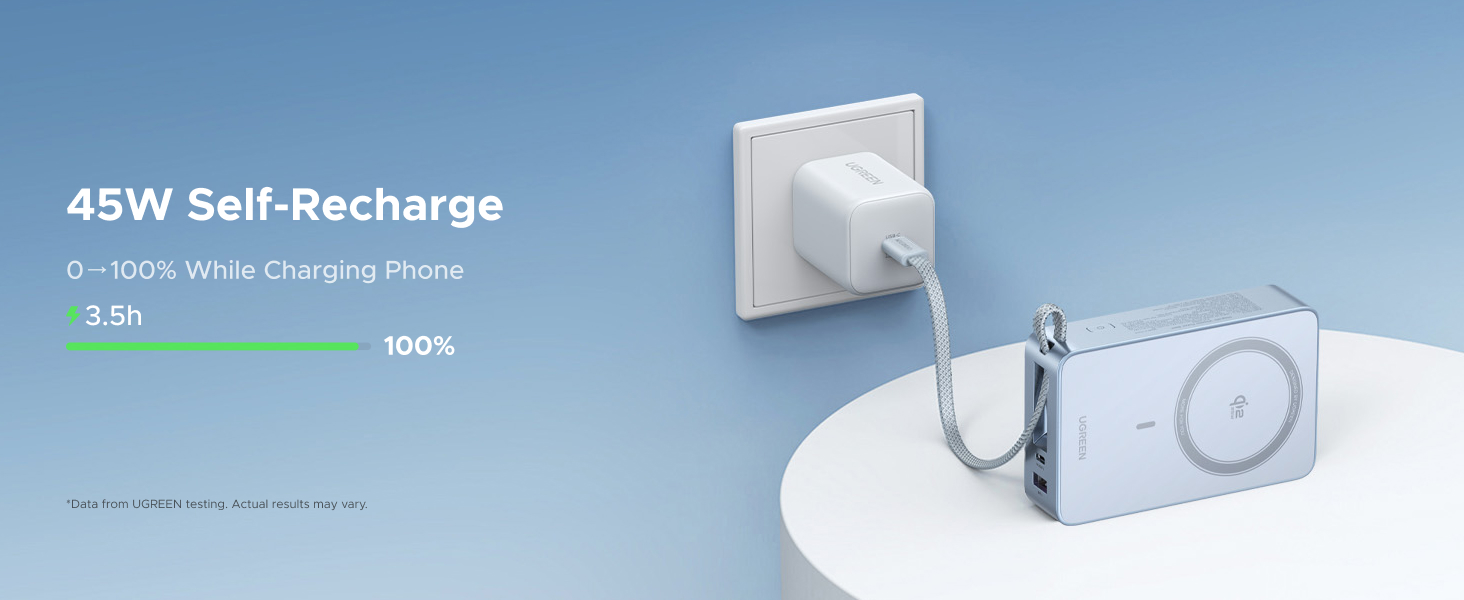
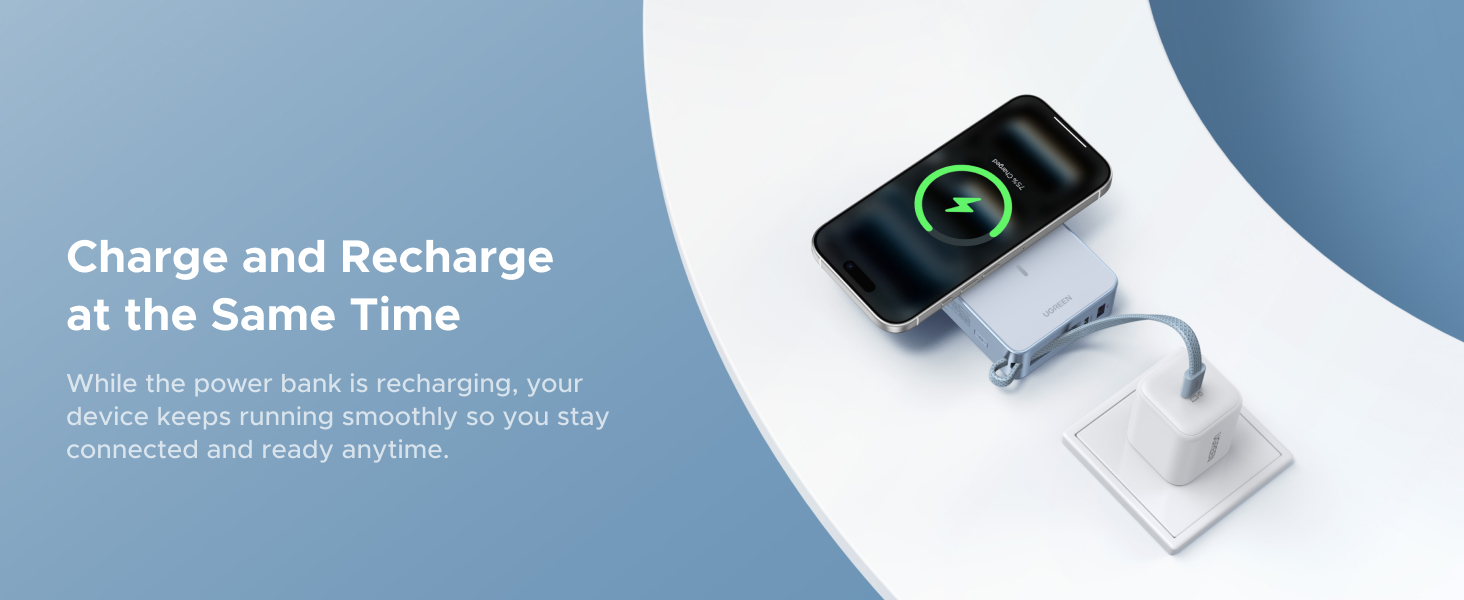
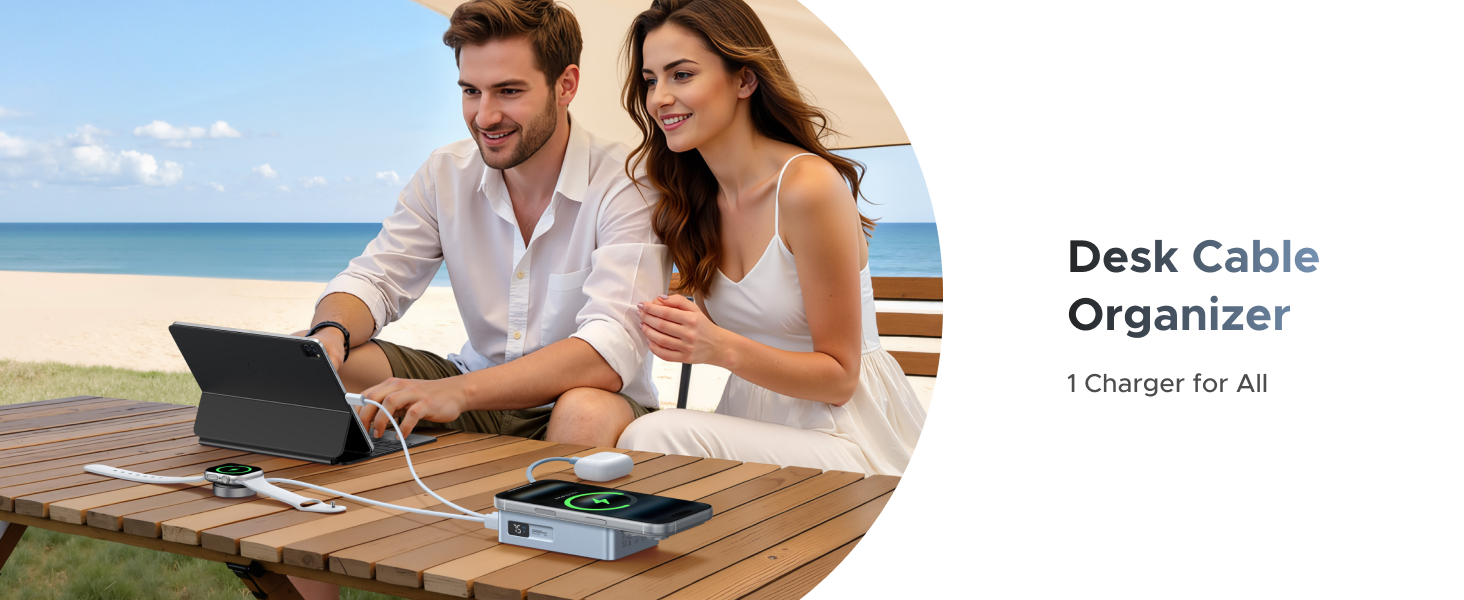
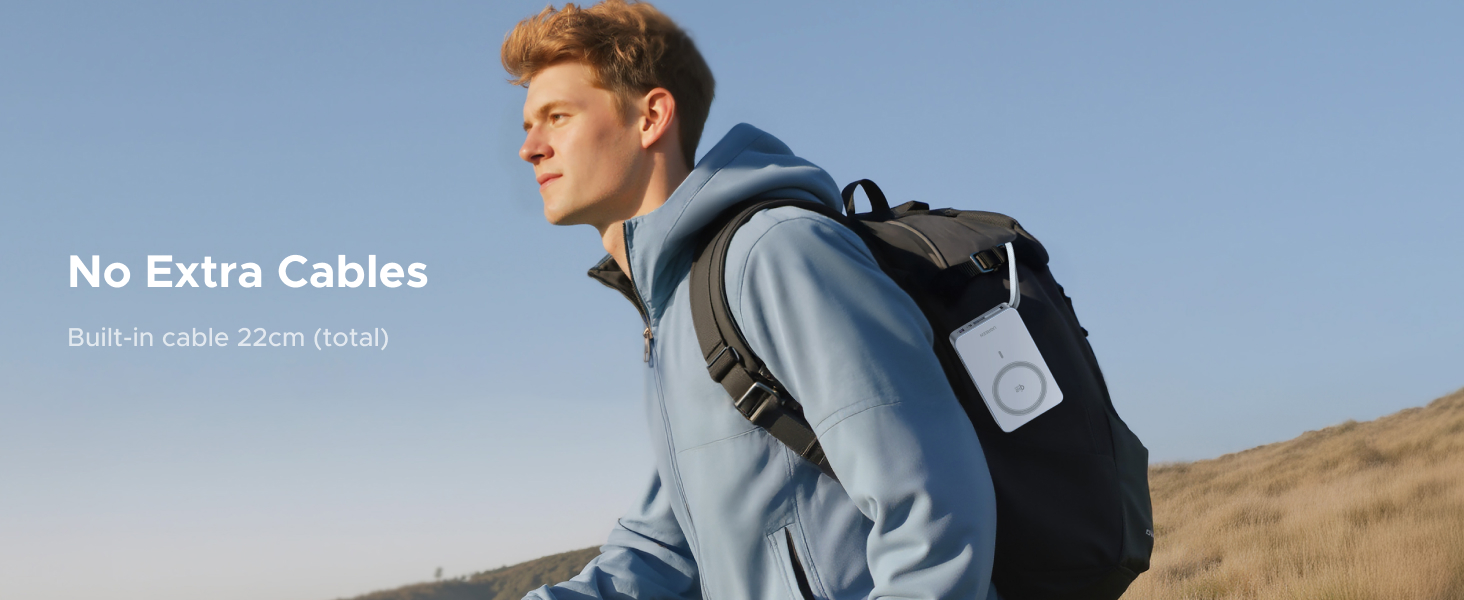
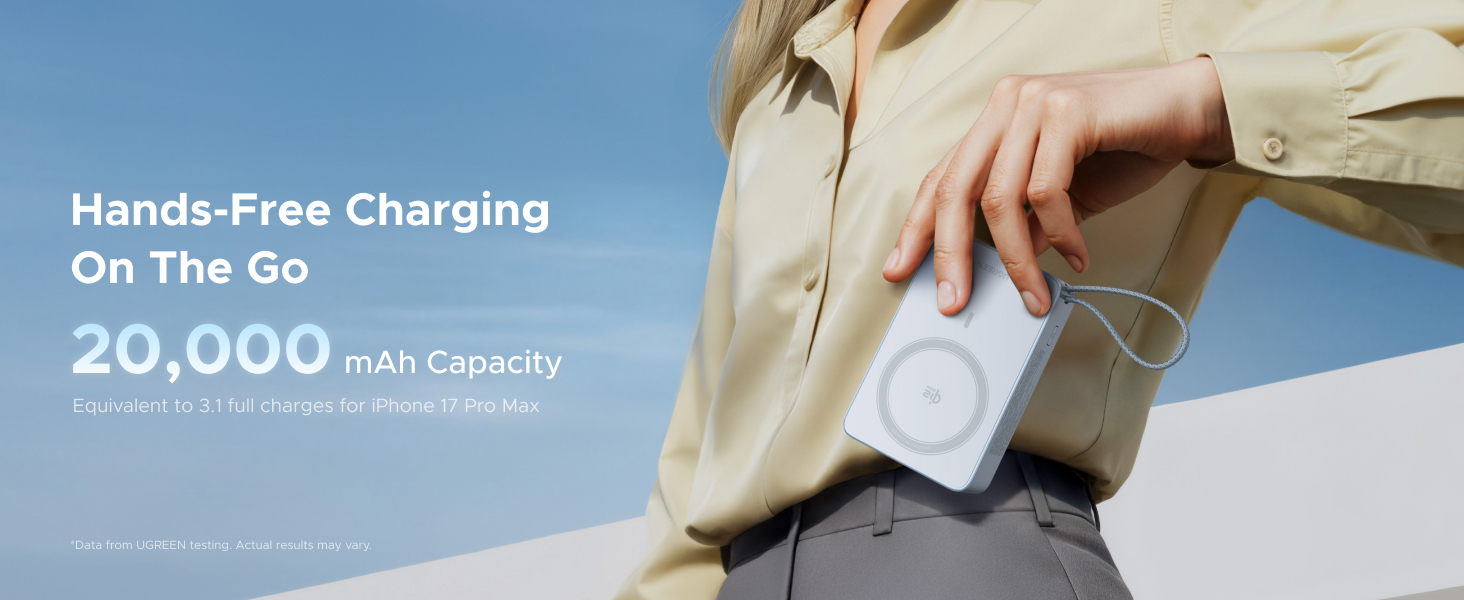
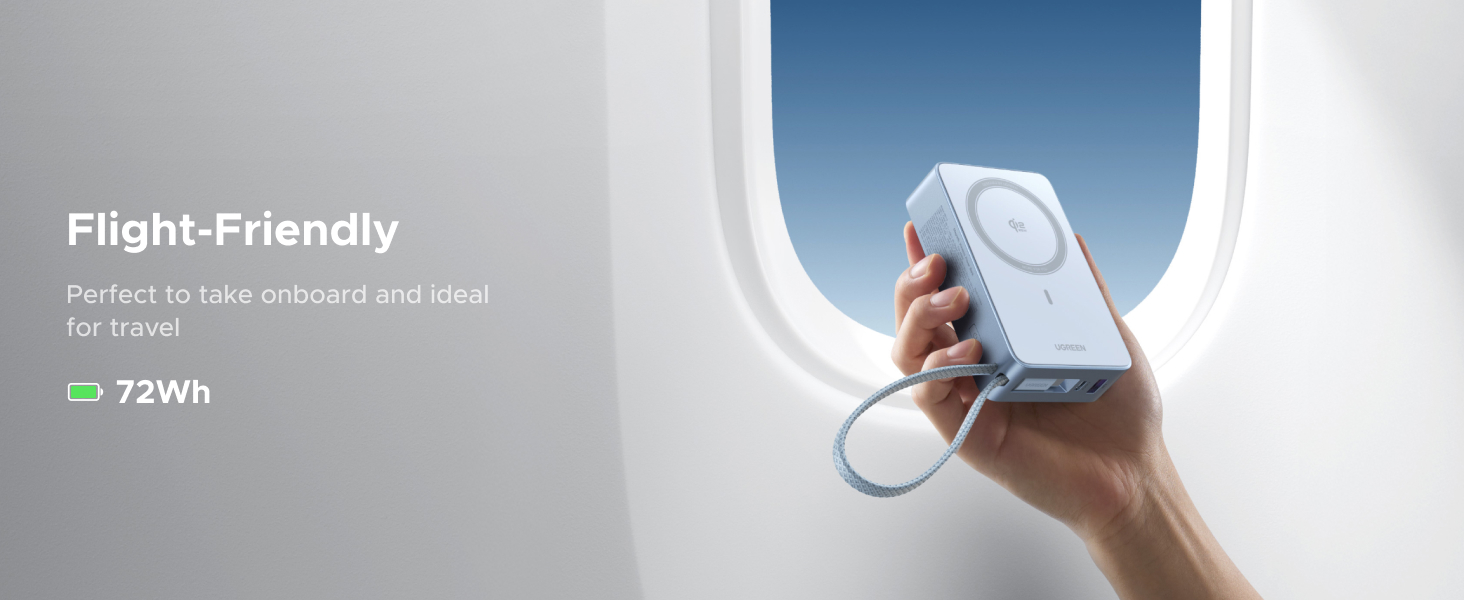
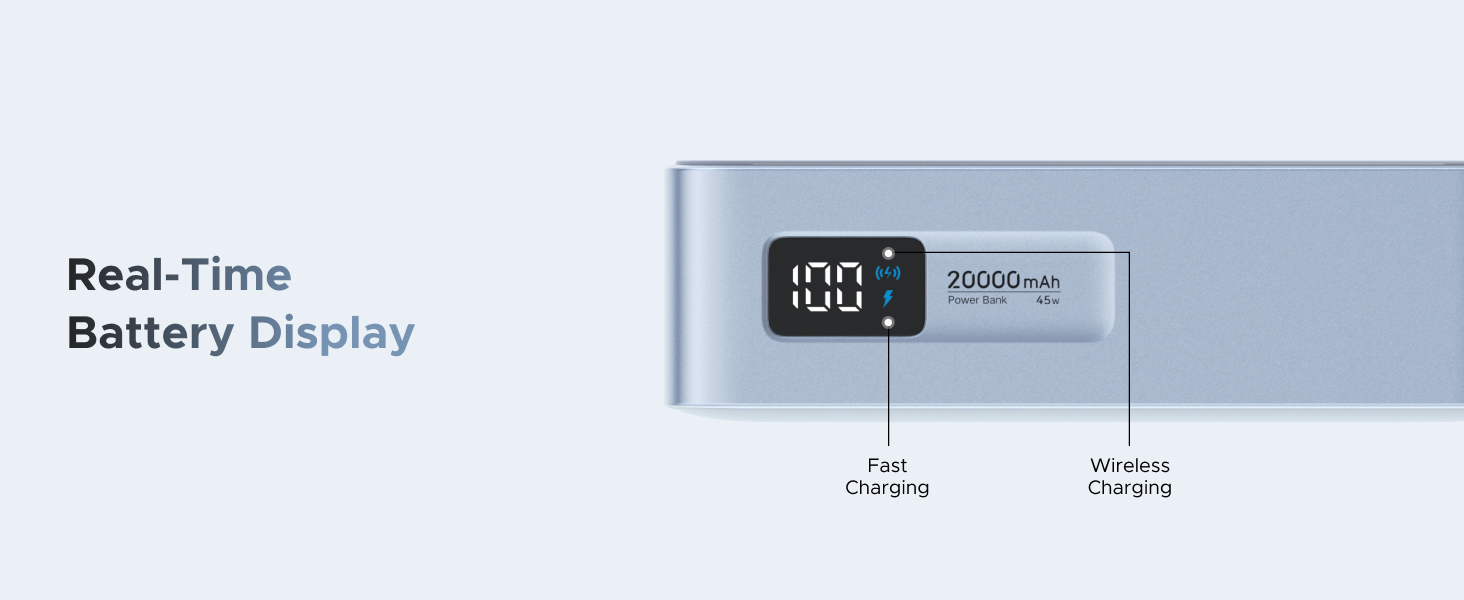
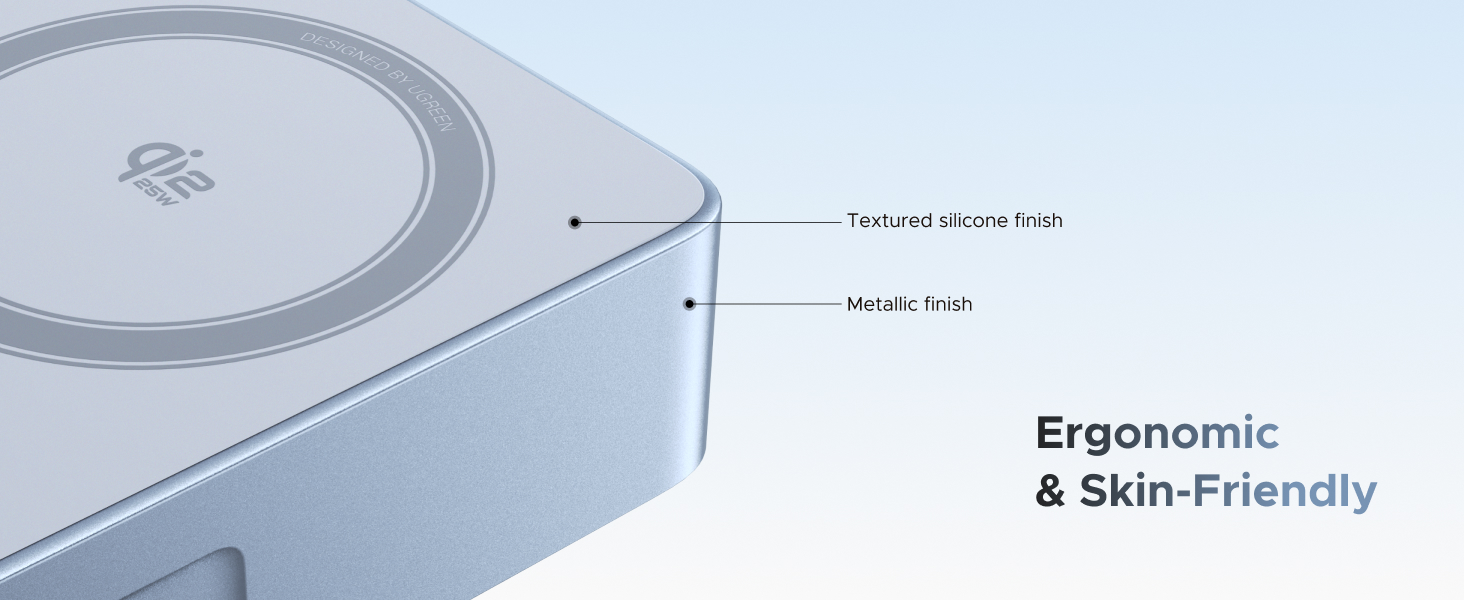
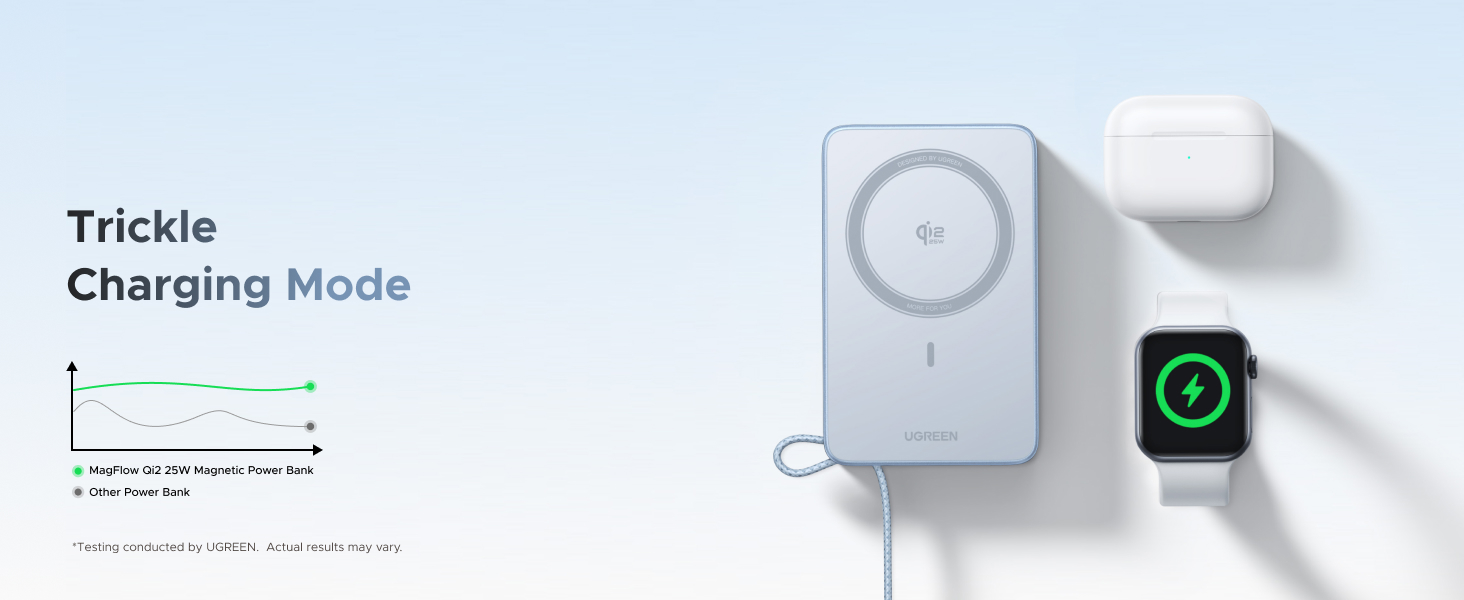
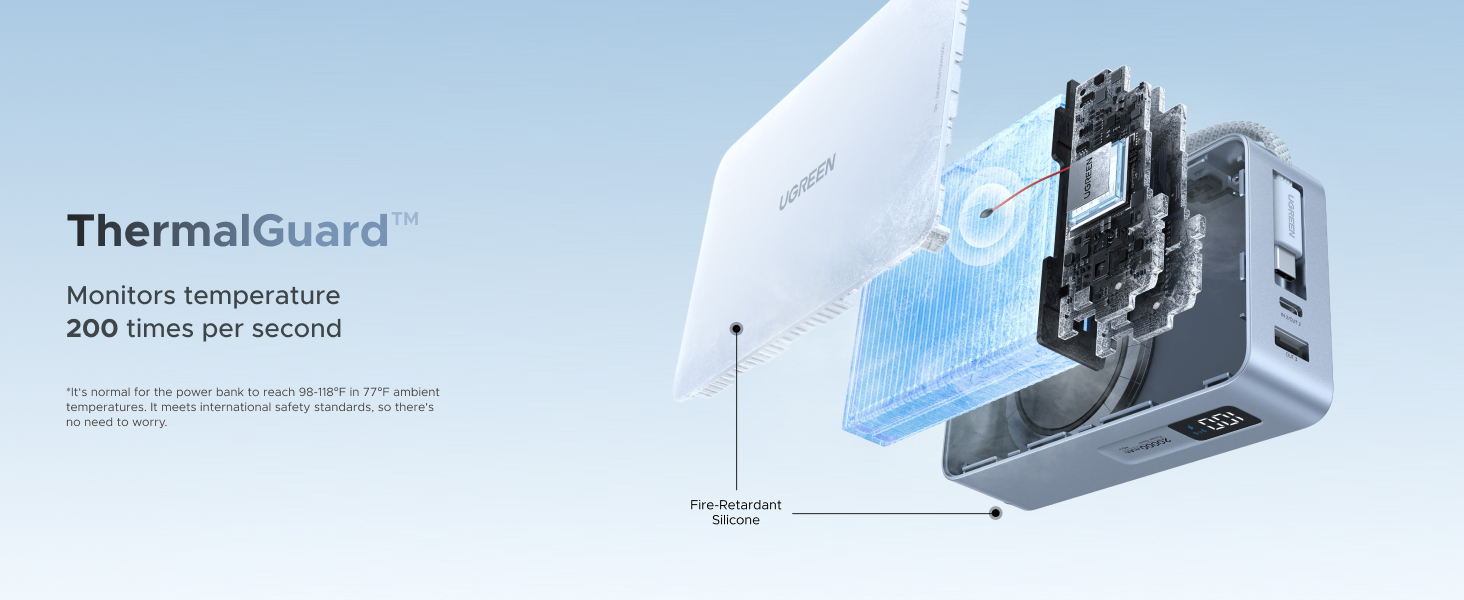
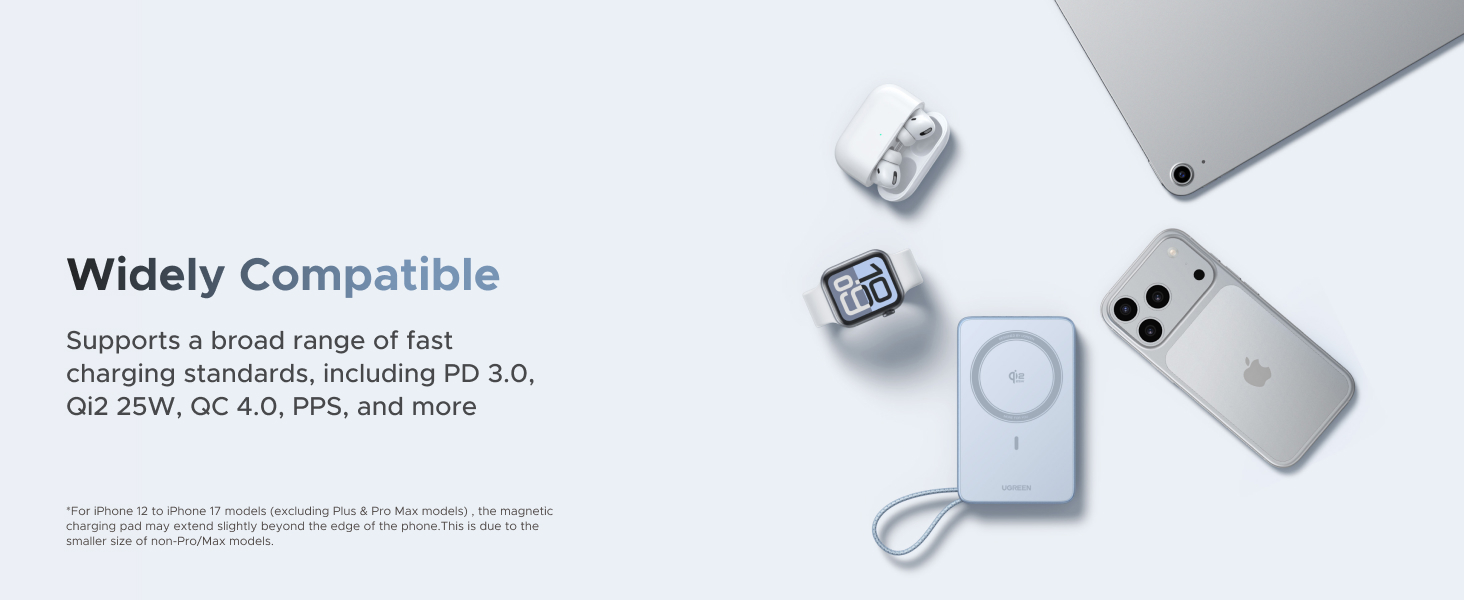
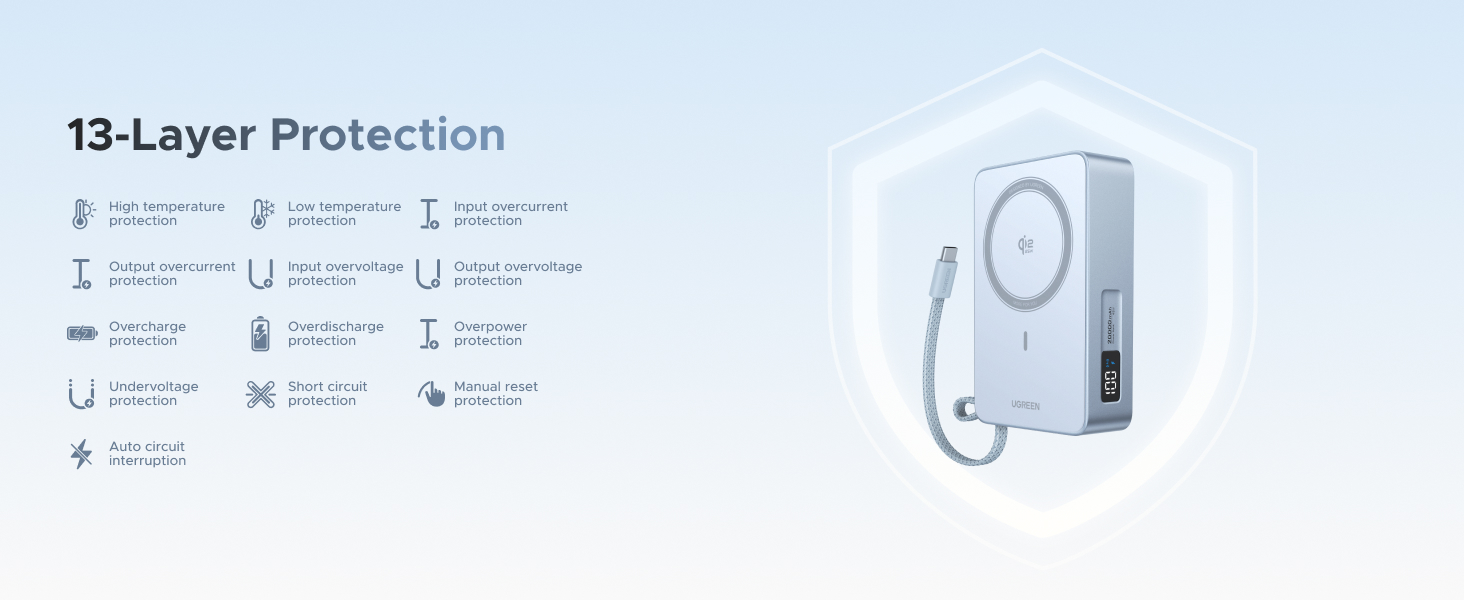
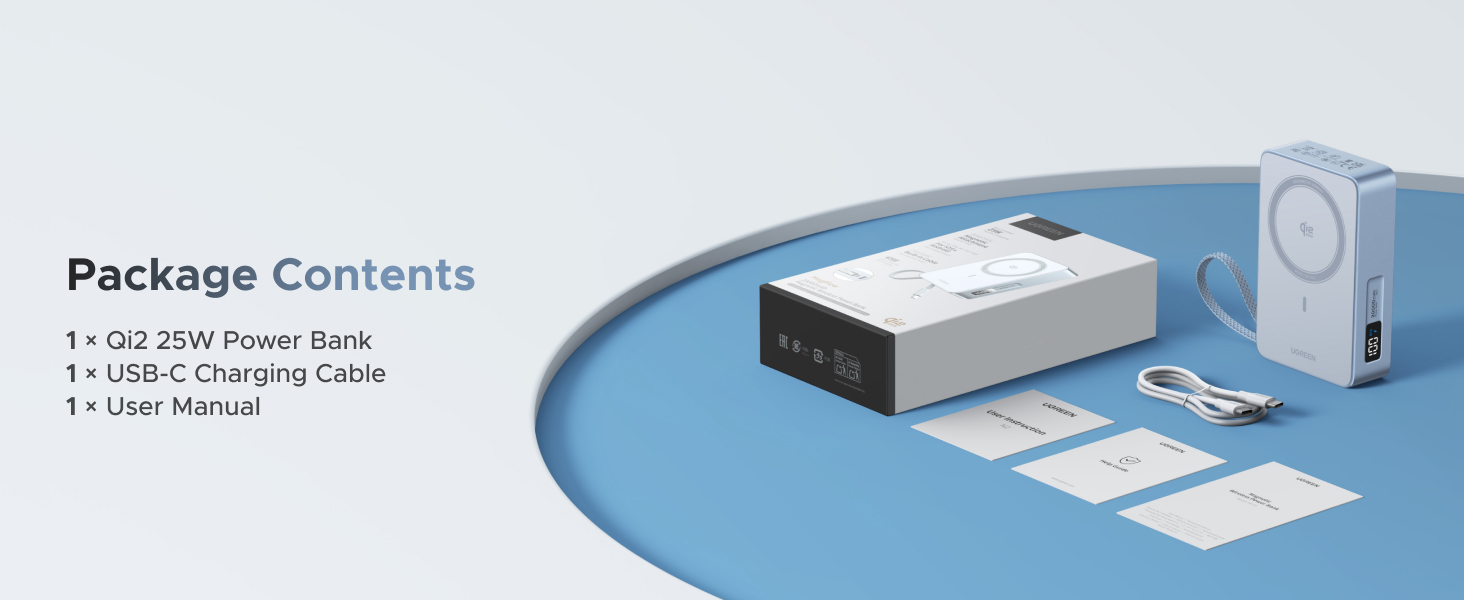
UGREEN MagFlow 20000mAh Magnetic Power Bank for MagSafe with Built-in Cable, High-Capacity Qi2 25W Certified Wireless Charging and 45W PD Fast Charging, Portable Charger for iPhone 17 Pro Max/16/15/14



UGREEN Magnetic Power Bank Series
Qi2.2 20000mAh Power Bank |
Qi2.2 10000mAh Power Bank |
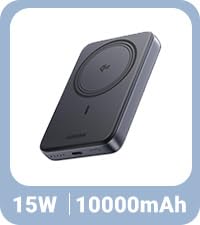
Qi2 10,000mAh Power Bank |
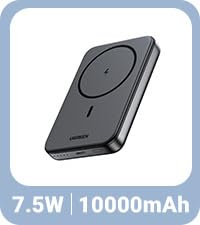
Qi1 10,000mAh Power Bank |
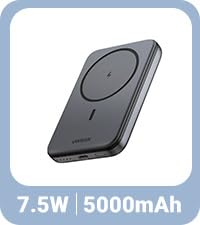
Qi1 5,000mAh Power Bank |
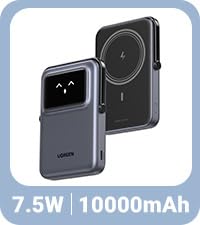
Qi1 10,000mAh Power Bank |
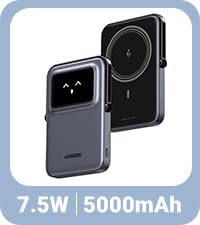
Qi1 5,000mAh Power Bank |
|
|---|---|---|---|---|---|---|---|
|
Customer Reviews |
143
|
933
|
1,199
|
11,578
|
— |
1,434
|
619
|
|
Price |
$89.99 | $69.99 | $36.99 | $26.99 | — | $45.99 | $44.99 |
|
Series |
Magflow | Magflow | Basic | Basic | Basic | Uno | Uno |
|
Capacity |
20000mAh | 10000mAh | 10000mAh | 10000mAh | 5000mAh | 10000mAh | 5000mAh |
|
USB-C Max Output |
45W | 30W | 20W | 20W | 20W | 20W | 20W |
|
Max Input |
45W | 30W | 20W | 20W | 20W | 20W | 20W |
|
Output Ports |
Magnetic, 1xUSB-C ,1xUSB-A | Magnetic, 1xUSB-C | Magnetic, 1xUSB-C | Magnetic, 1xUSB-C | Magnetic, 1xUSB-C | Magnetic, 1xUSB-C | Magnetic, 1xUSB-C |
|
Airline-friendly |
✔ | ✔ | ✔ | ✔ | ✔ | ✔ | ✔ |
|
Built-in Cable |
✔ | ✔ | ✘ | ✘ | ✘ | ✘ | ✘ |
|
Compatible devices |
iPhone 12-17, AirPods | iPhone 12-17, AirPods | iPhone 12-17, AirPods | iPhone 12-17, AirPods | iPhone 12-17, AirPods | iPhone 12-17, AirPods | iPhone 12-17, AirPods |
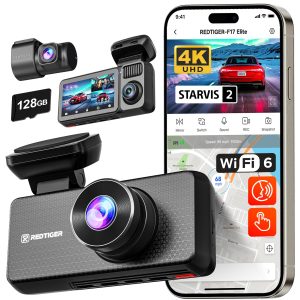
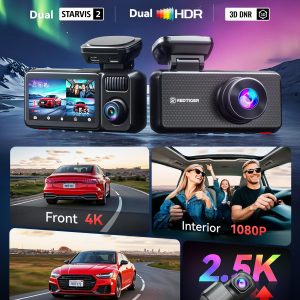
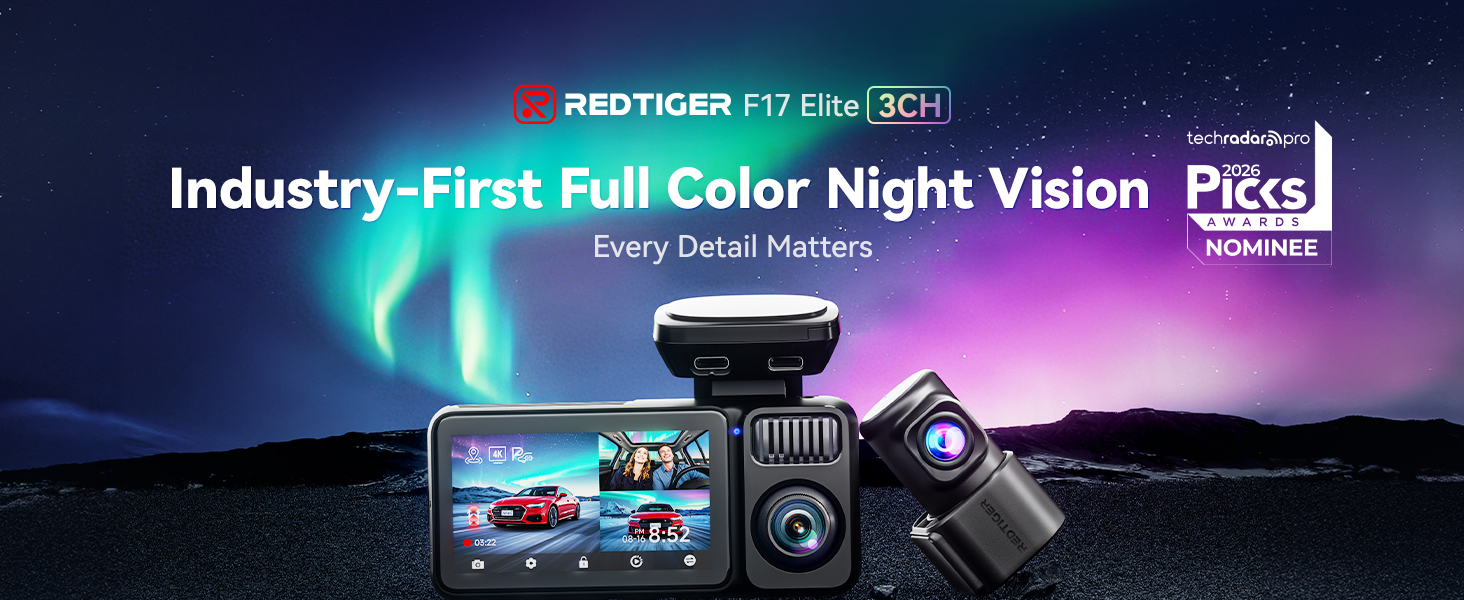
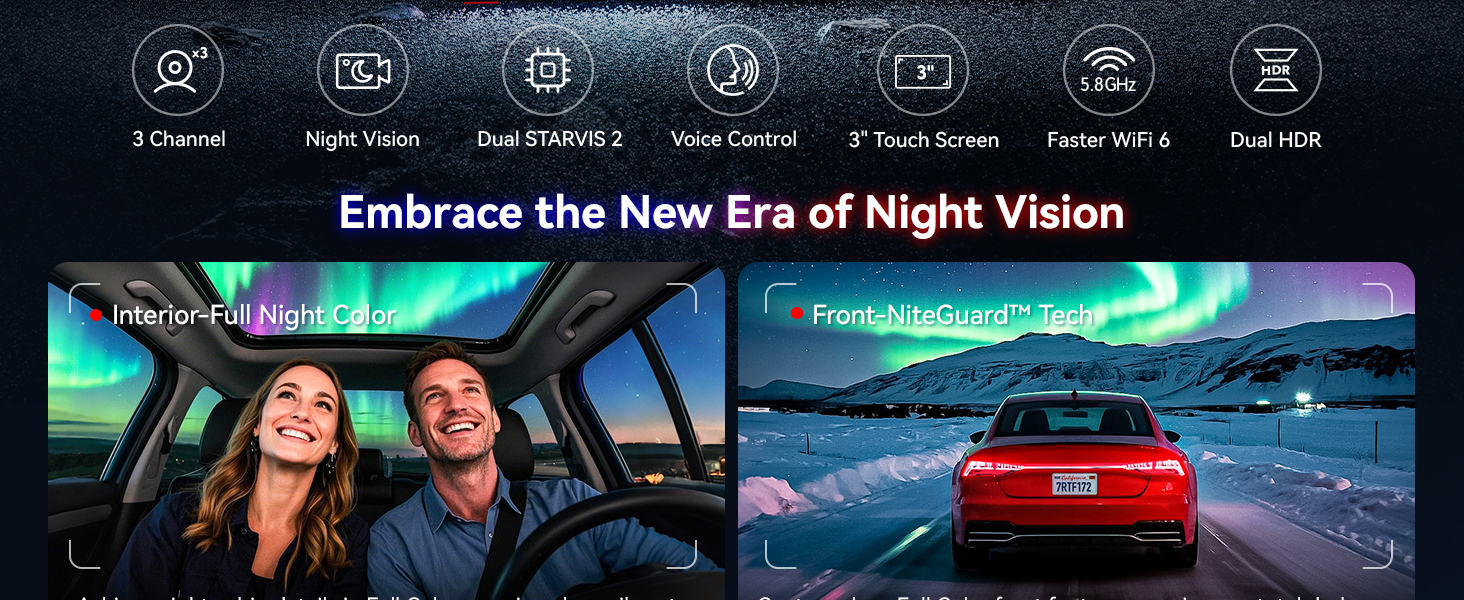
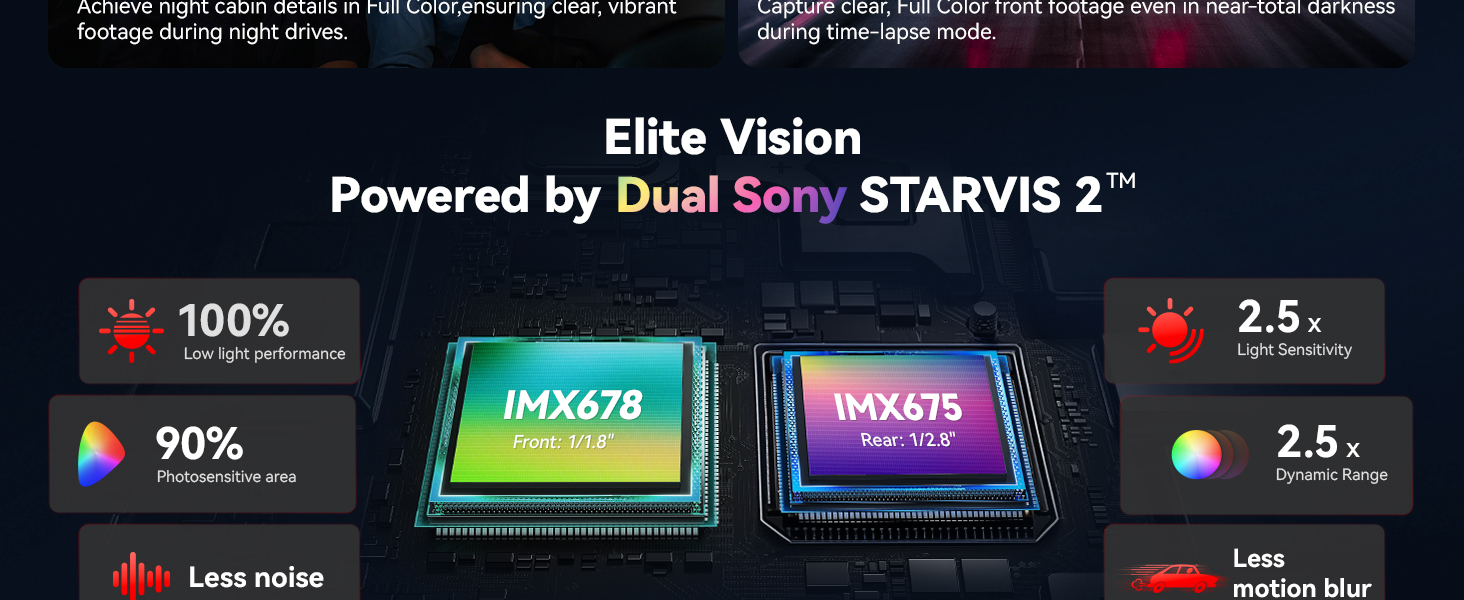
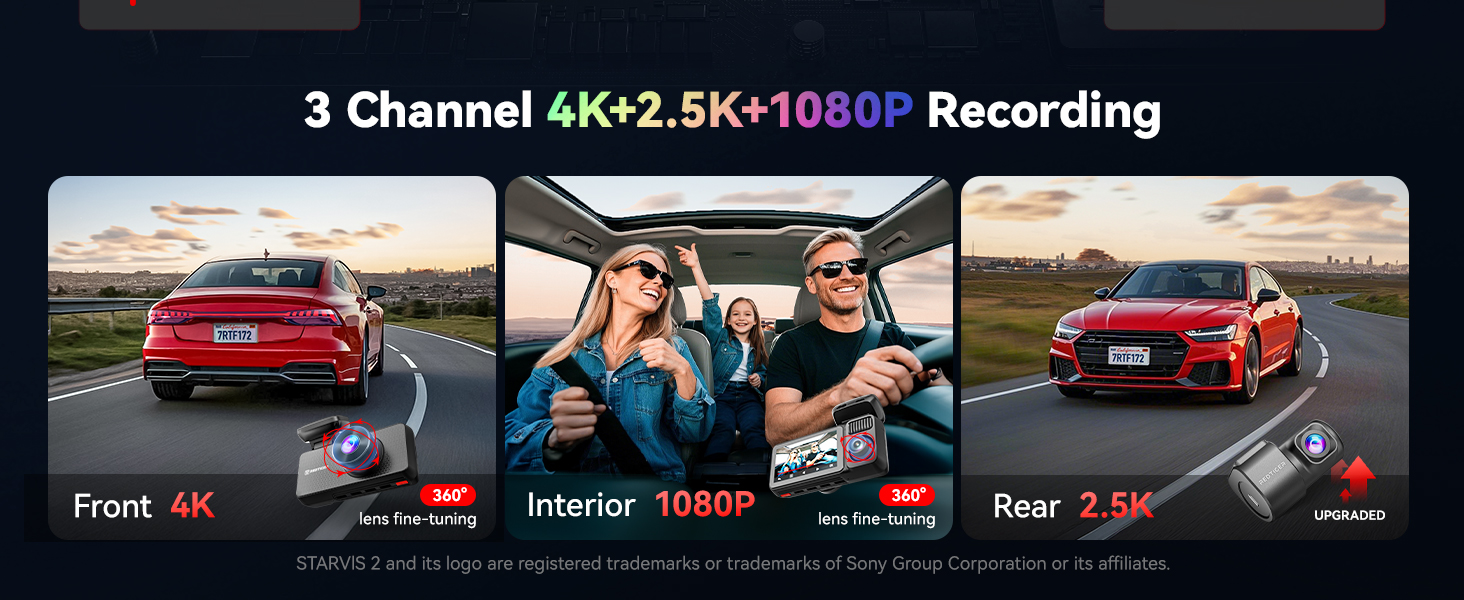
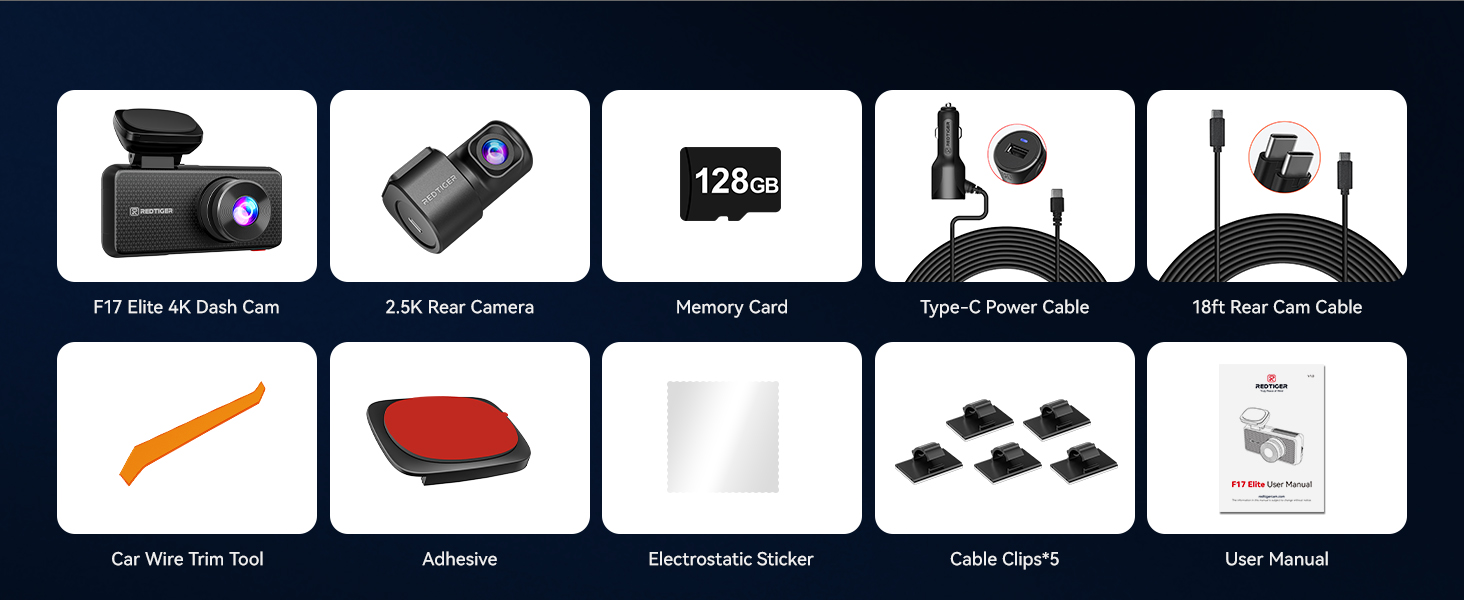
REDTIGER F17 Elite 4K Dash Cam 3 Channel, STARVIS 2 IMX678 & IMX675, 128GB Card, Full Night Color, 4K+2.5K+1080P Front and Rear Inside, Voice Control, 5GHz WiFi-30MB/s Download, GPS, HDR, Parking Mode

-
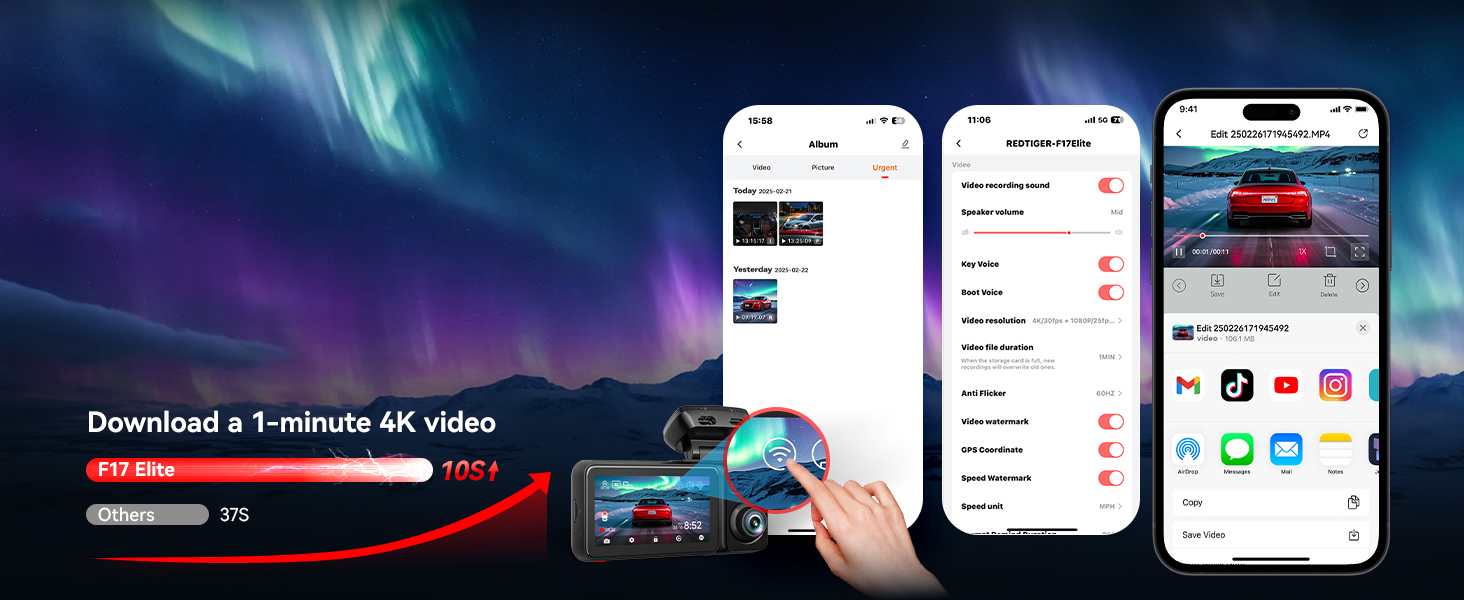
Up to 30MB/s Download Speed
Smooth real-time video preview, making sharing and downloading quicker and effortless
-
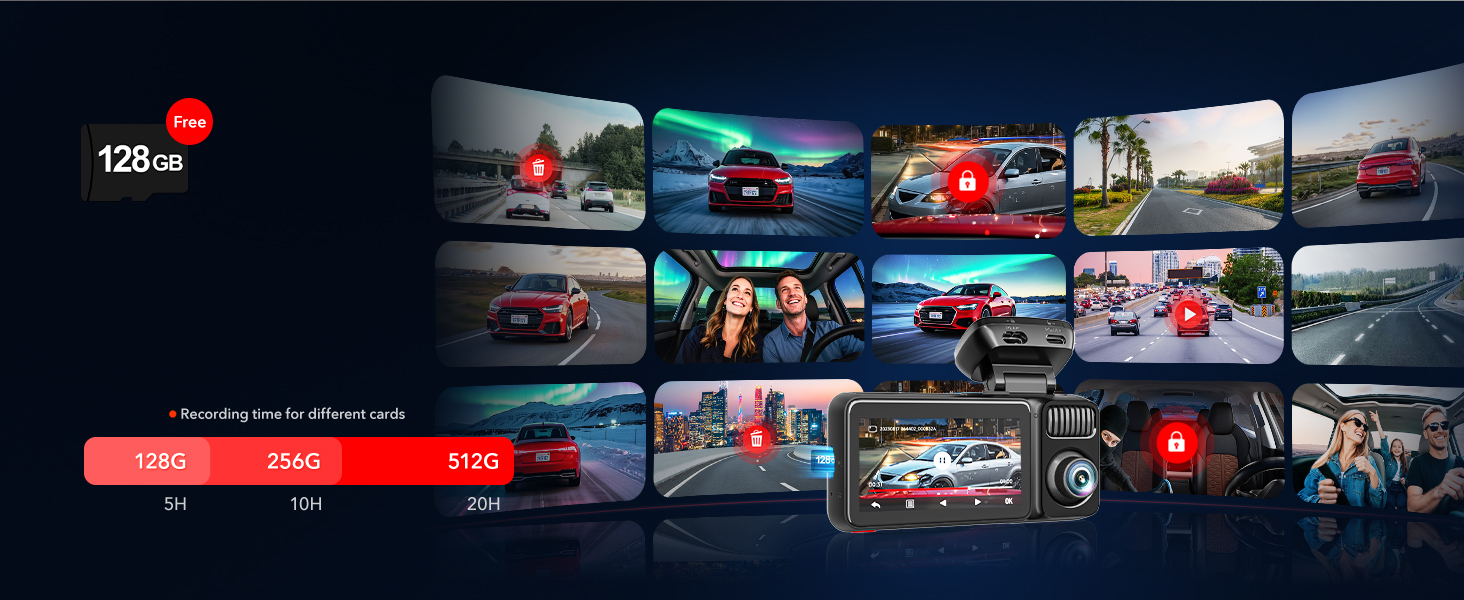
Auto Video Overwriting
Automatically overwrite the oldest videos, ensure long-duration recording
-
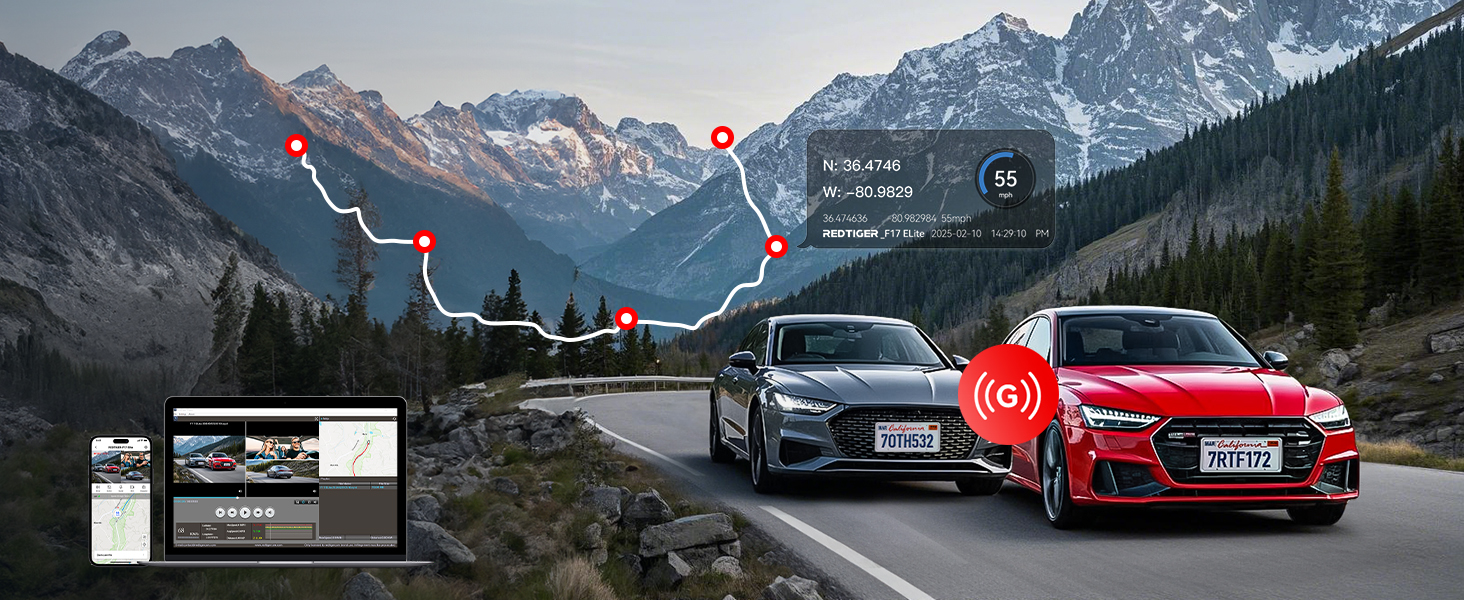
Auto Emergency Recording
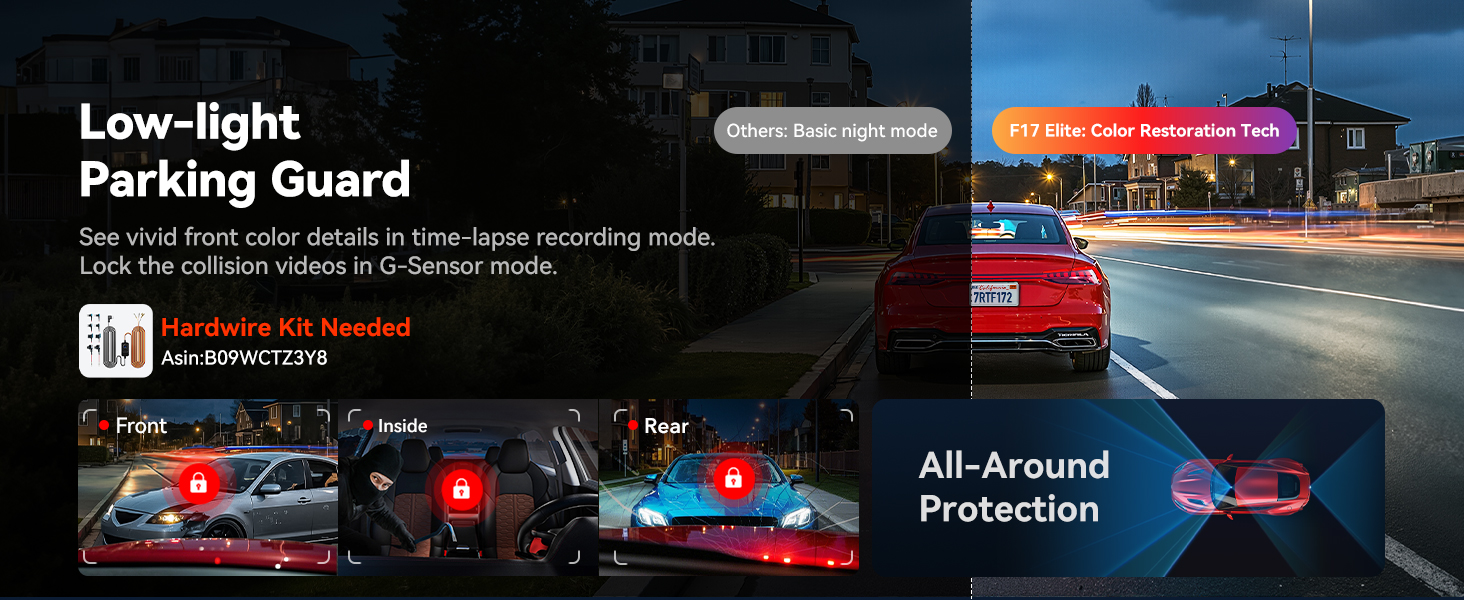
Capture all that matters.
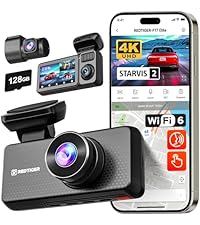
F17Elite-3Channel dashcam |
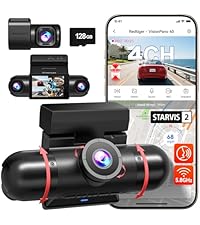
VP40-4 Channel Dashcam |
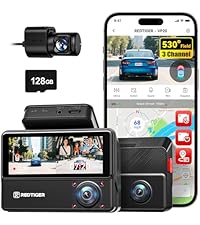
VP20-530° 3CH Dash Cam |
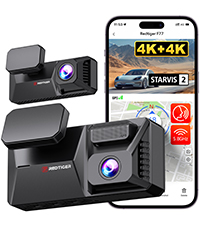
F77-Front + Rear dashcam |
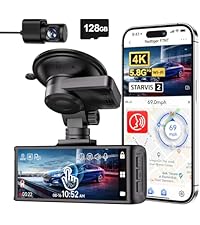
F7N Touch-Front + Rear |
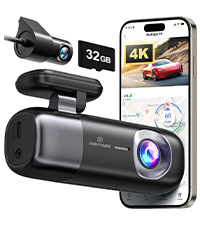
F9-Front + Rear dashcam |
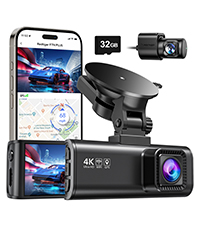
F7NP-Front + Rear dashcam |
|
|---|---|---|---|---|---|---|---|
|
Customer Reviews |
79
|
77
|
132
|
265
|
5,017
|
2,191
|
21,559
|
|
Price |
$299.99 | $259.99 | $159.99 | $225.62 | $149.99 | $89.99 | $129.99 |
|
Screen Size |
3" Touch Screen | 2.35" Touch Screen | 3.18" Touch Screen | 4" Touch Screen | 3.18" IPS Screen | ✘ | 3.18" IPS Screen |
|
Video Resolution |
4K+2.5K+1080P | 2.5K*2+1080P*2 | 2.5K+2.5K+1080P | 3840*2160P+3840*2160P | 3840*2160P+1080P | 3840*2160P+1080P | 3840*2160P+1080P |
|
Wi-Fi(APP Control) |
5.8GHz WiFi 6 | 5.8GHz WiFi | 2.4GHz WiFi | 5.8GHz WiFi | 5.8GHz WiFi 6 | 5.8GHz WiFi | 5.8GHz WiFi |
|
GPS |
✔ | ✔ | ✔ | ✔ | ✔ | ✔ | ✔ |
|
Mounting Type |
Adhesive Mount | Adhesive Mount | Adhesive Mount | Adhesive Mount | Suction Mount | Adhesive Mount | Suction Mount |
|
Memory card included |
128GB Card Included | 128GB Card Included | 128GB Card Included | Built-in 128GB eMMC | 128GB Card Included | 32GB Card Included | 128GB Card Included |
|
Storage/Battery |
512G Max, NO battery | 512G Max, NO battery | 512G Max, NO battery | Fixed 128GB, NO battery | 512G Max, NO battery | 256G Max, NO battery | 512G Max, NO battery |
|
Charging |
Type-C Port/,DC12V/24V, 2.5A | Type-C Port/,DC12V/24V, 2.5A | Type-C Port/,DC12V/24V, 2.5A | Type-C Port/,DC12V/24V, 2.5A | Type-C Port/,DC12V/24V, 2.5A | Type-C Port/,DC12V/24V, 2.5A | Type-C Port/,DC12V/24V, 2.5A |
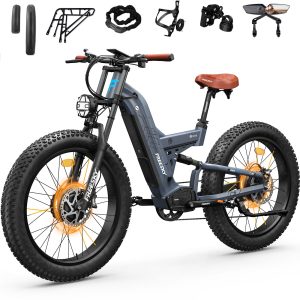
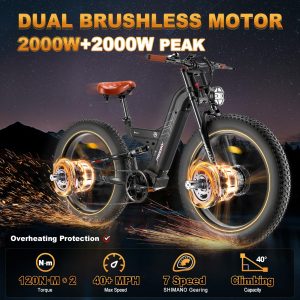
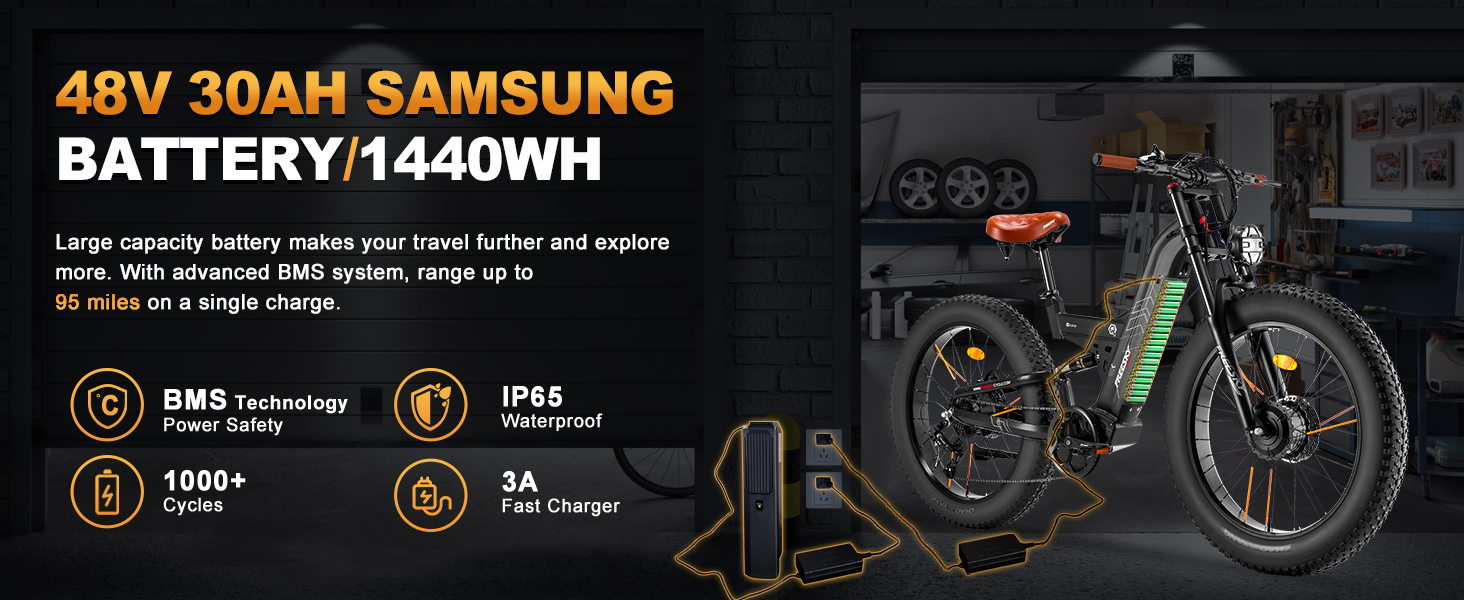
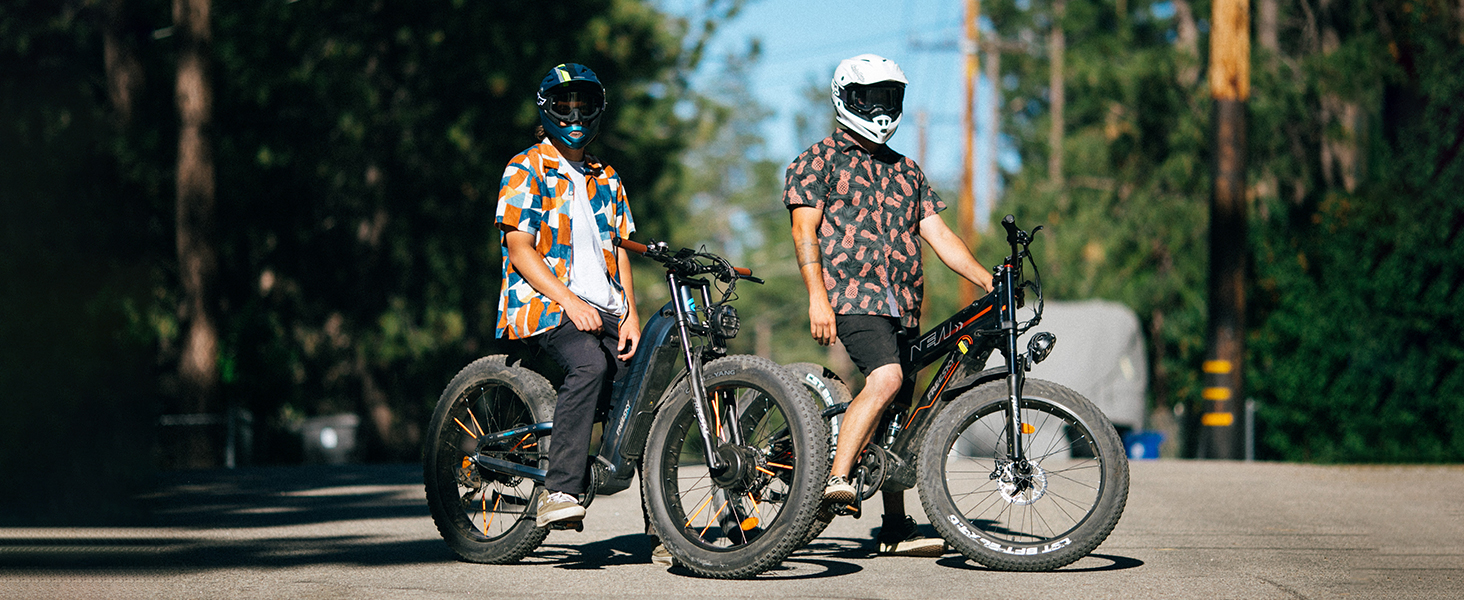
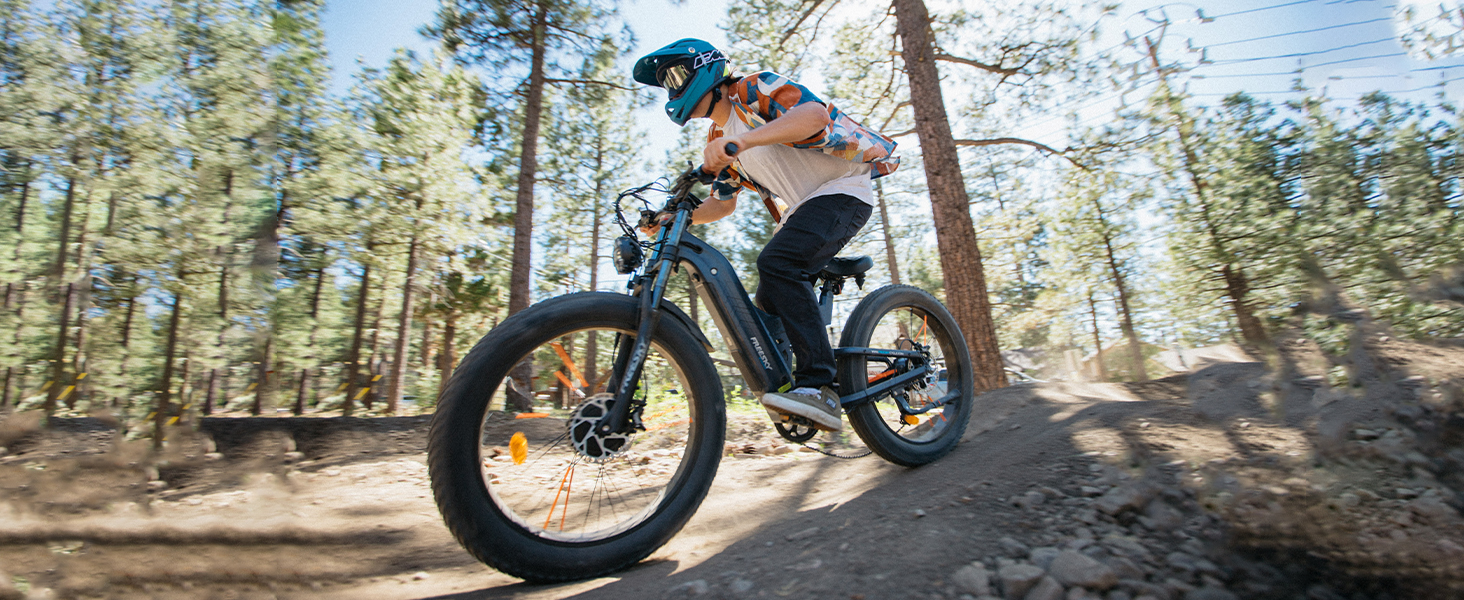
FREESKY Warrior Pro 4000W Dual Motor Electric Bike for Adults, 48V 30AH Samsung Cells Battery 120Miles Range, 40+MPH AWD 26" Fat Tire Full Suspension Electric Mountain Bike, UL2849 Certified by TÜV


freesky warrior Pro
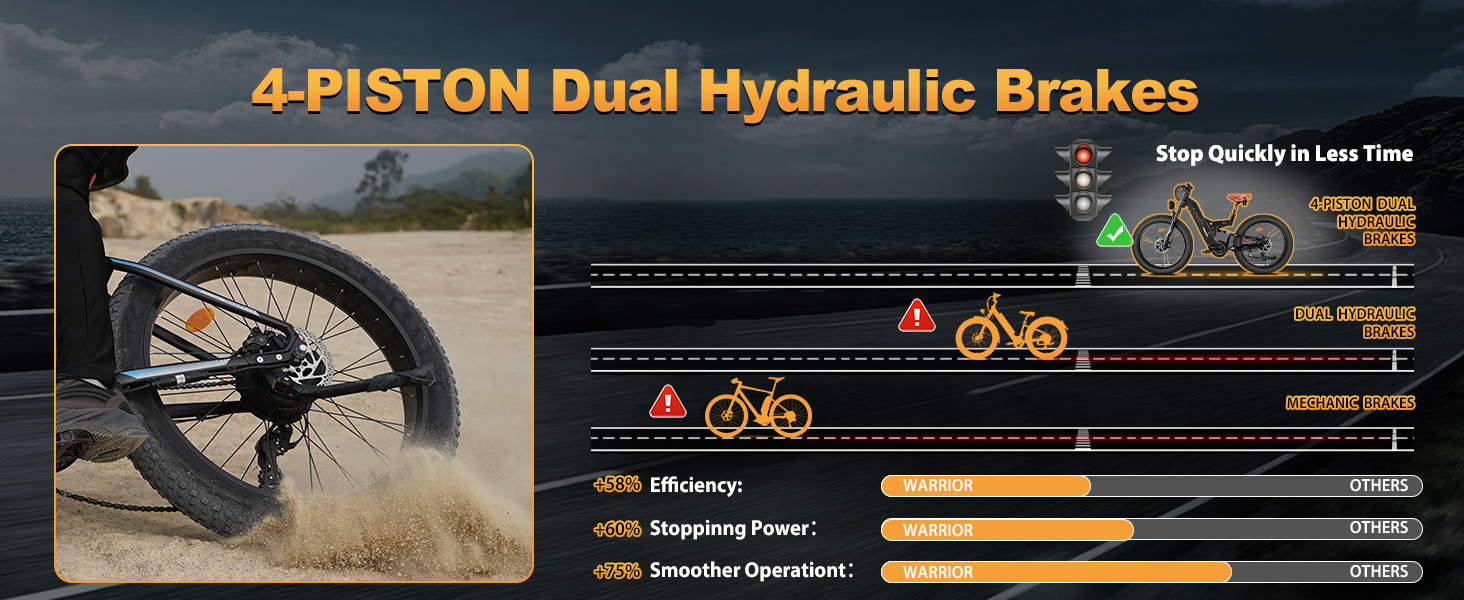
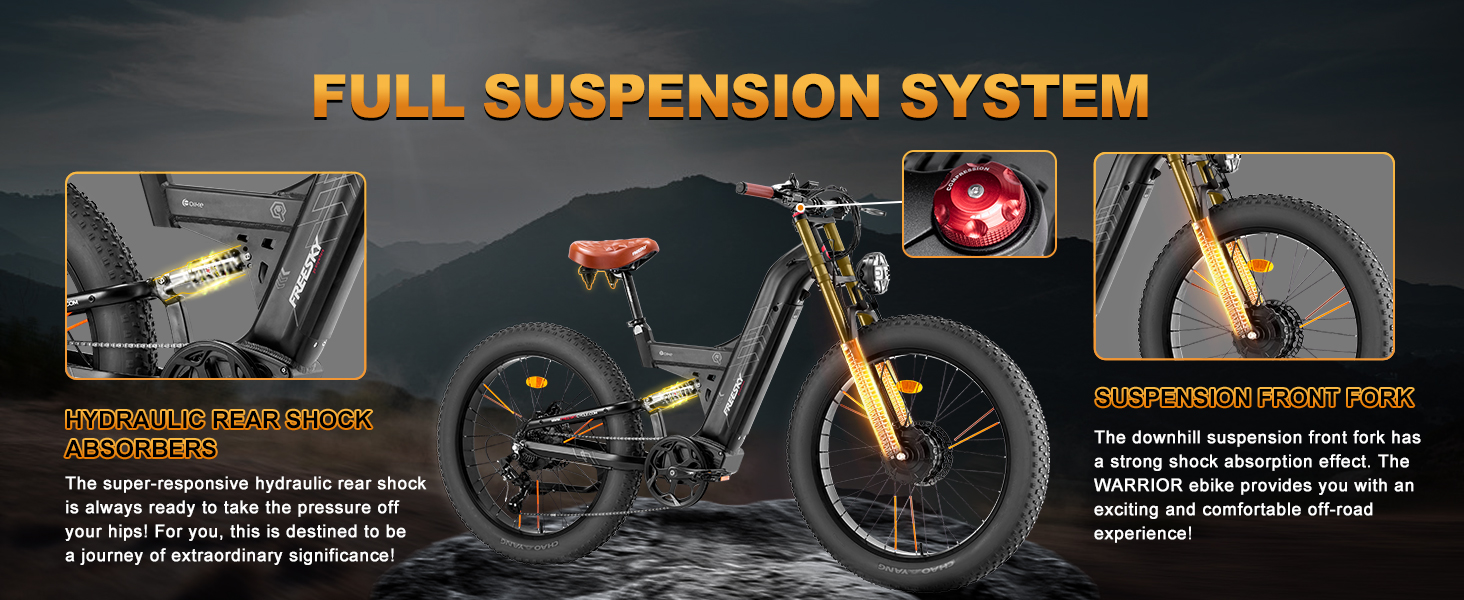
MORE DETAILS OF WARRIOR PRO
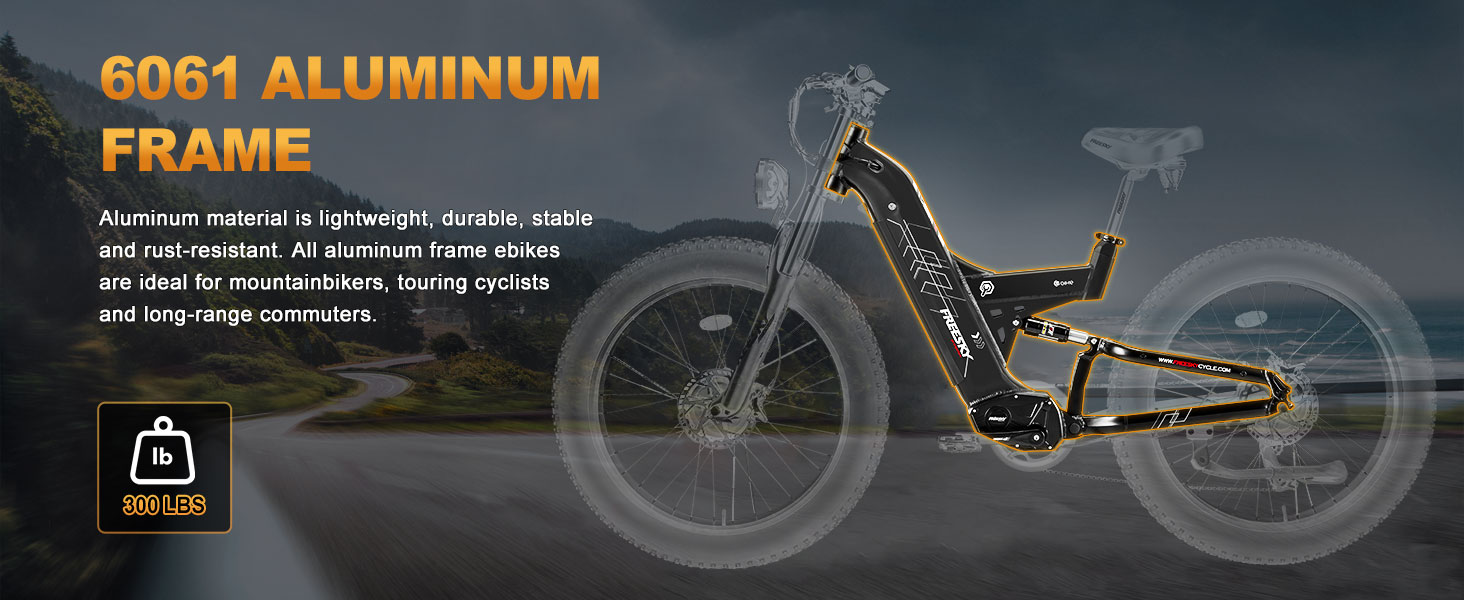
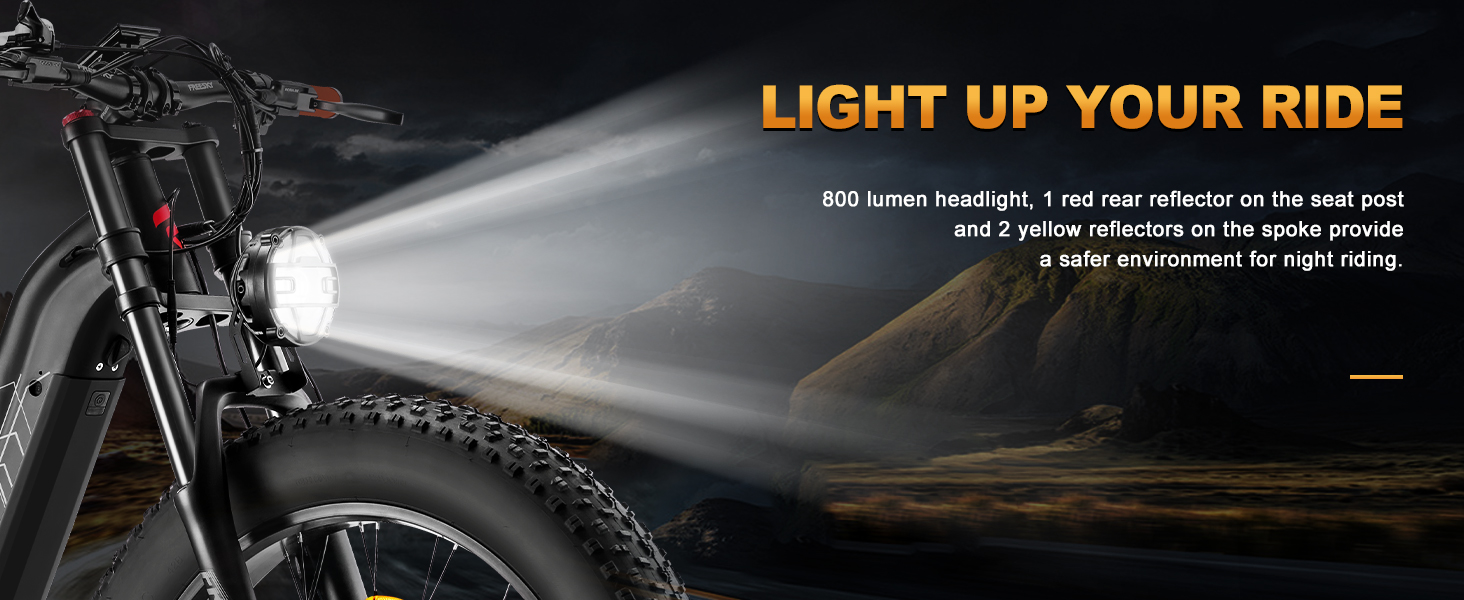
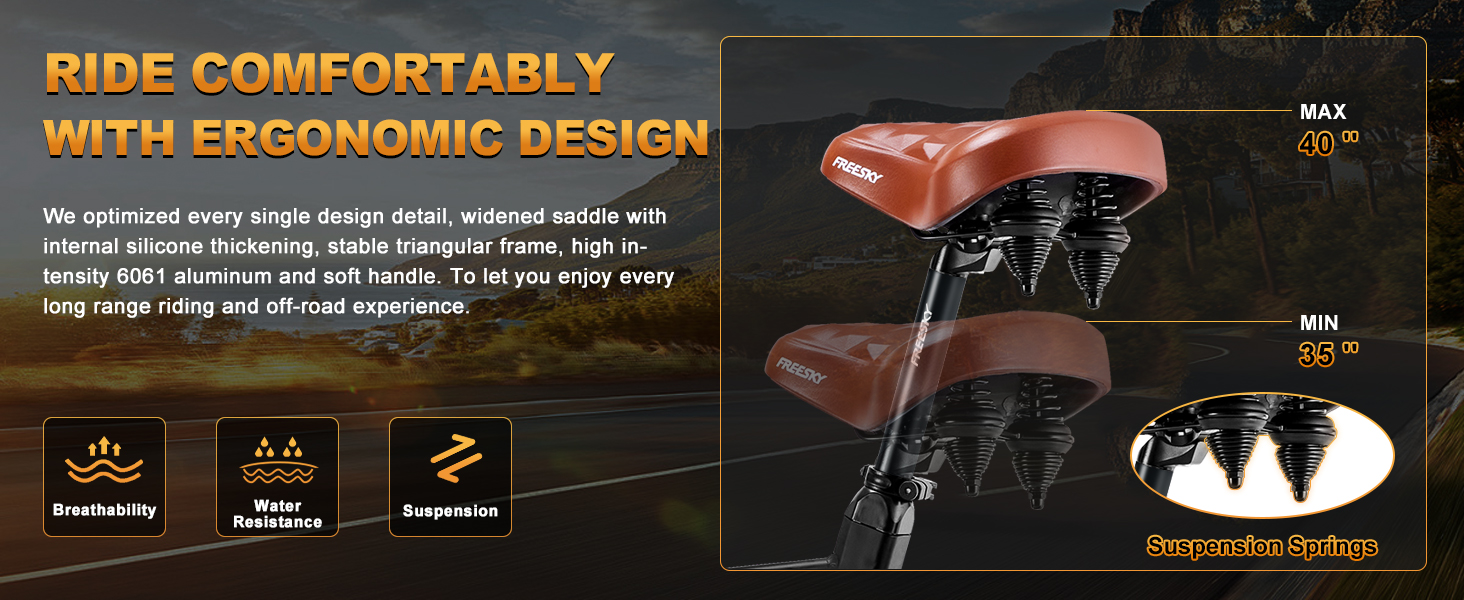
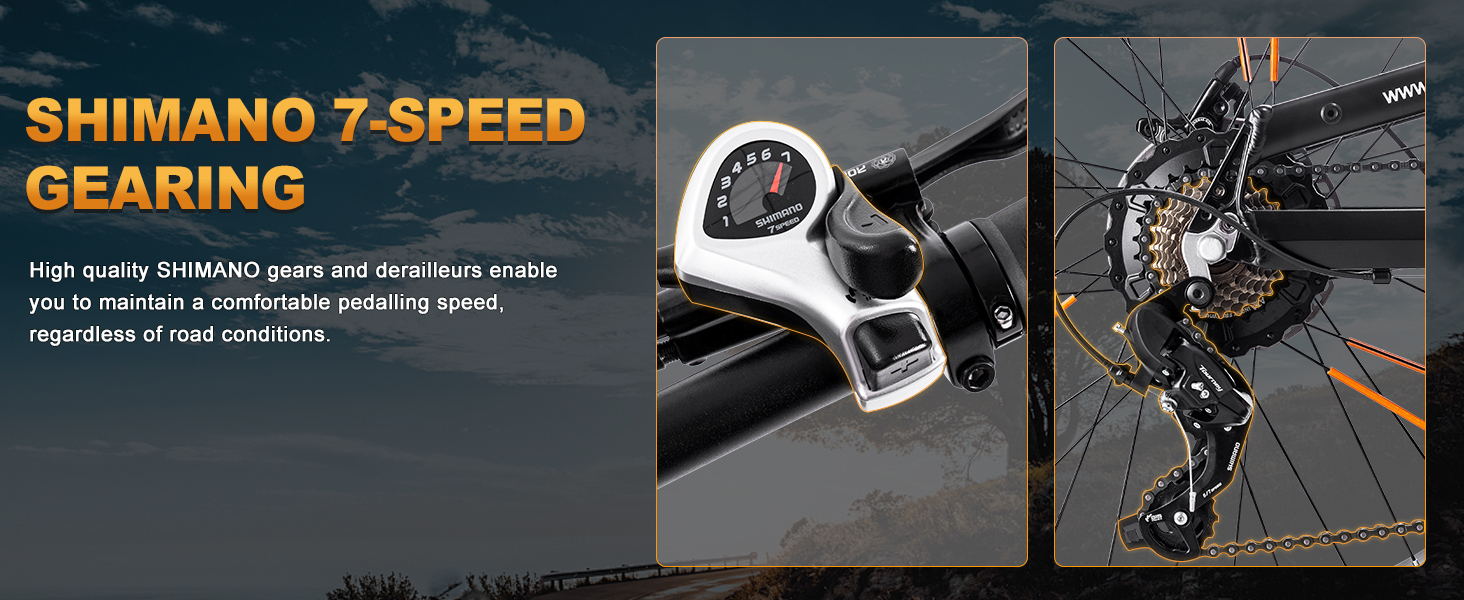
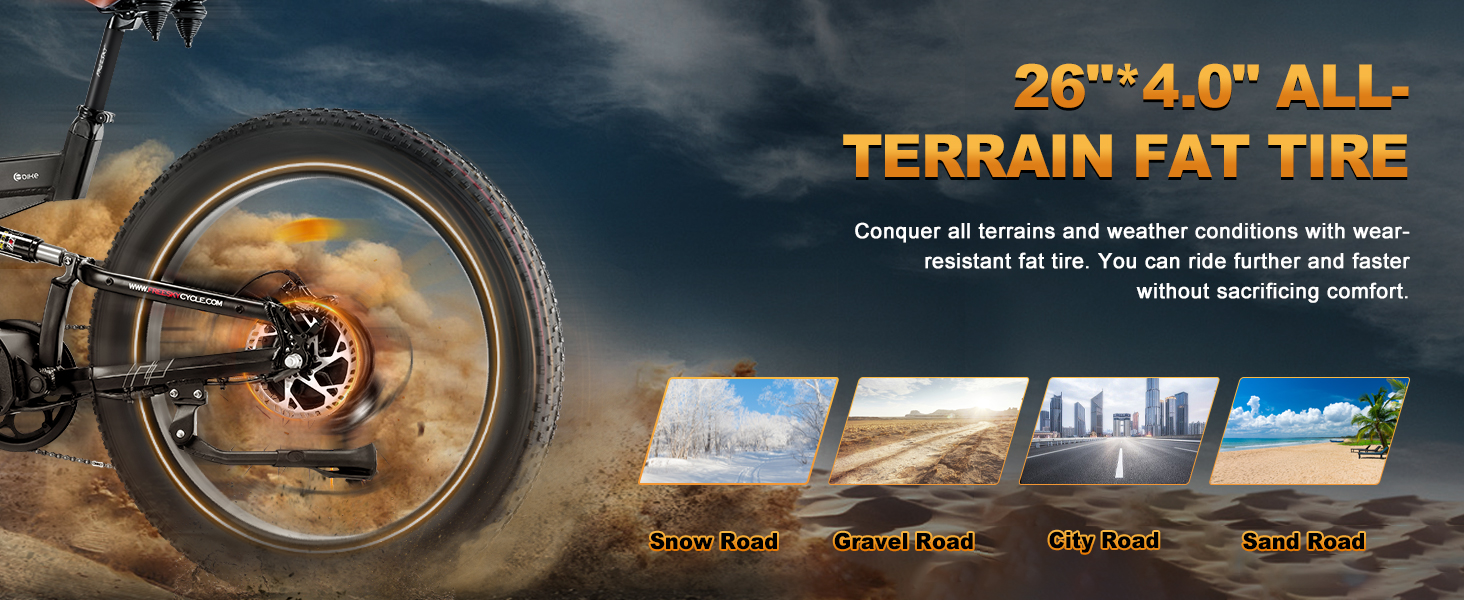
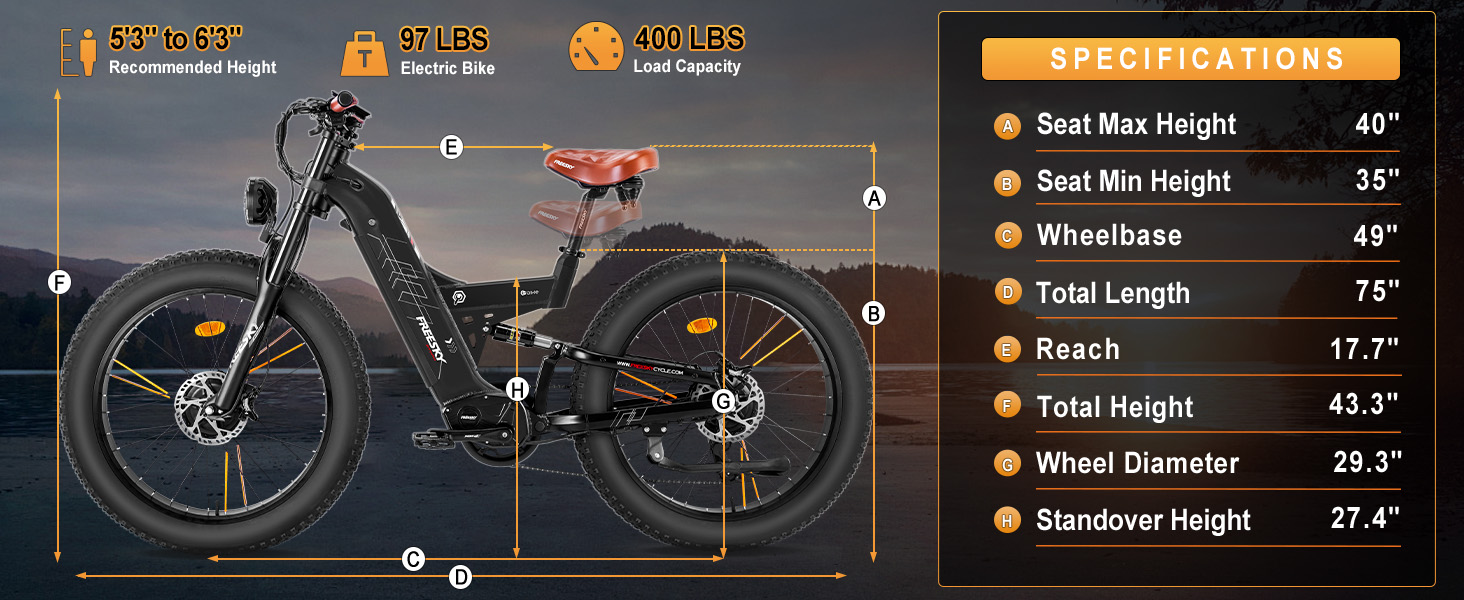
HIGH PERFORMANCE MOUNTAIN EBIKE




FREESKY ELECTRIC BICYCLES
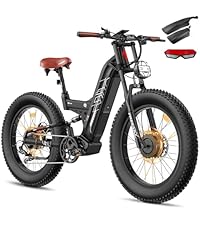
WARRIOR PRO (Dual Motor) |
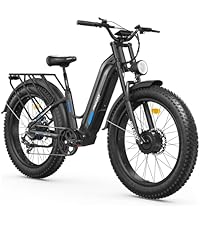
RANGER (Dual Motor) |
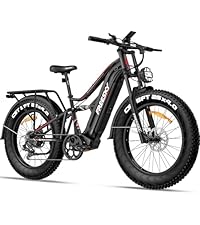
SWIFT HORSE PRO |
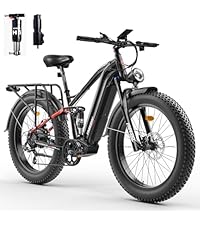
EUROSTAR ULTRA |
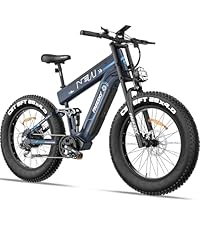
ALASKA PRO (Dual Battery) |
|
|---|---|---|---|---|---|
|
Customer Reviews |
56
|
54
|
129
|
115
|
48
|
|
Price |
$1,599.00 | — | $1,399.00 | $999.00 | $1,599.00 |
|
Motor |
Front & Rear | Front & Rear | Rear | Rear | Rear |
|
Step-thru Bike Frame |
✘ | ✔ | ✘ | ✘ | ✘ |
|
Peak Power |
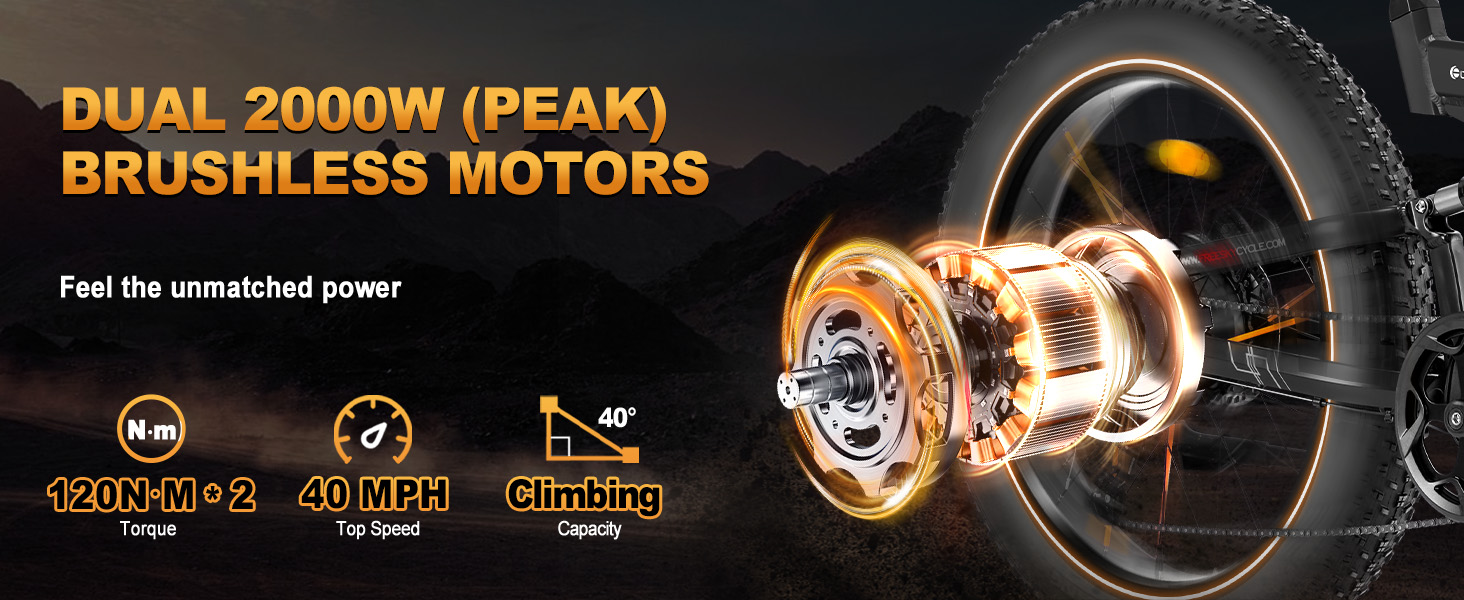
Dual 2000w brushless | Dual 1750w brushless | 2500w BAFANG brushless | 2000w brushless | 3000w brushless |
|
Battery |
48v 30ah SAMSUNG Cells | 48v 25ah Lithium | 48v 30ah SAMSUNG Cells | 48v 25ah Lithium | 48v 41ah Lithium |
|
Range |
60-120+miles | 50-85+miles | 60-120+ miles | 45-95+miles | 90-160+miles |
|
Top Speed |
40 mph | 38 mph | 38 mph | 37 mph | 40 mph |
|
Suspension |
Front & Rear | Front | Front & Rear | Front & Rear | Front & Rear |
|
NFC Card |
✔ | ✔ | ✔ | ✔ | ✔ |
-
Why can't I turn on the ebike after installing it?
There is a switch button on the battery, you need to turn it on first. (If you don't use the bike for over 2 weeks, it is recommended to charge the battery to about 80% and turn the switch off)
-
My ebike's speed is about 20mph, why?
When you turn on the ebike, it is locked mode. That's why the speed is low. Press and hold the "→/Speed" button, it will switch to the unlocked mode.
-
How can I use the AWD mode?
The default mode is rear motor mode. Press and hold the "←/Drive" button, it will switch to the dual motor mode.
-
How can I reach a longer mileage range?
The mileage depends on some factors: speed, load, road conditions, etc. If you want a longer travel, it is recommended to use the pedal assist mode at PAS 1.
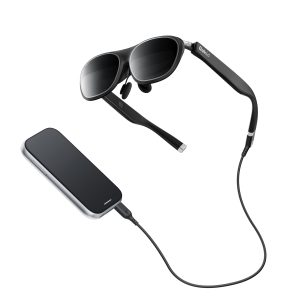

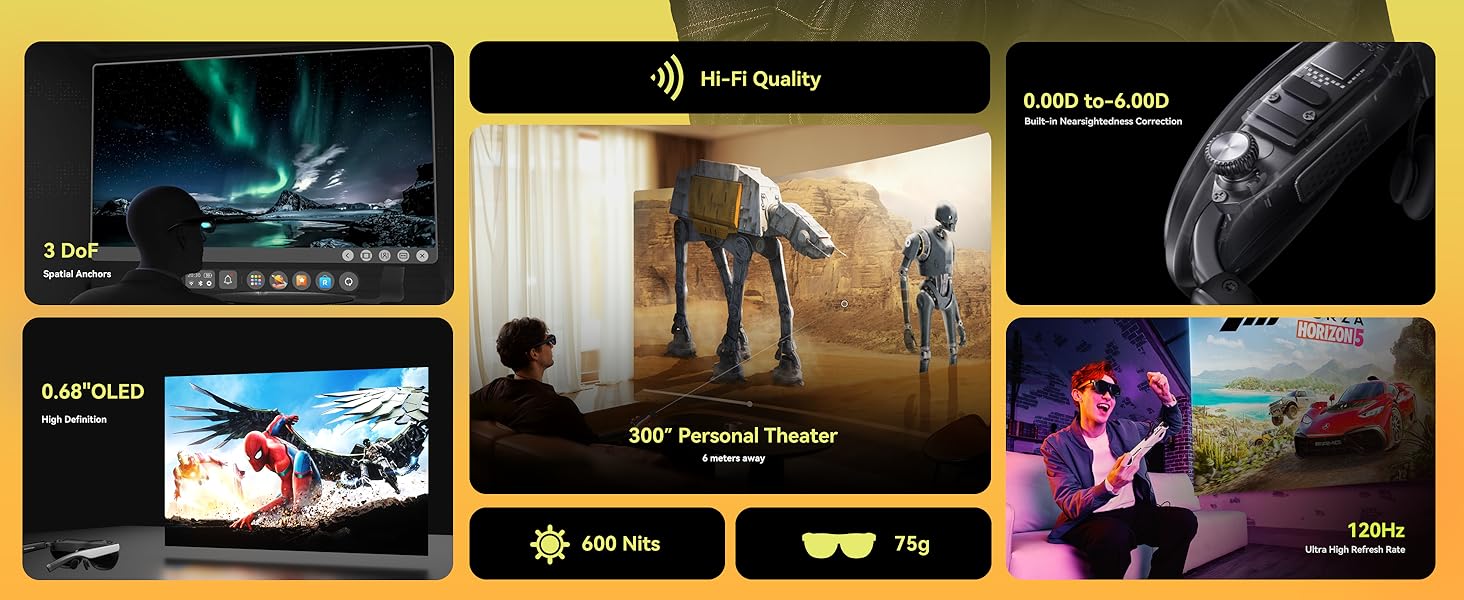
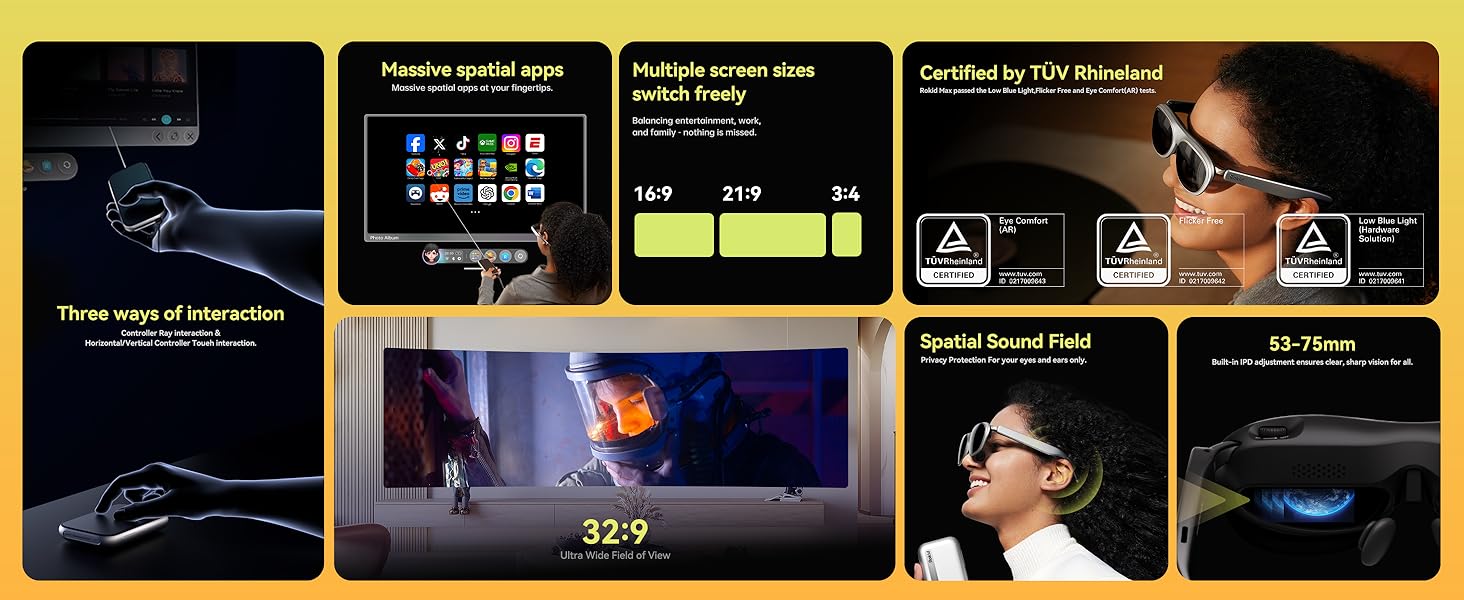
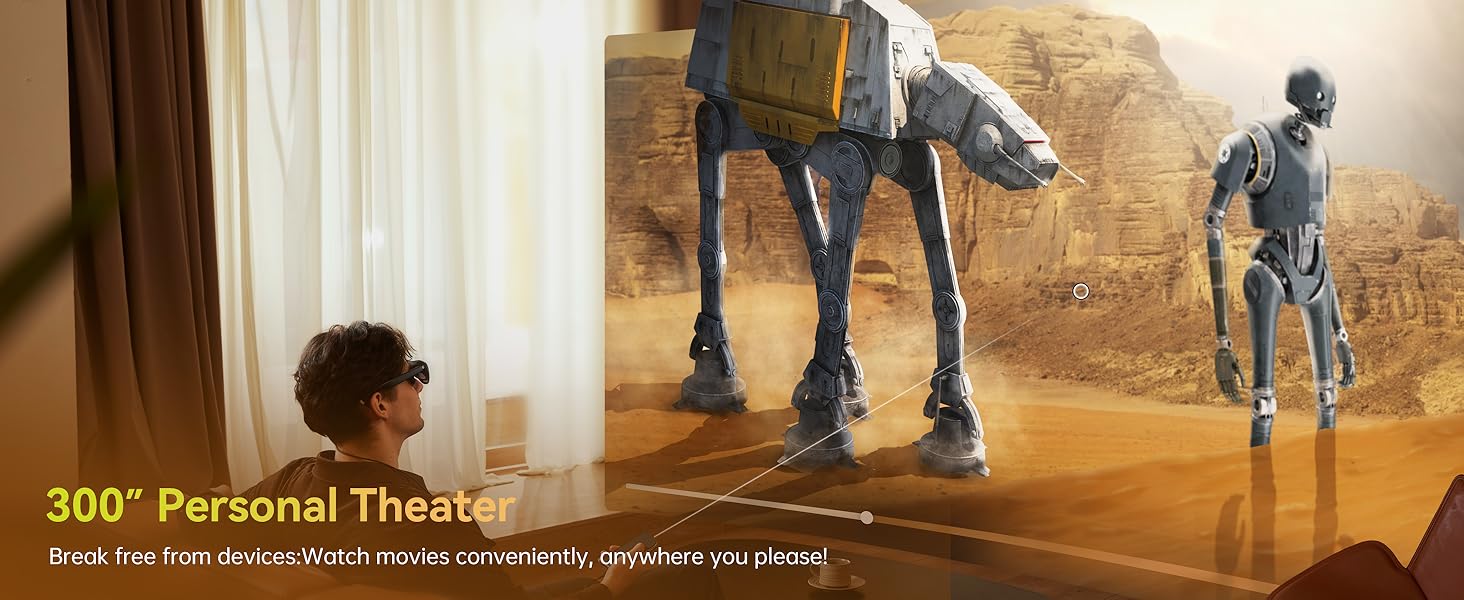
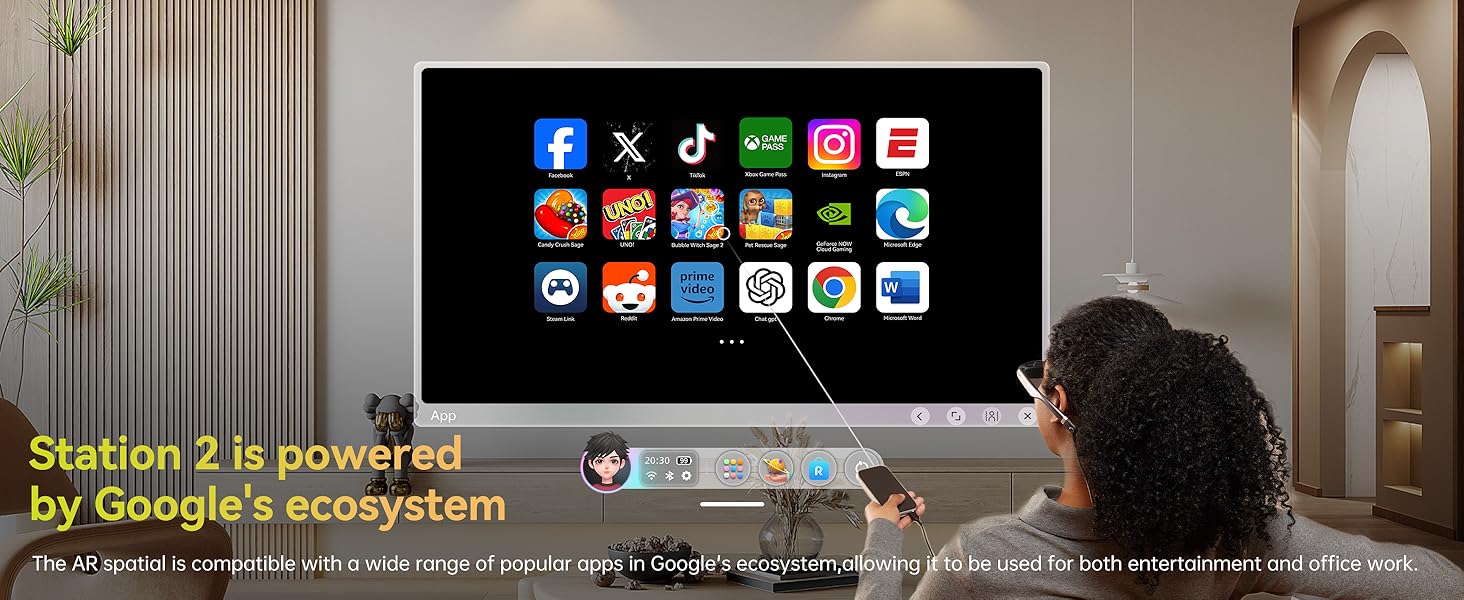
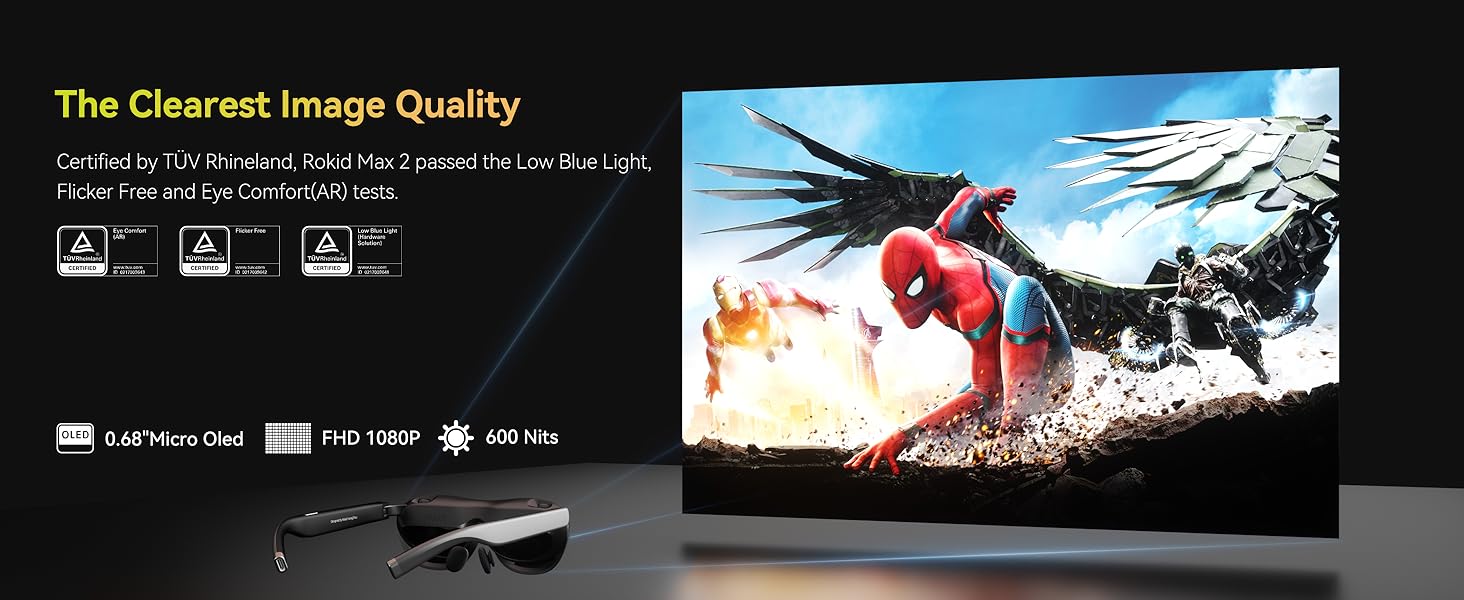
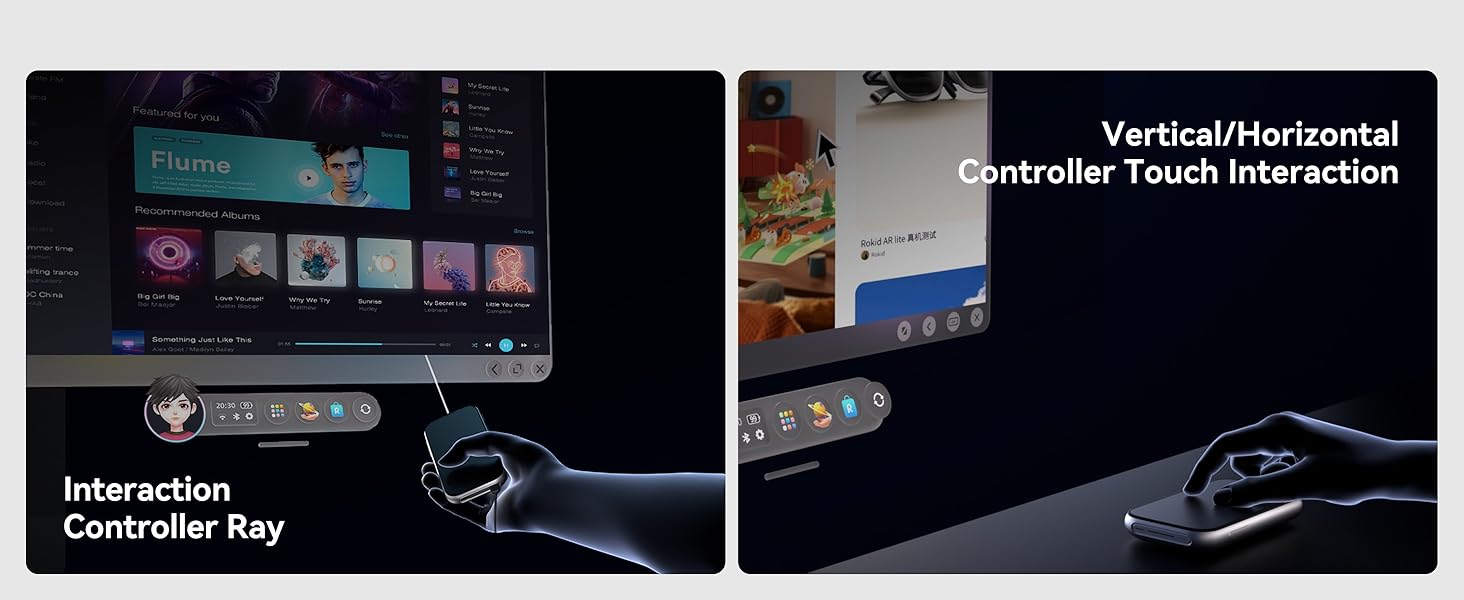
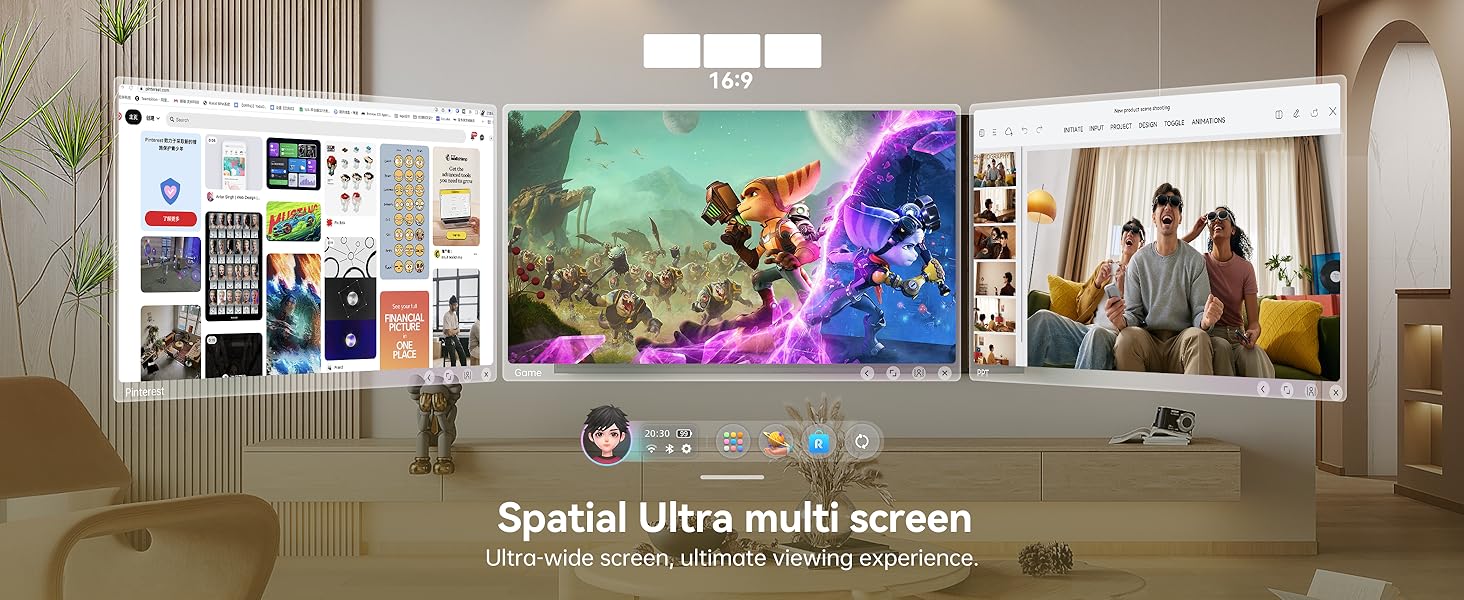
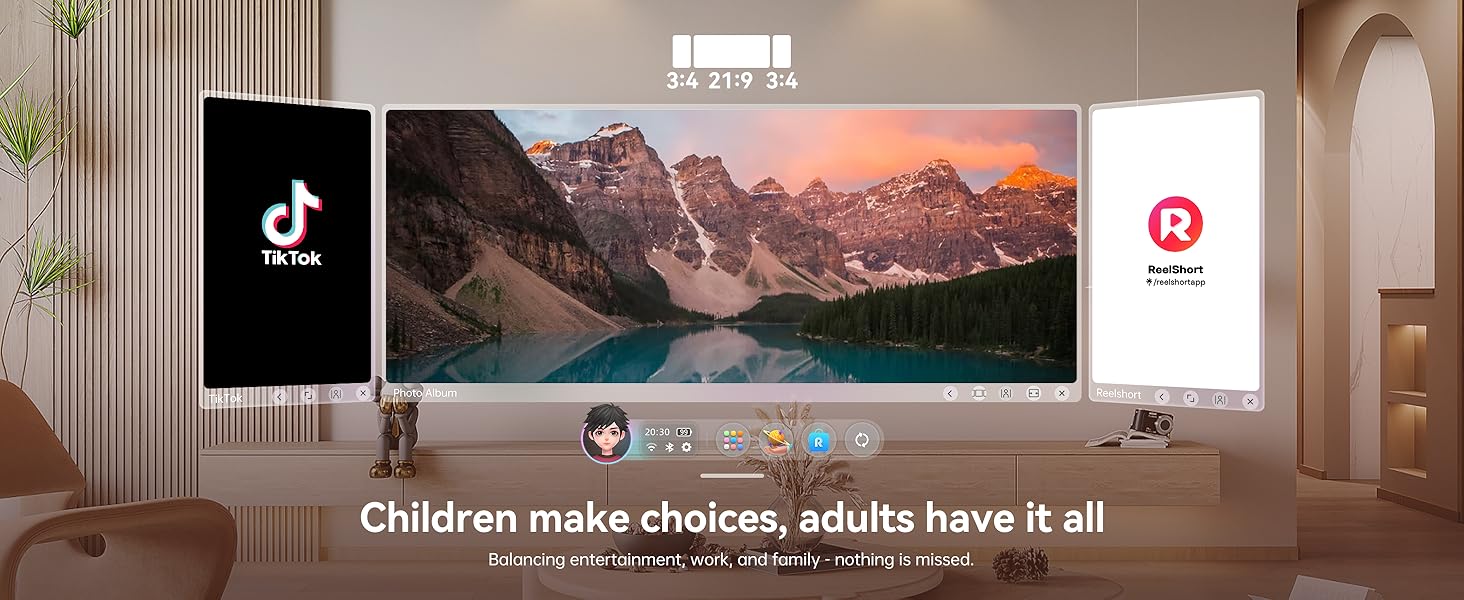
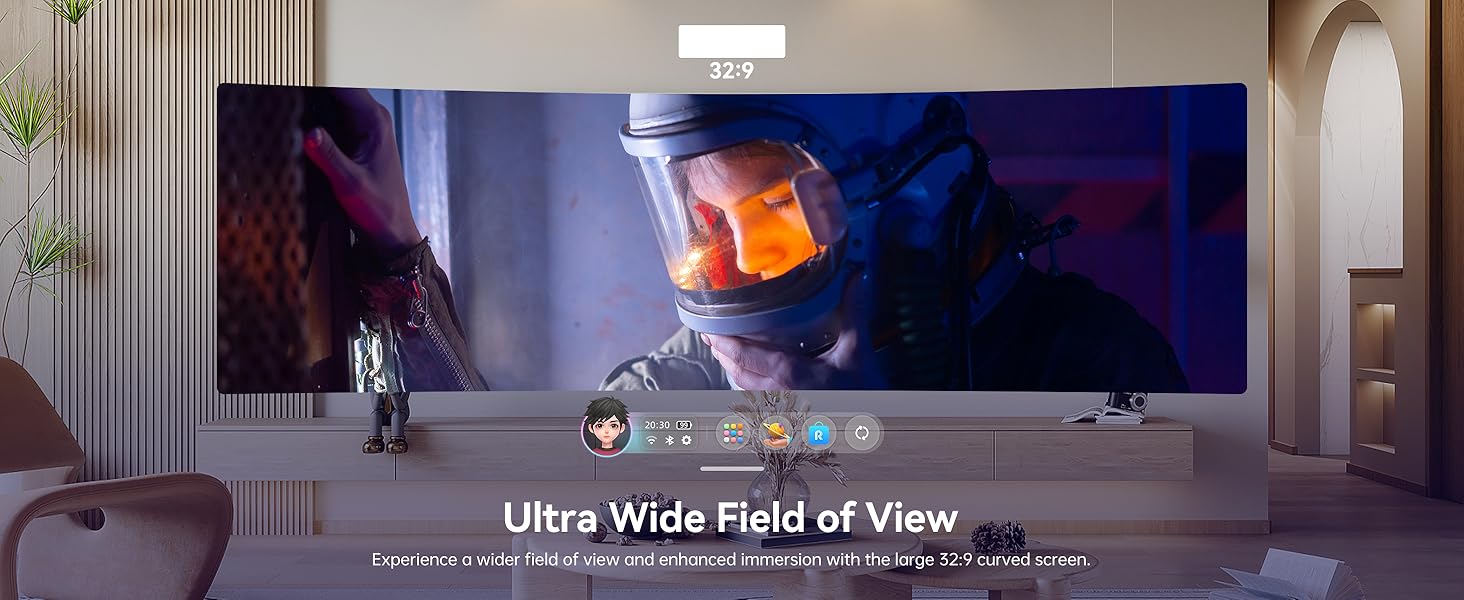
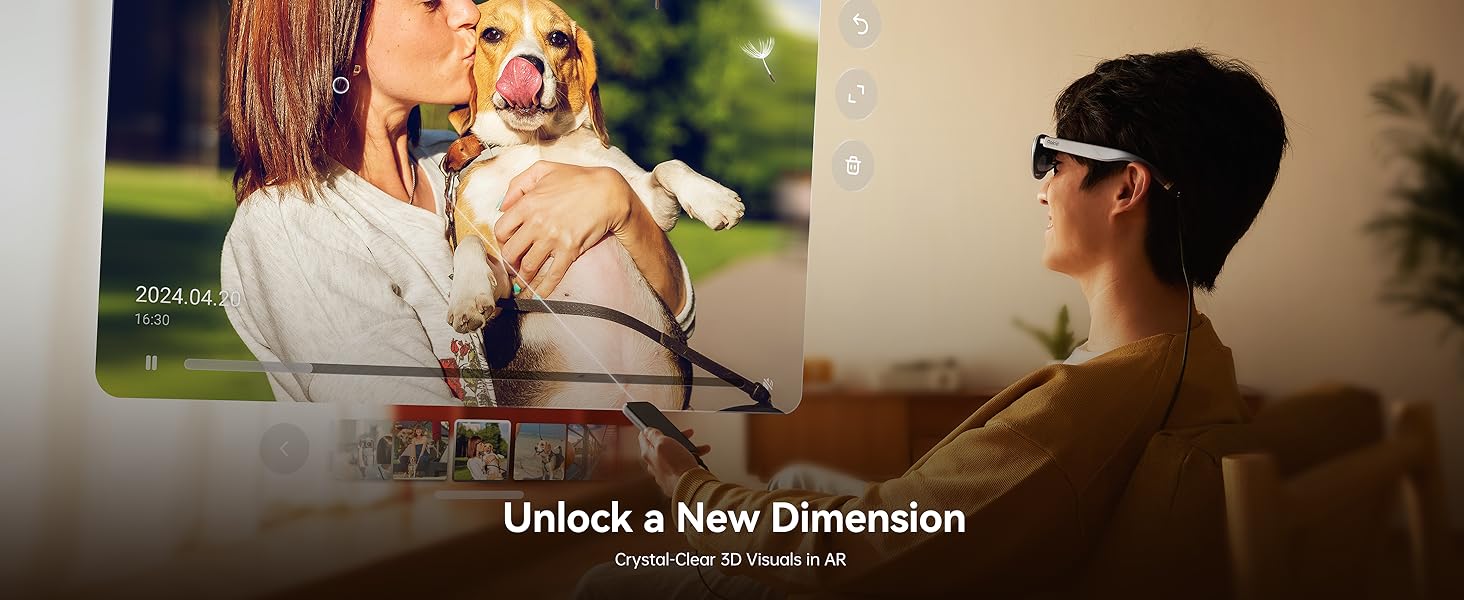
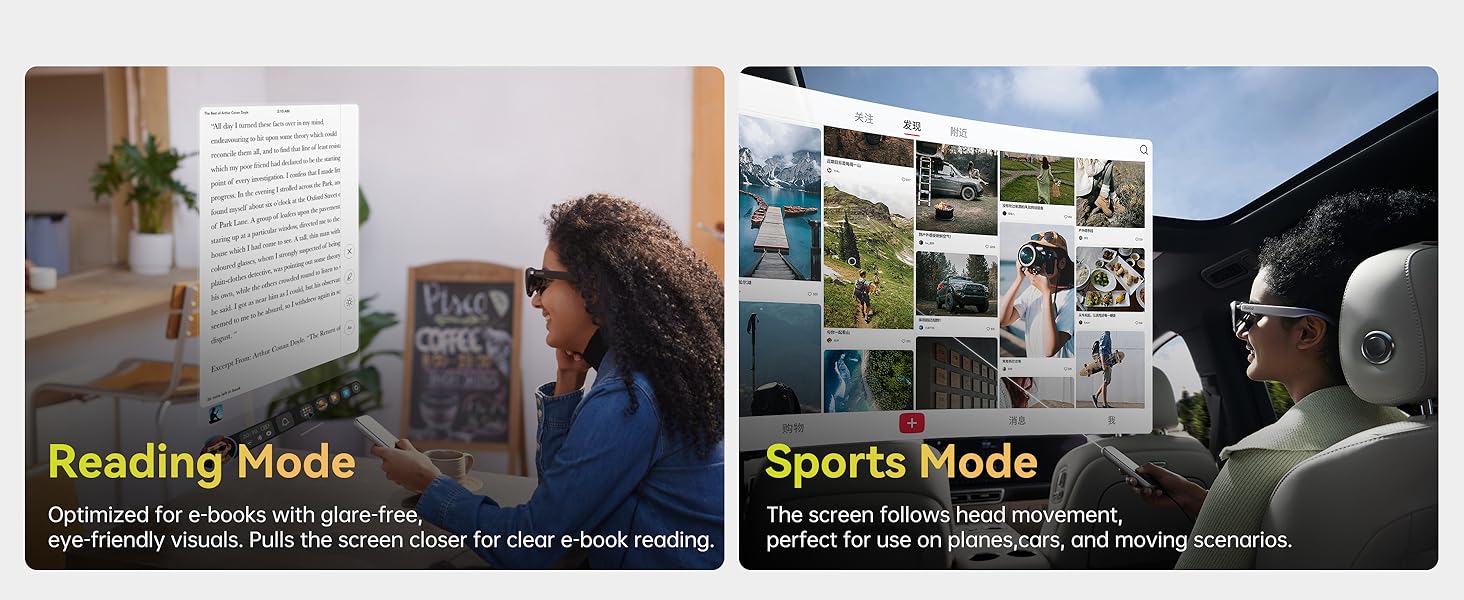
Rokid AR Spatial Video Glasses with 3-Screen Display, Max2 Black AR Glasses & Station2 Spatial Computer with 360" Micro-OLED, 120Hz OLED, 600 Nits, Multi-Tasking for Gaming

-
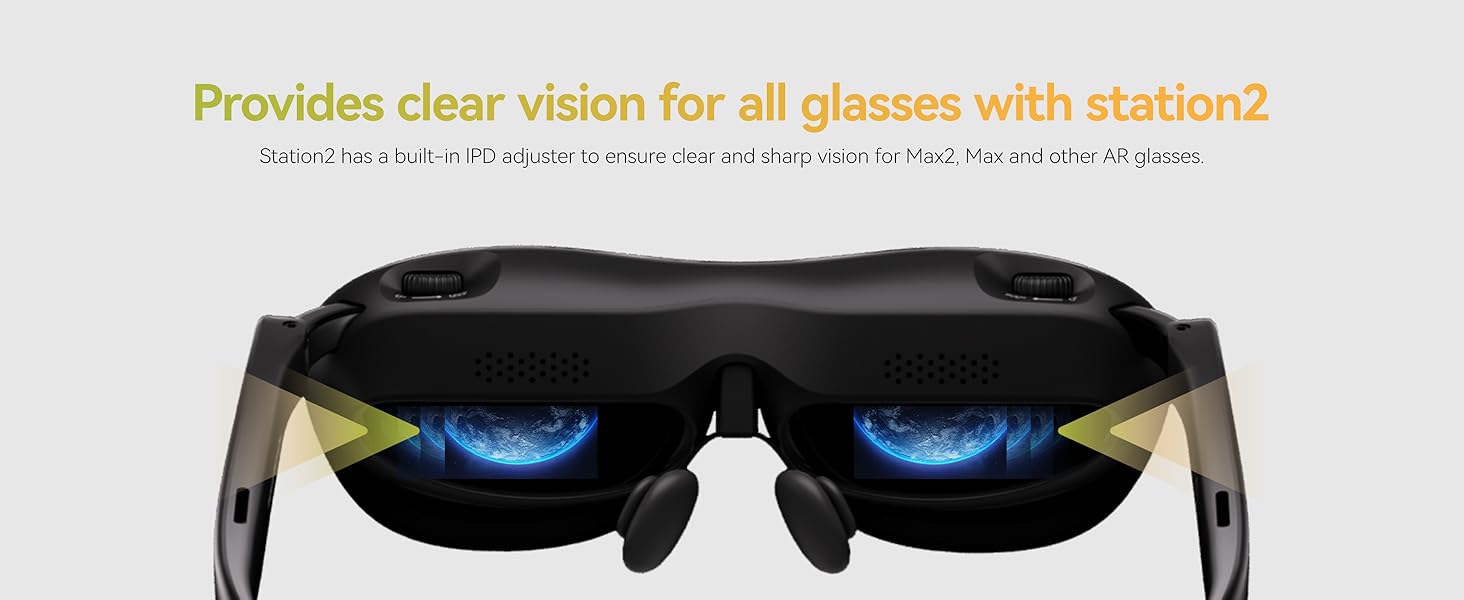
After setting the IPD distance on Station2, will this setting change when the AR glasses connect to other devices?
If the glasses are connected to another host, the pupil distance cannot be saved; Station 2, which has set the pupil distance, connects to other glasses to support the previously set pupil distance by default.
-
Why won't any of my video apps work?
After launching Station2 for the first time, you must perform a system version upgrade in the settings. For compatibility, download them from the Rokid Software Store or Google Play Store whenever possible.
-
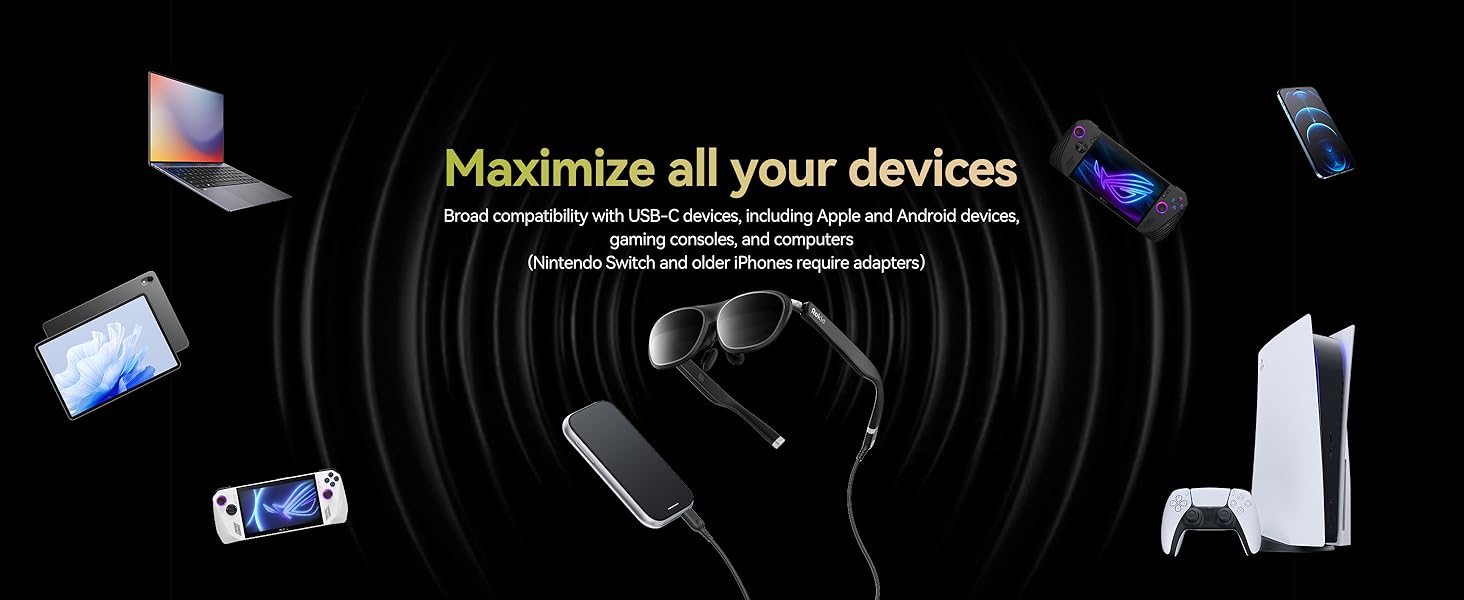
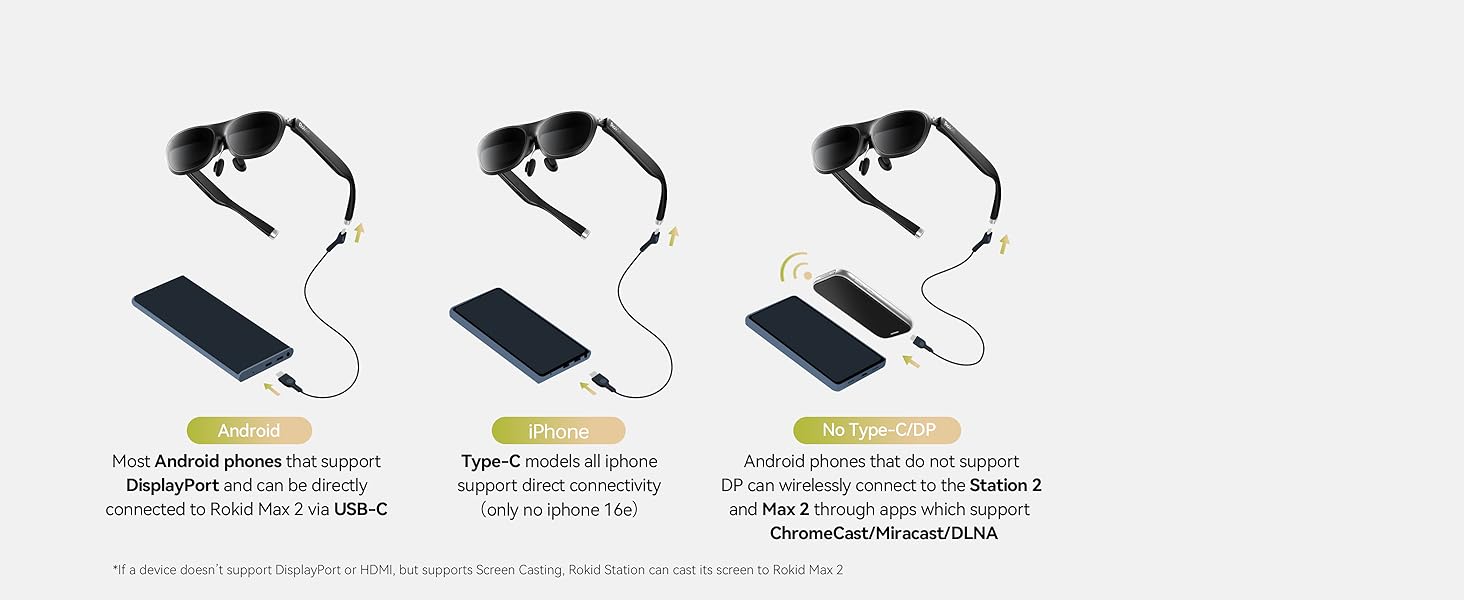
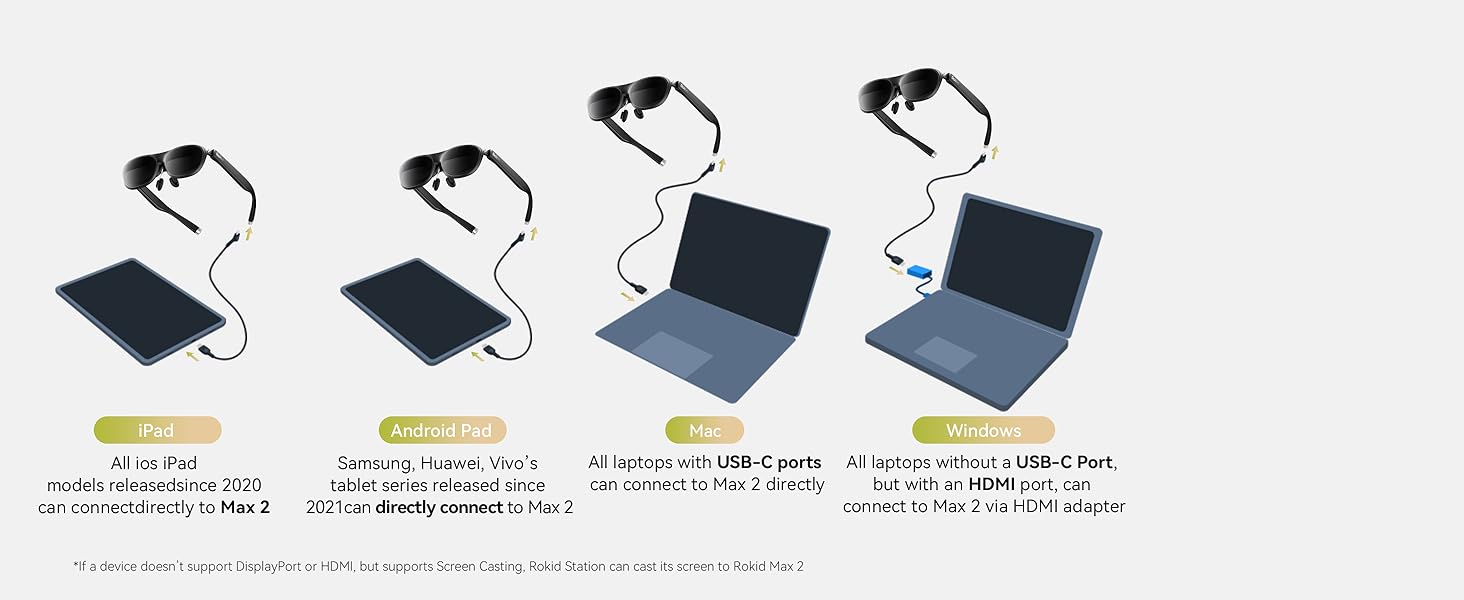
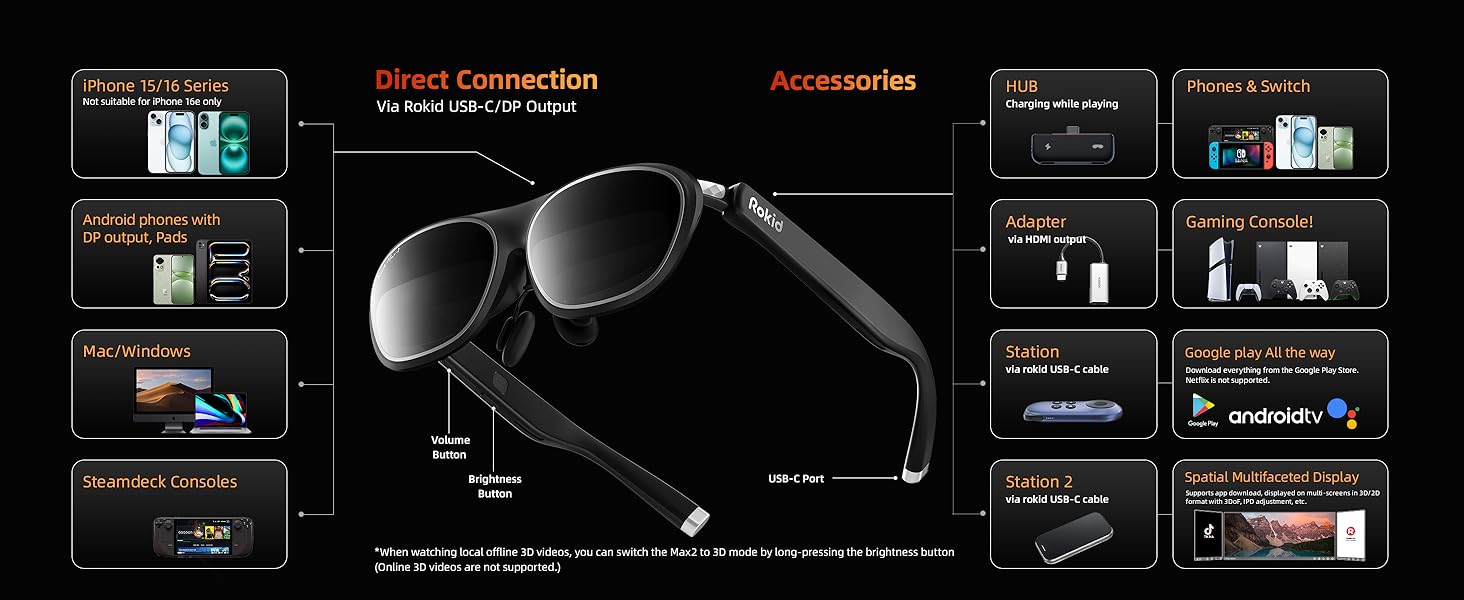
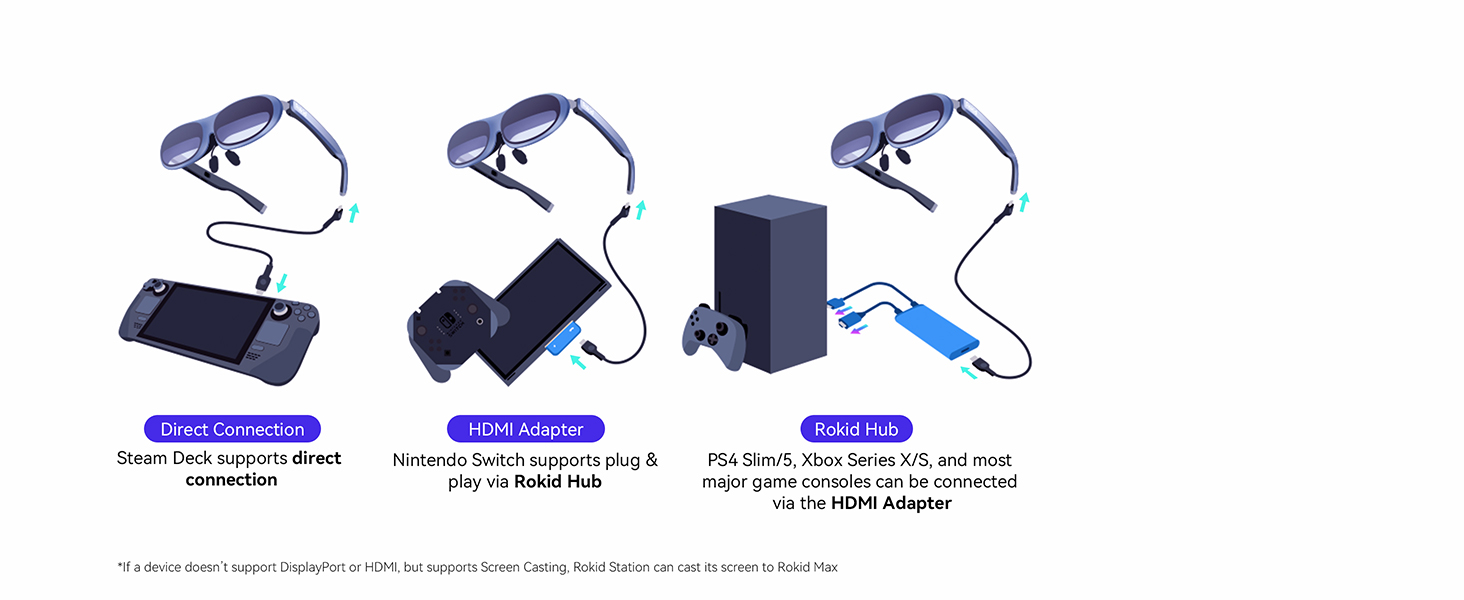
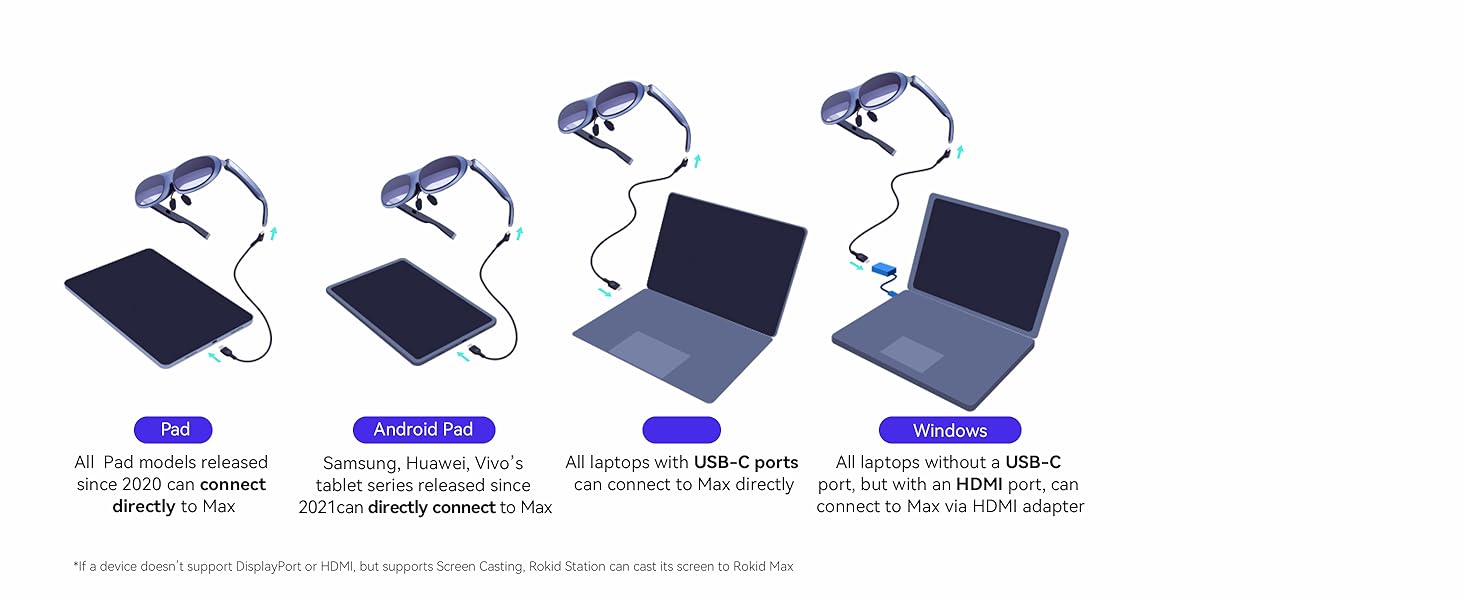
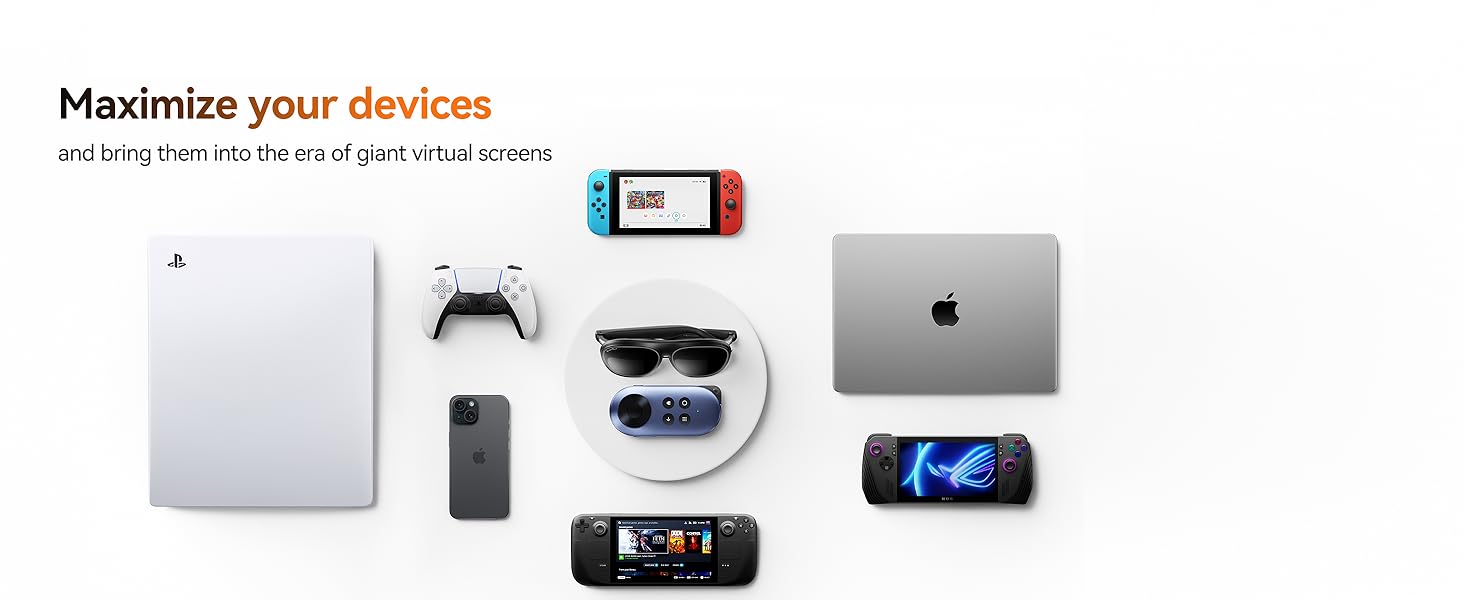
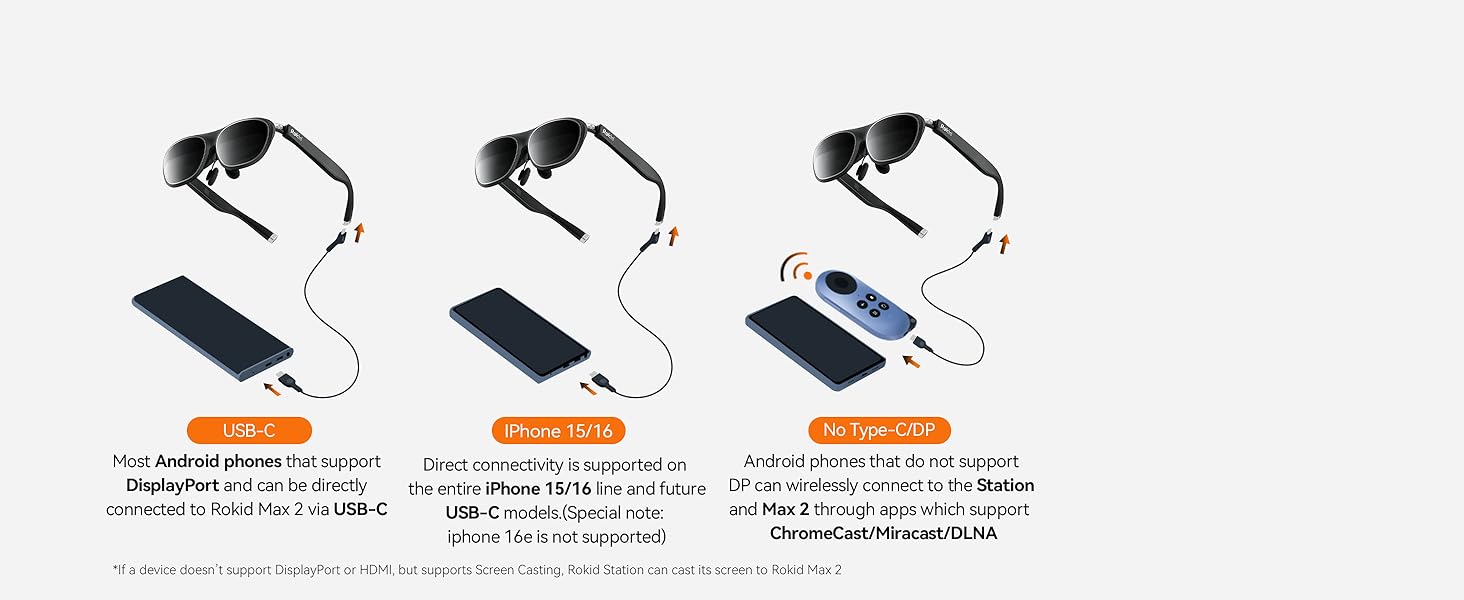
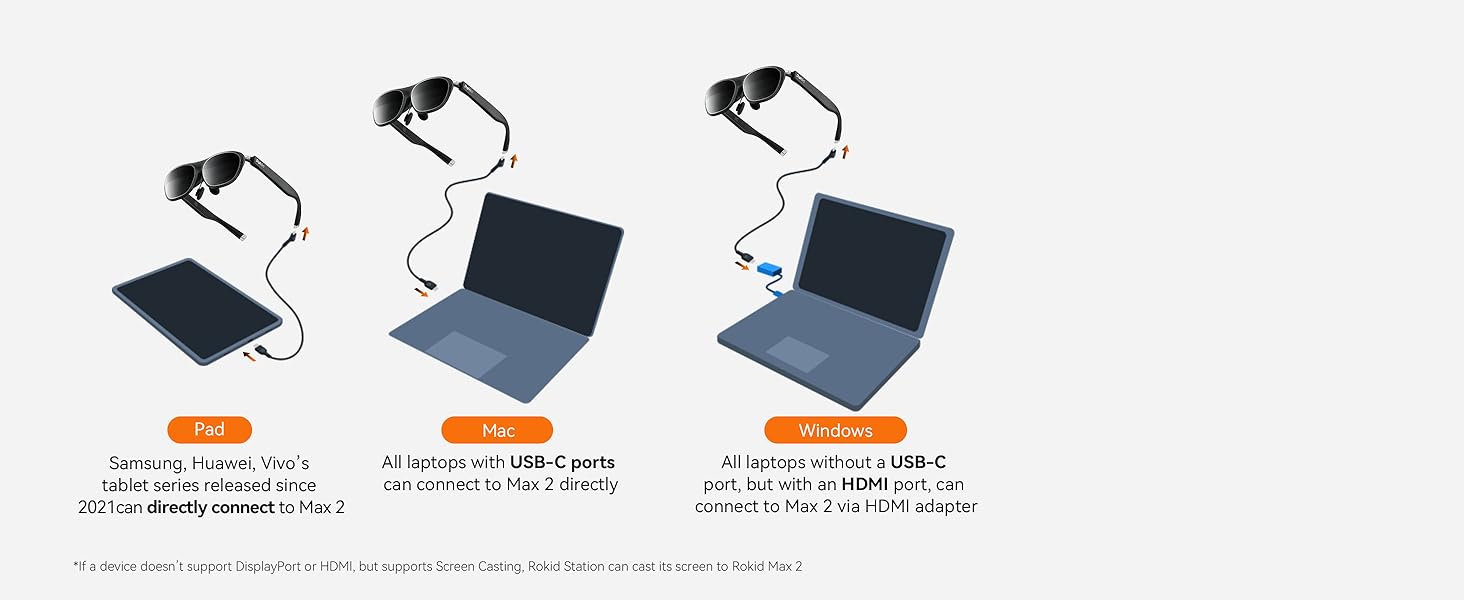
Which devices can be directly connected to the Rokid Max 2 glasses?
If your smart device (Pad, intel NUC,etc.) supports DisplayPort over USB-C 3.1, you can connect it directly to the Rokid Max 2 glasses.
Note: check the type of your smartphone on the GSM Arena webs ite: https :// w ww.gsmarena .com
-
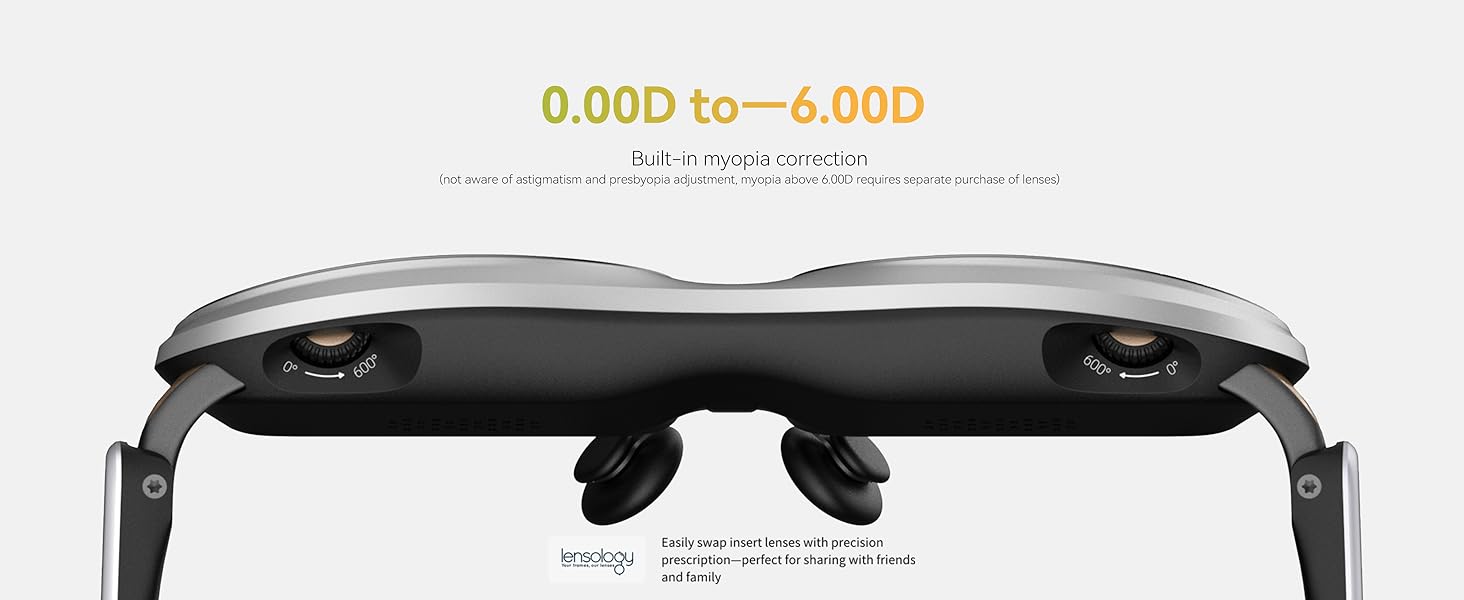
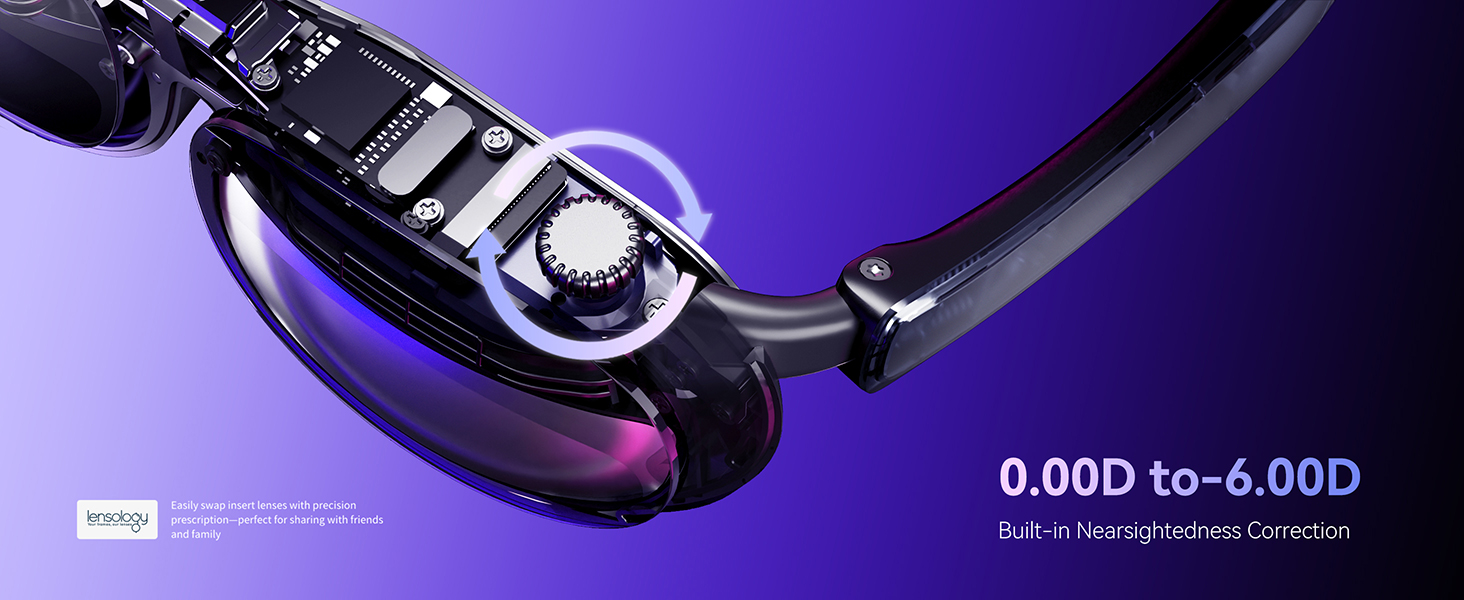
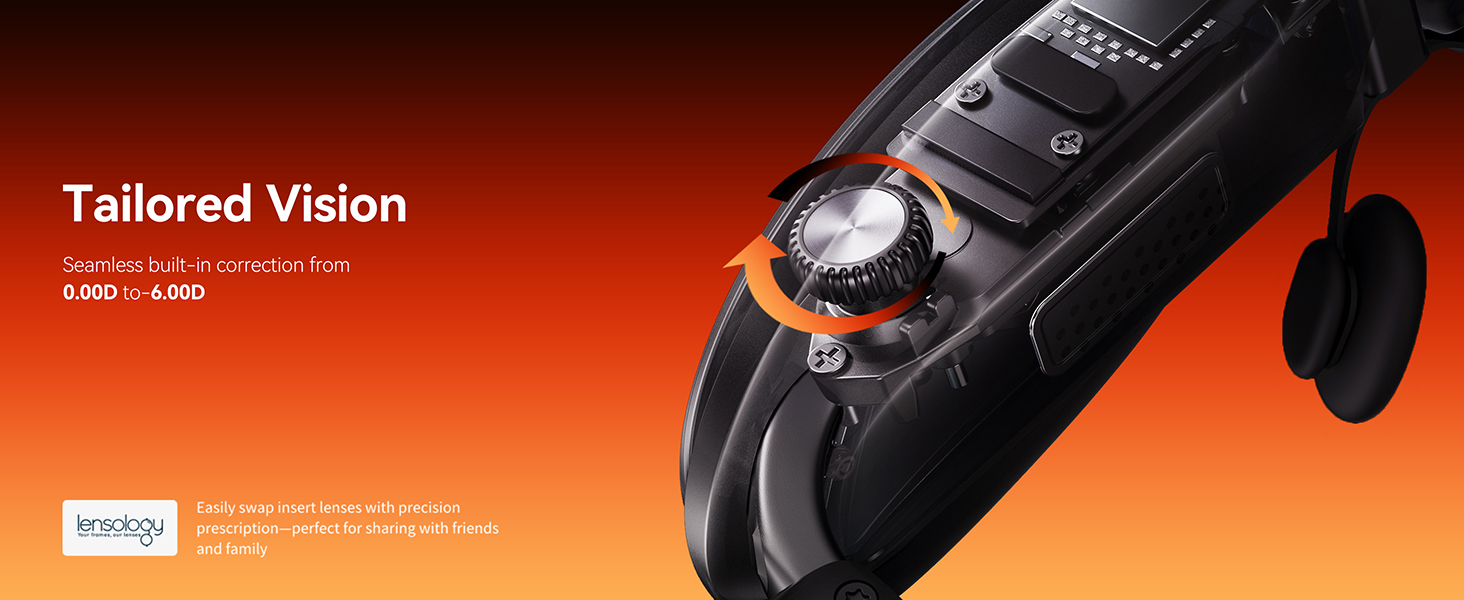
Can lenses be prescribed separately for hyperopia, astigmatism, or myopia exceeding 600 degrees?
Yes, hyperopia, astigmatism, or myopia exceeding 600 degrees requires separate prescription lenses tailored to individual needs. (Frames must be purchased separately. ASIN: B0C7GZGTH3)
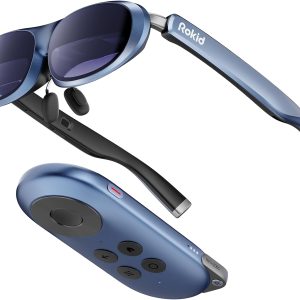

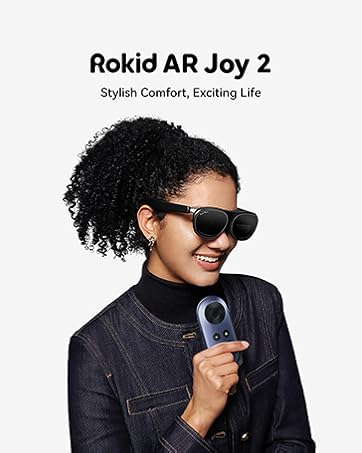
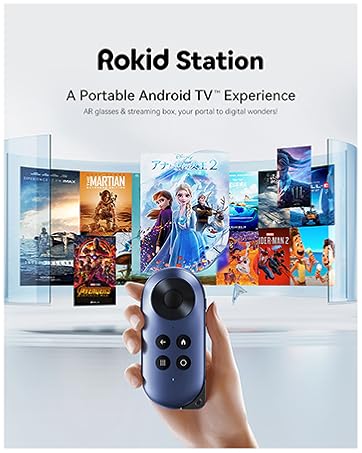
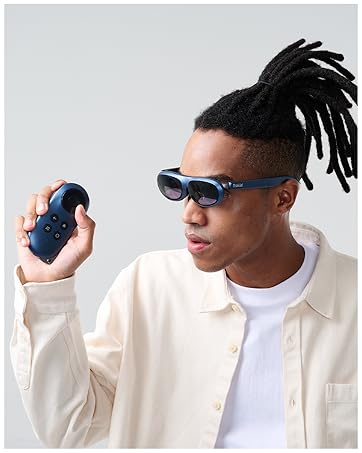
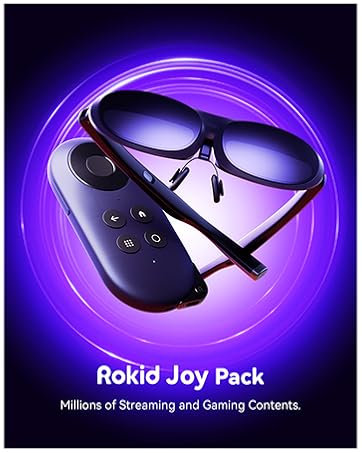
Joypack Rokid AR Glasses, Max ar Glasses with Station, 0.68" Micro-OLED Display for Video Glasses, Google Play Media Streaming Android&iOS TV Compatible
Rokid joy pack
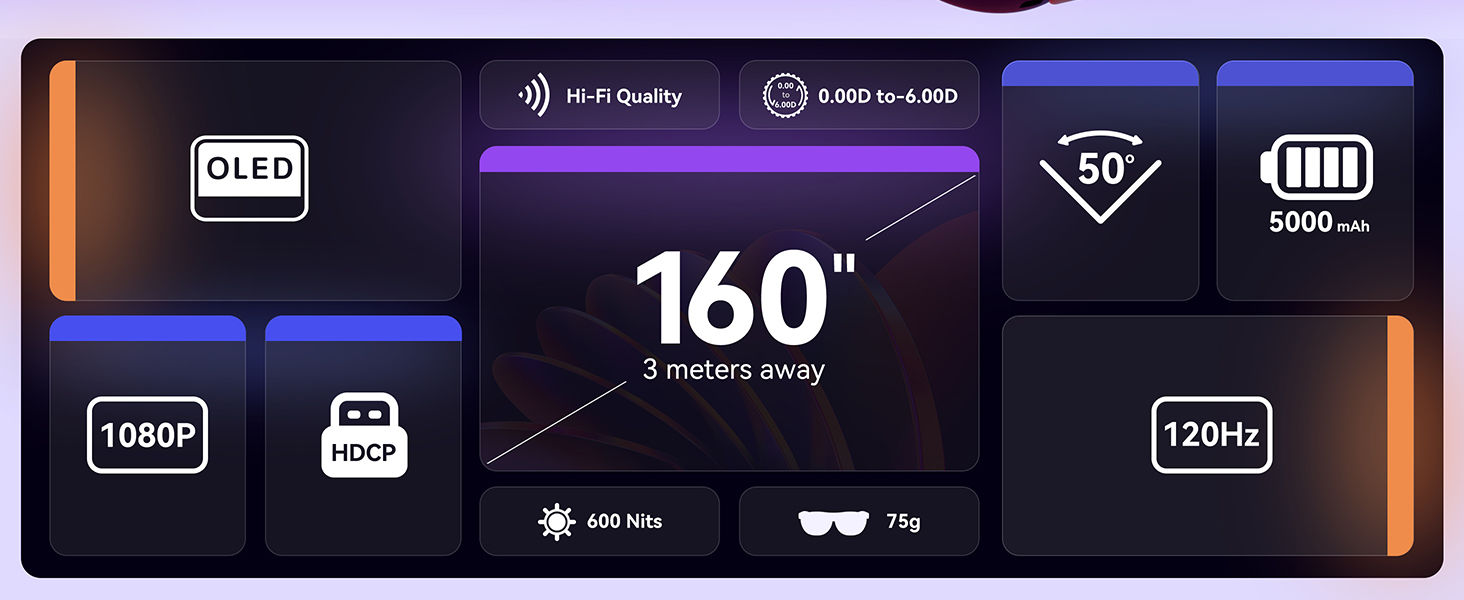
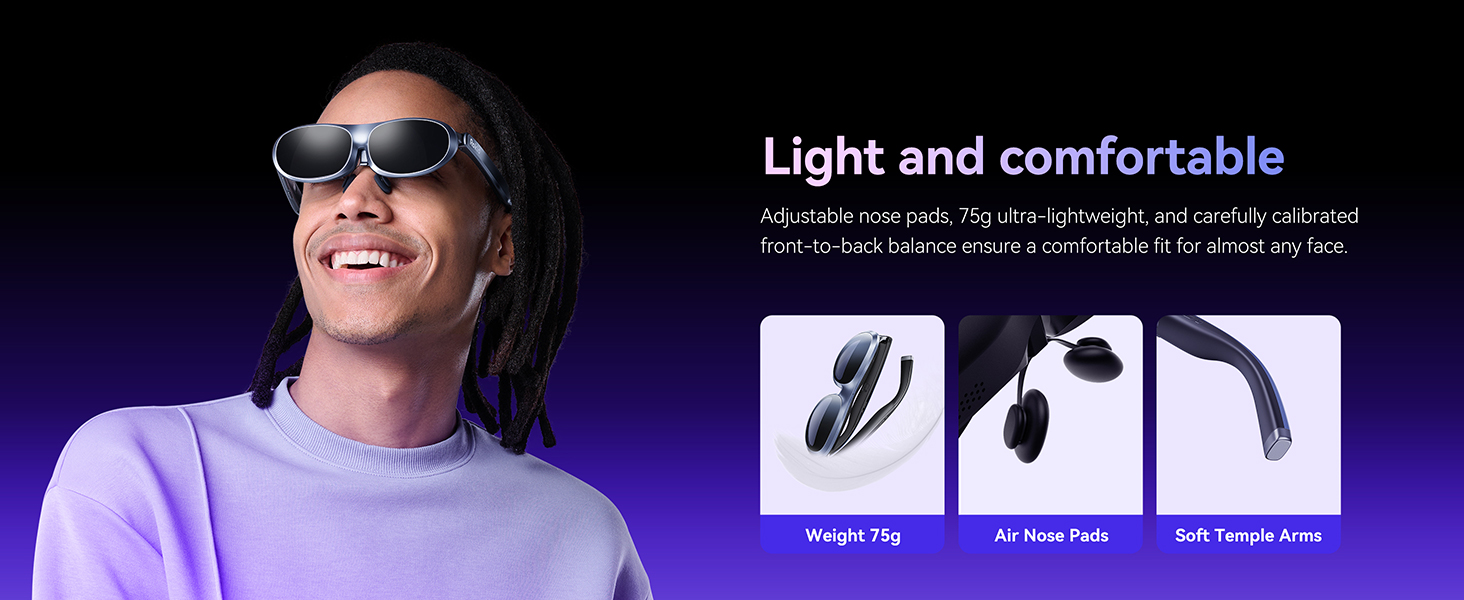
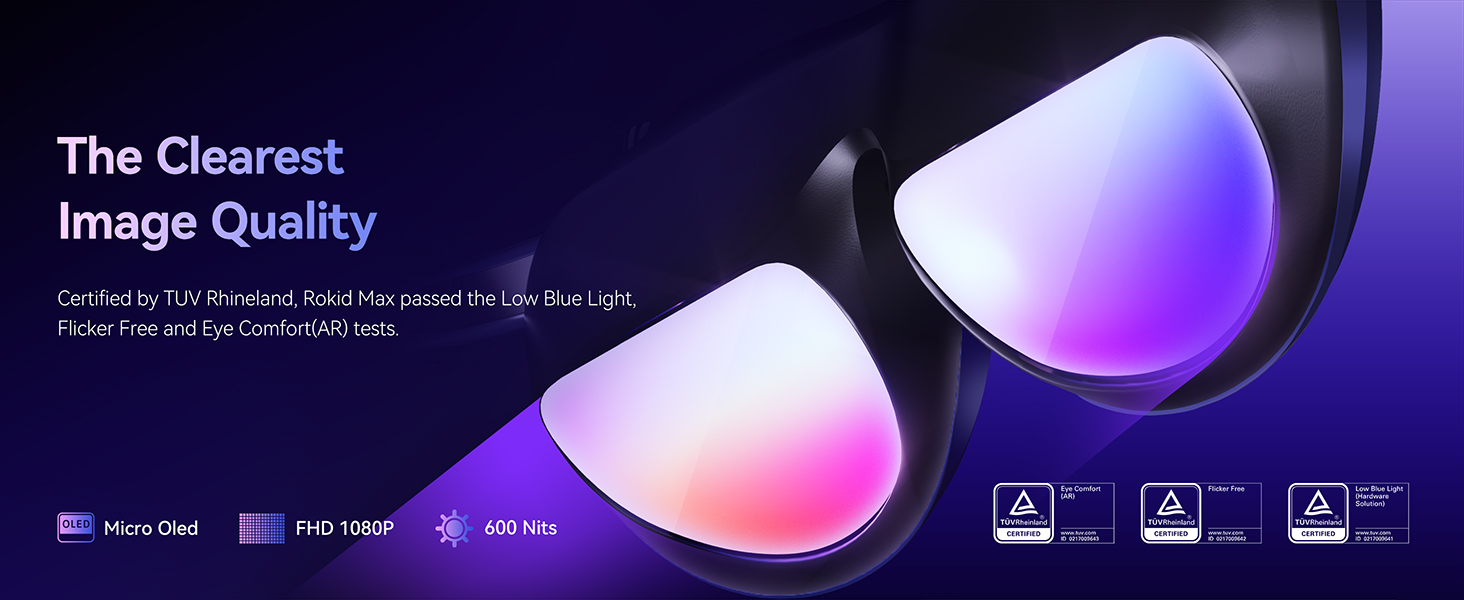
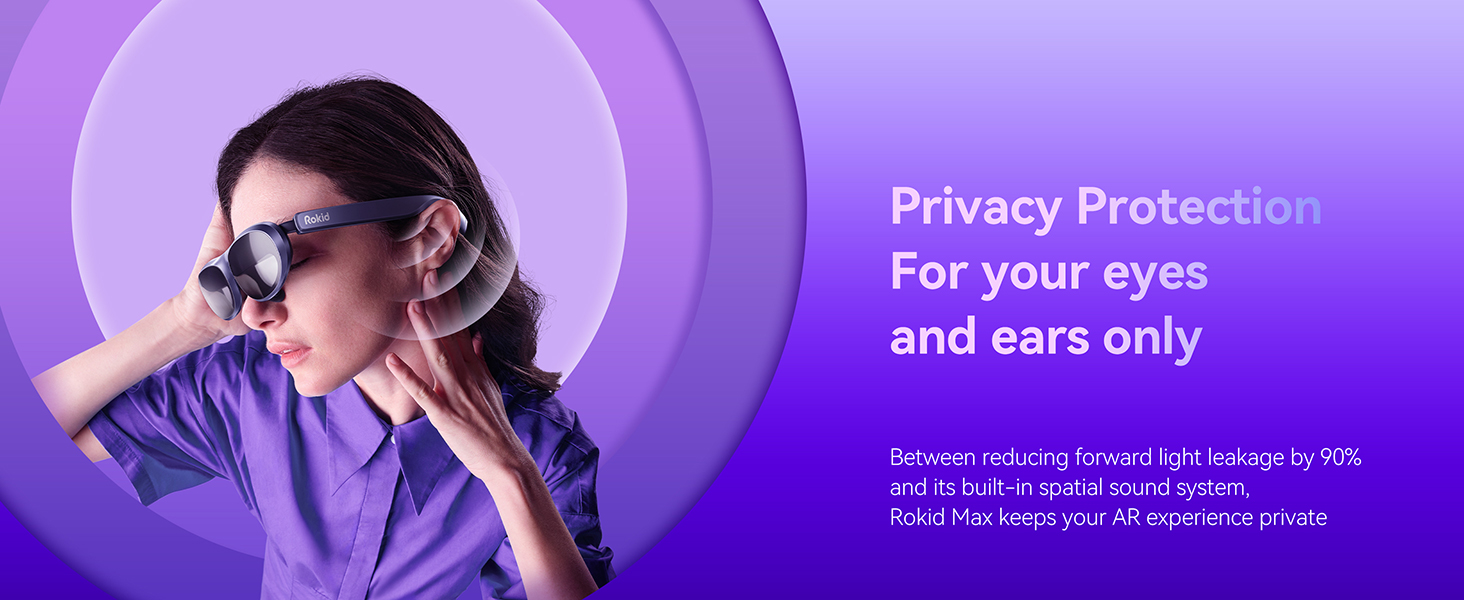
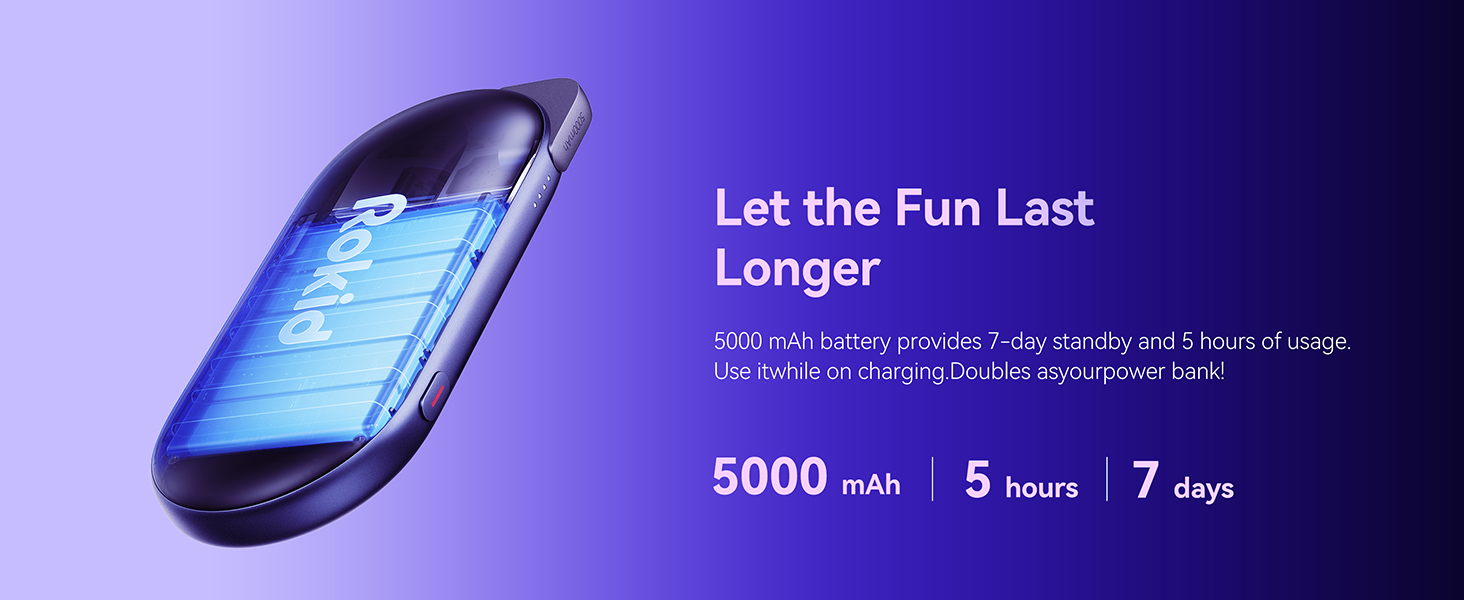
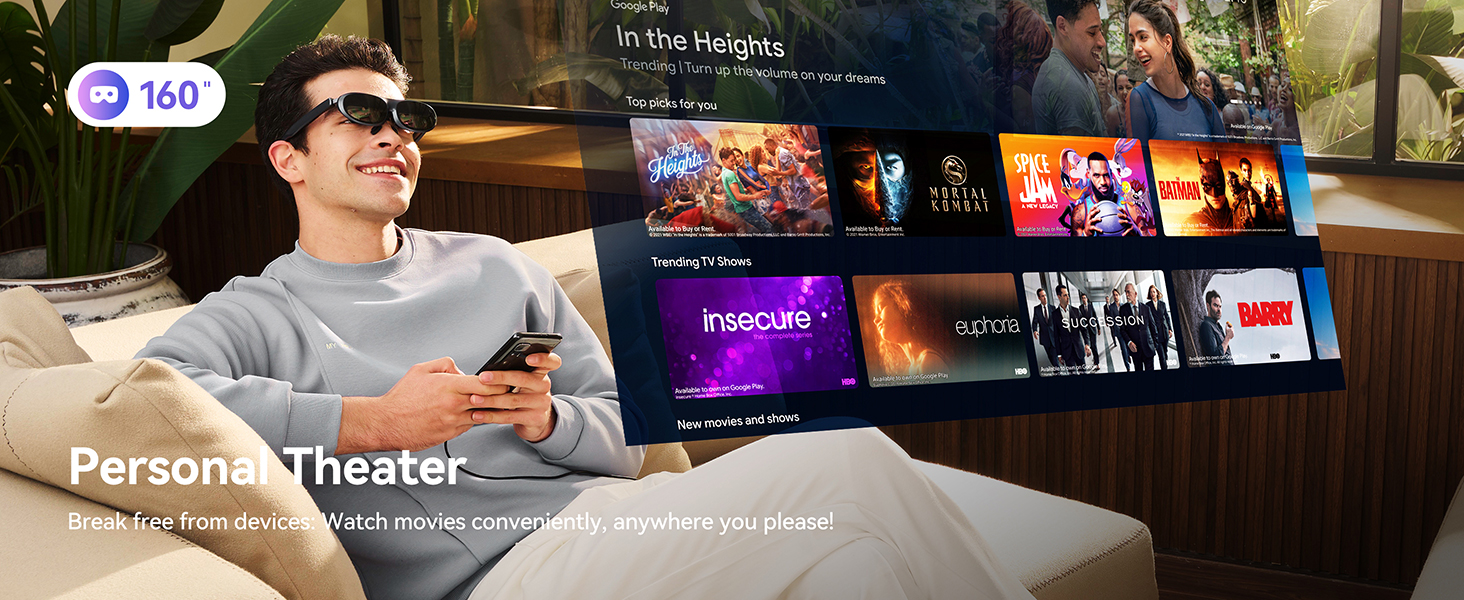
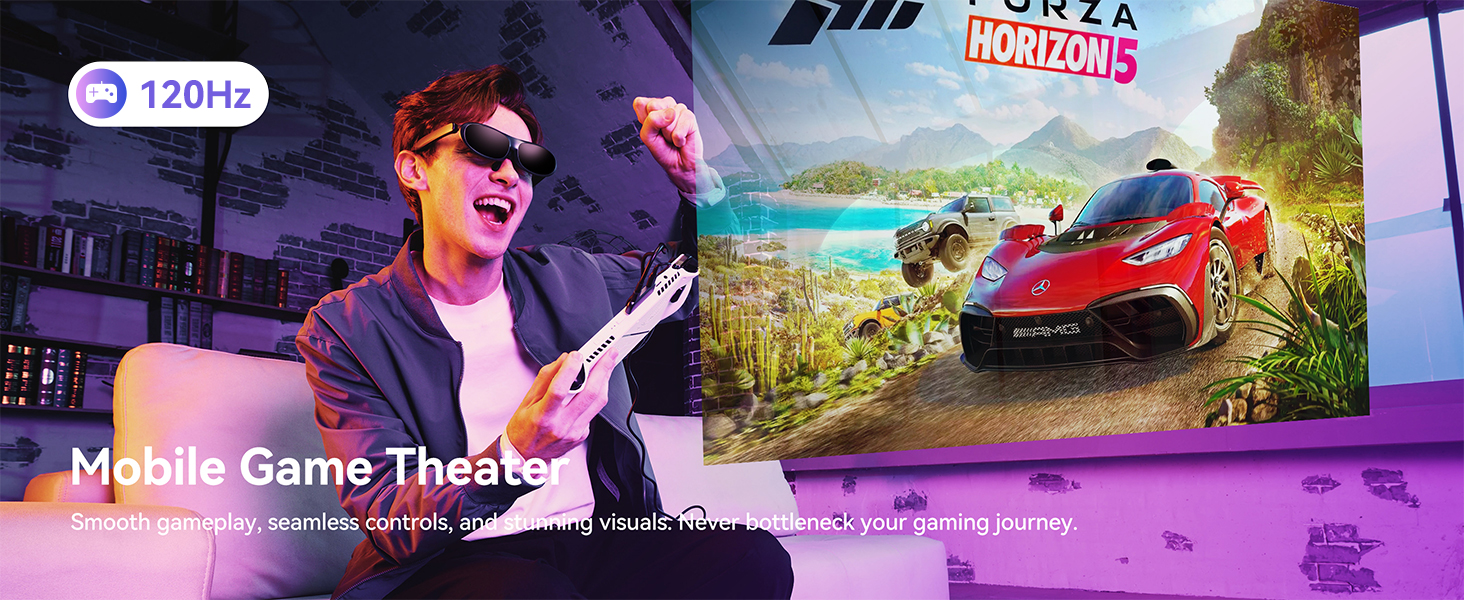
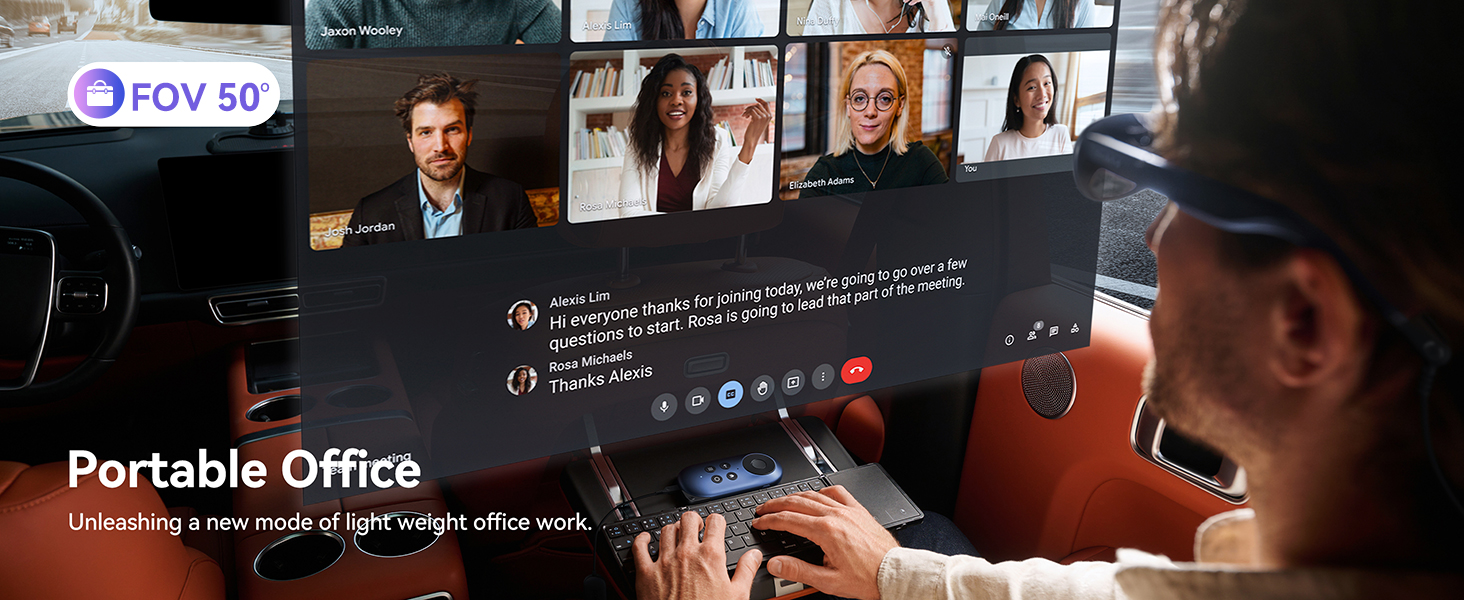
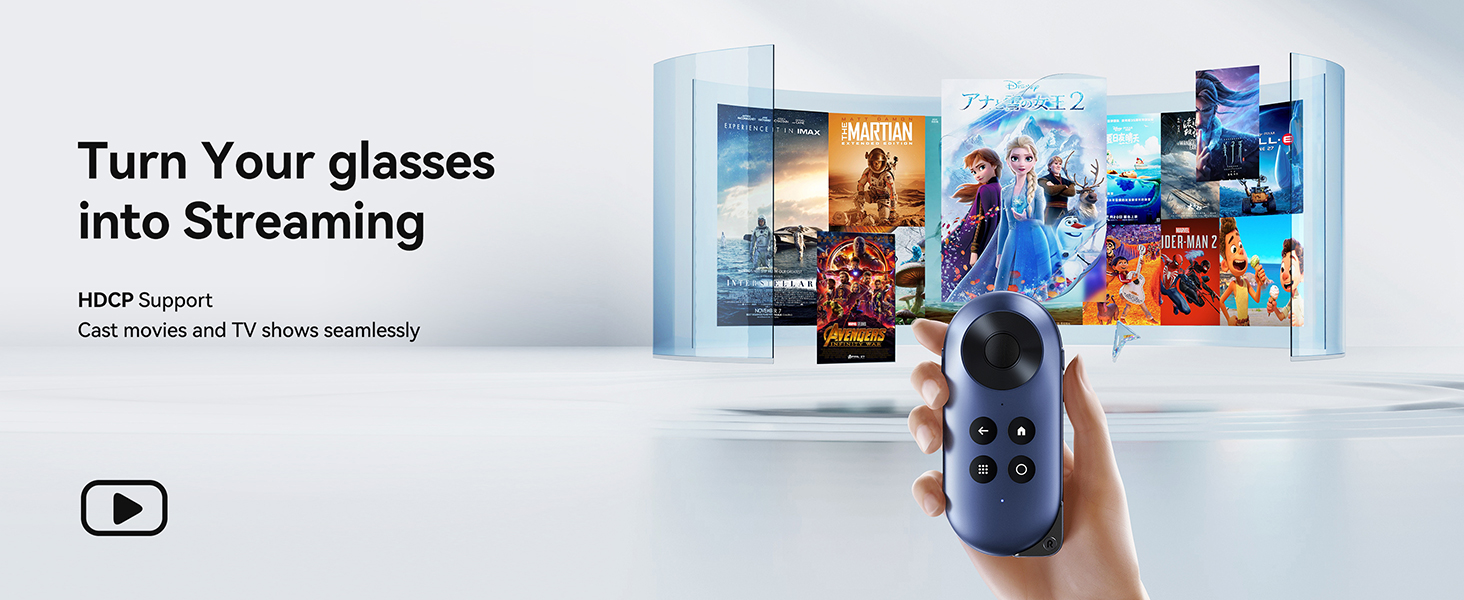
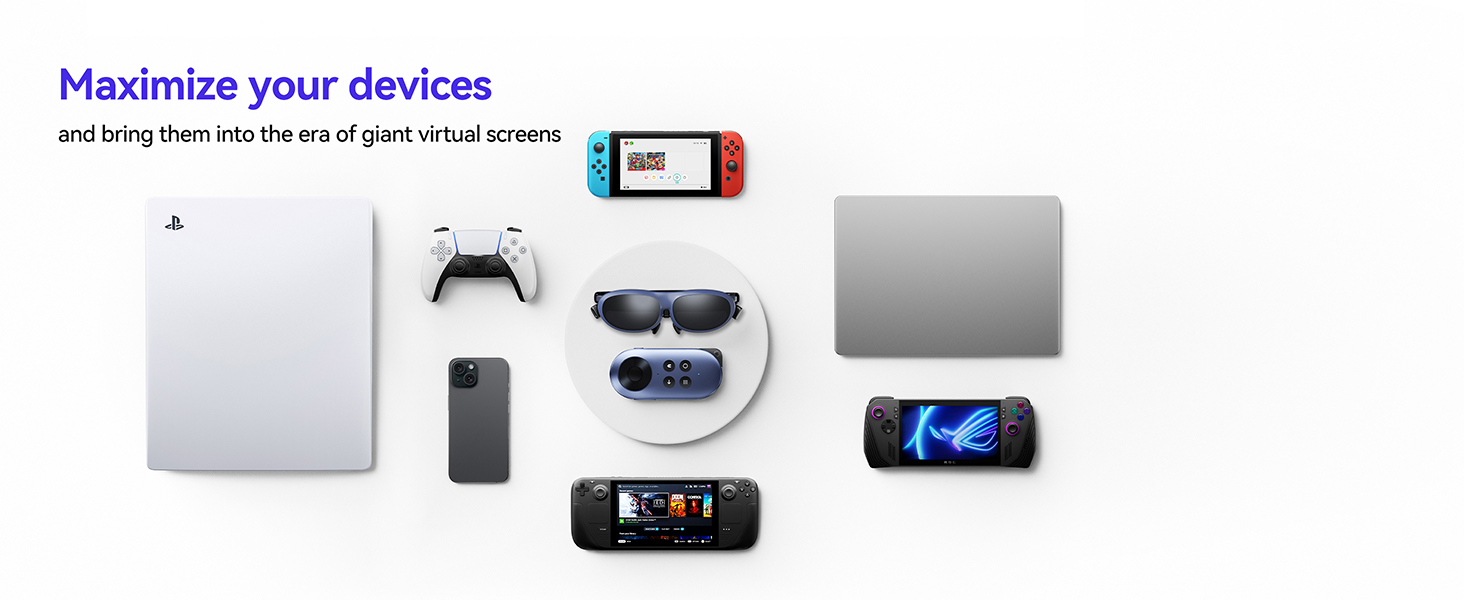


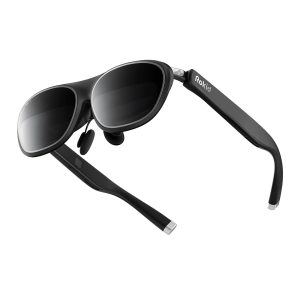
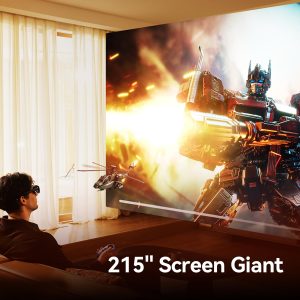
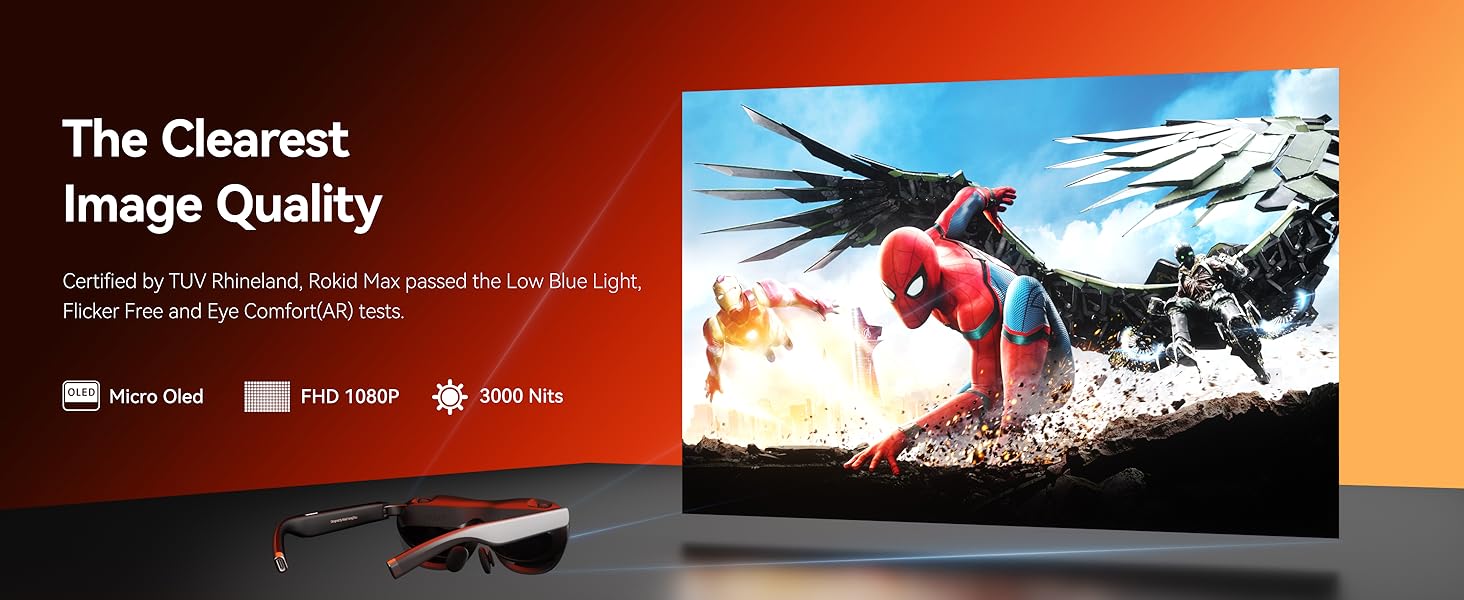
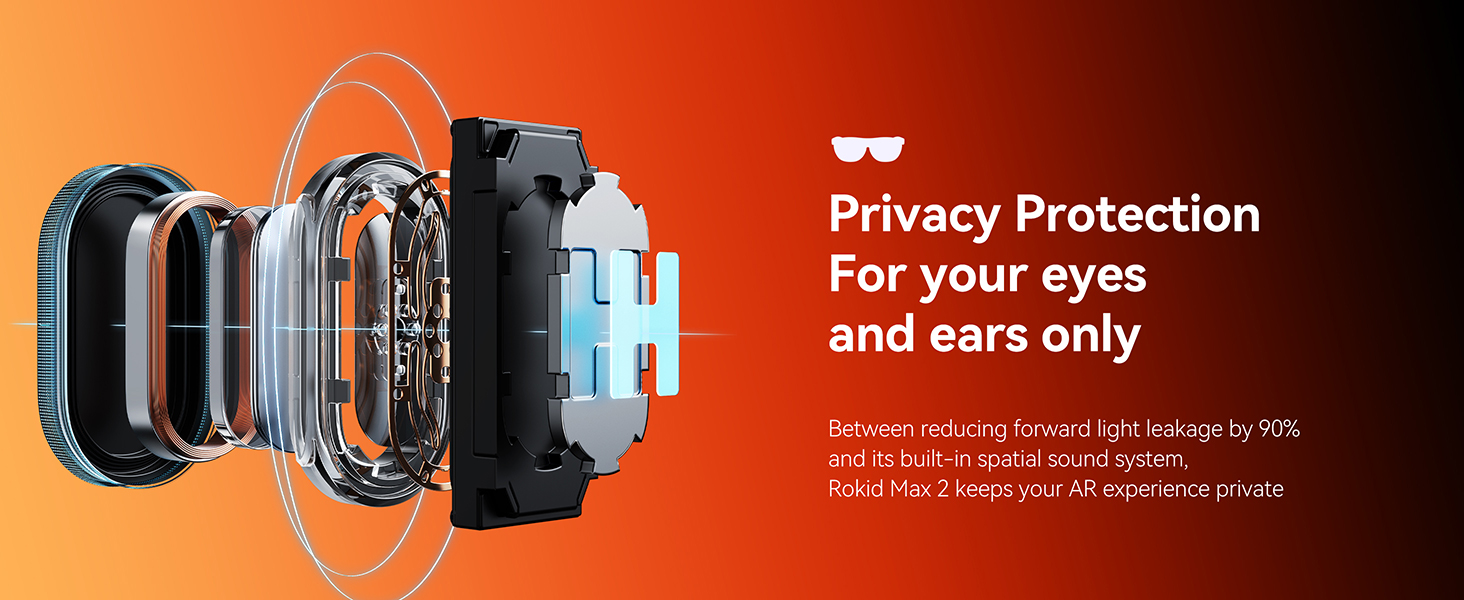
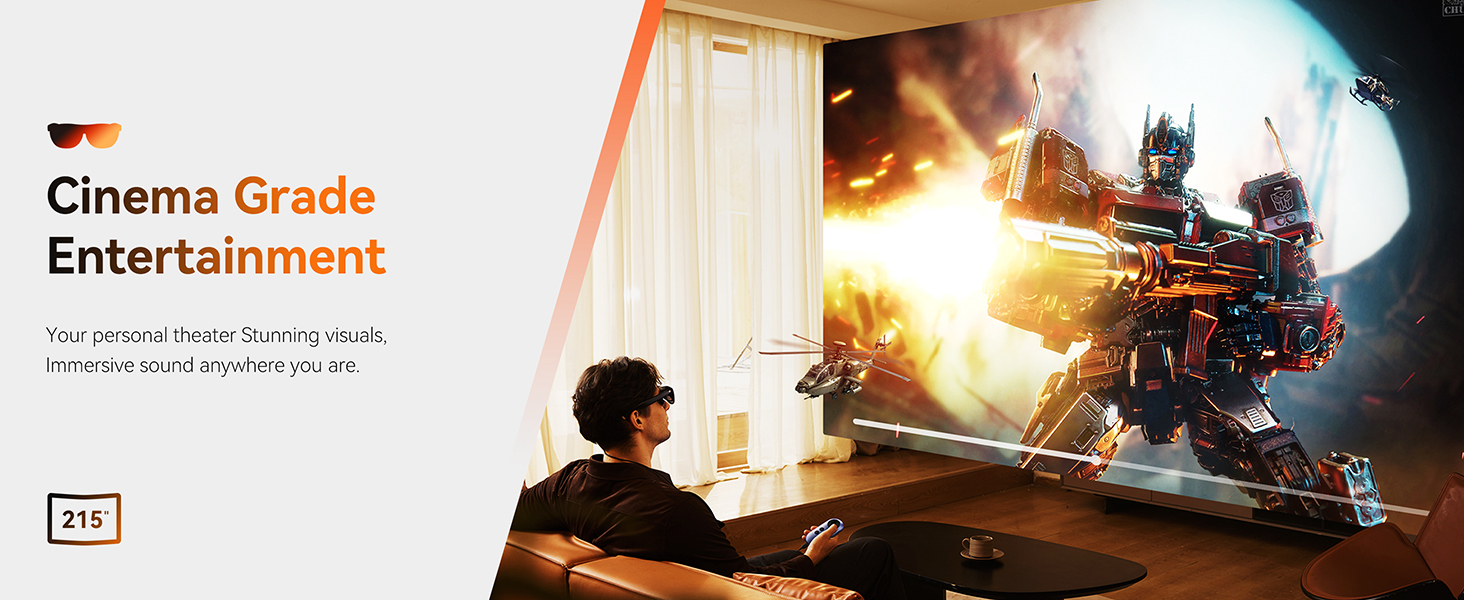
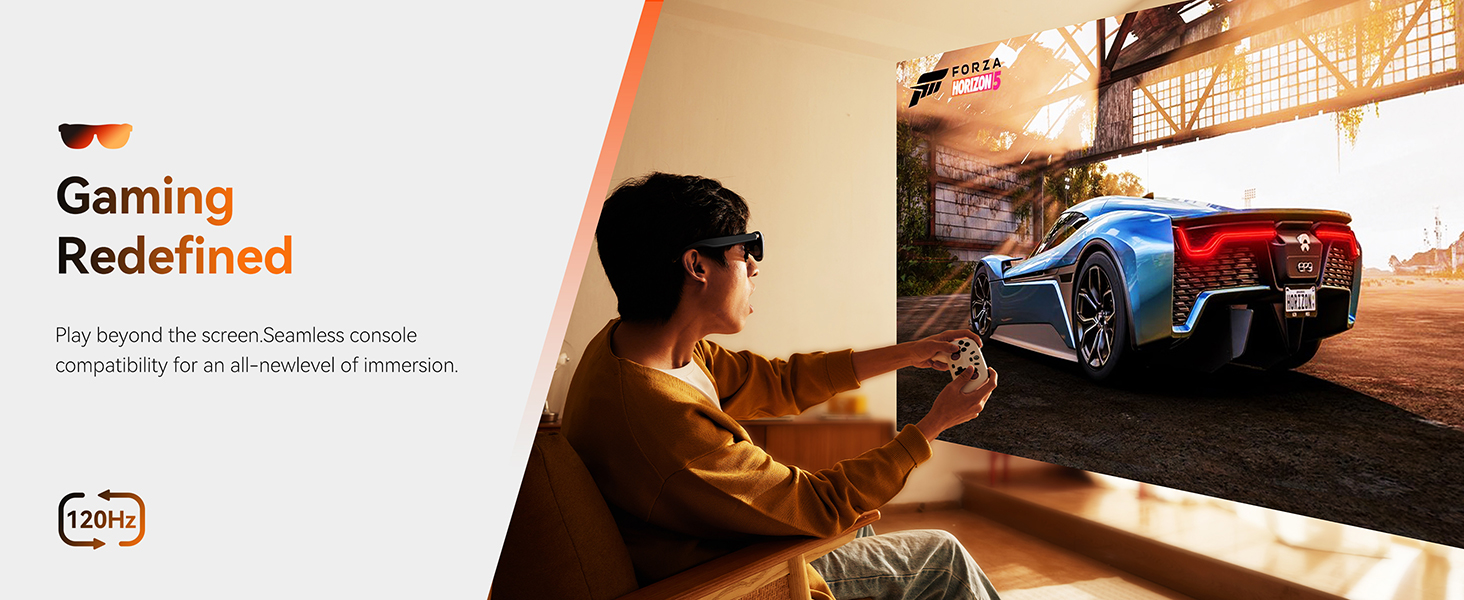
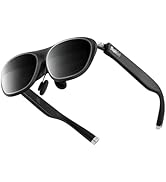
Rokid Max 2 AR Glasses Black, 215" Micro-OLED Display, 50° FOV, 600 Nits Brightness, Compatible with Smart Phone, Steam Deck, ROG, and More, Immersive Wearable Display for Gaming & Entertainment
Max2 show case
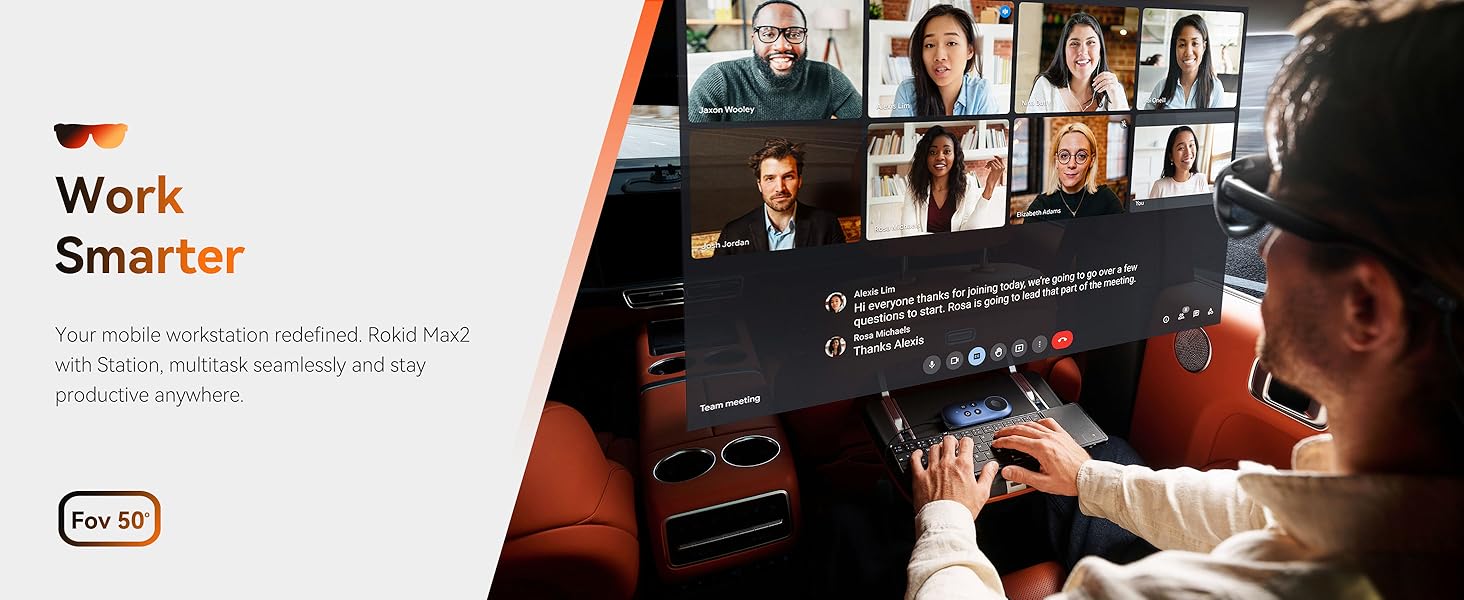
Merchant VideoThe Station2 shown in the video must be purchased separately and used in combination with the max2 in order to use the functions of the spatial triple screen, 3DoF and IPD adjustment.
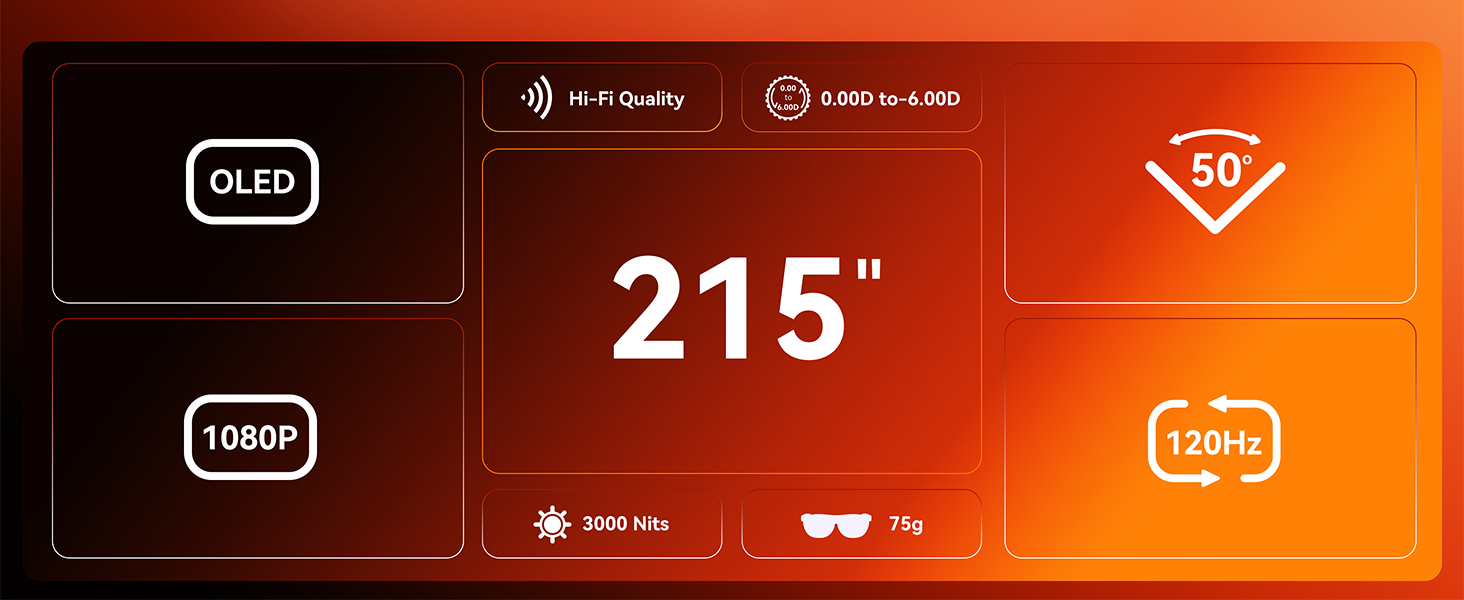
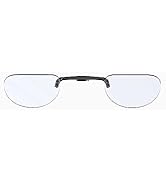
Individual prescription lenses are required for hyperopia, astigmatism, or myopia exceeding 600 degrees. (Frames must be purchased separately.

-
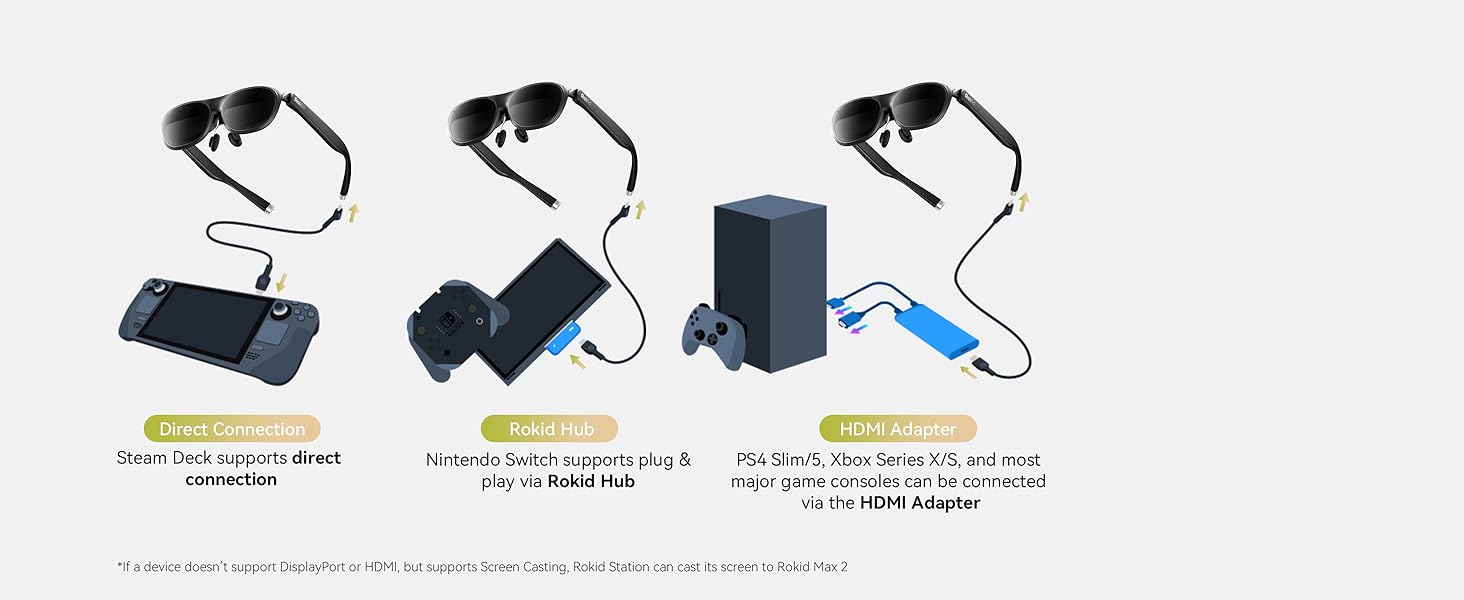
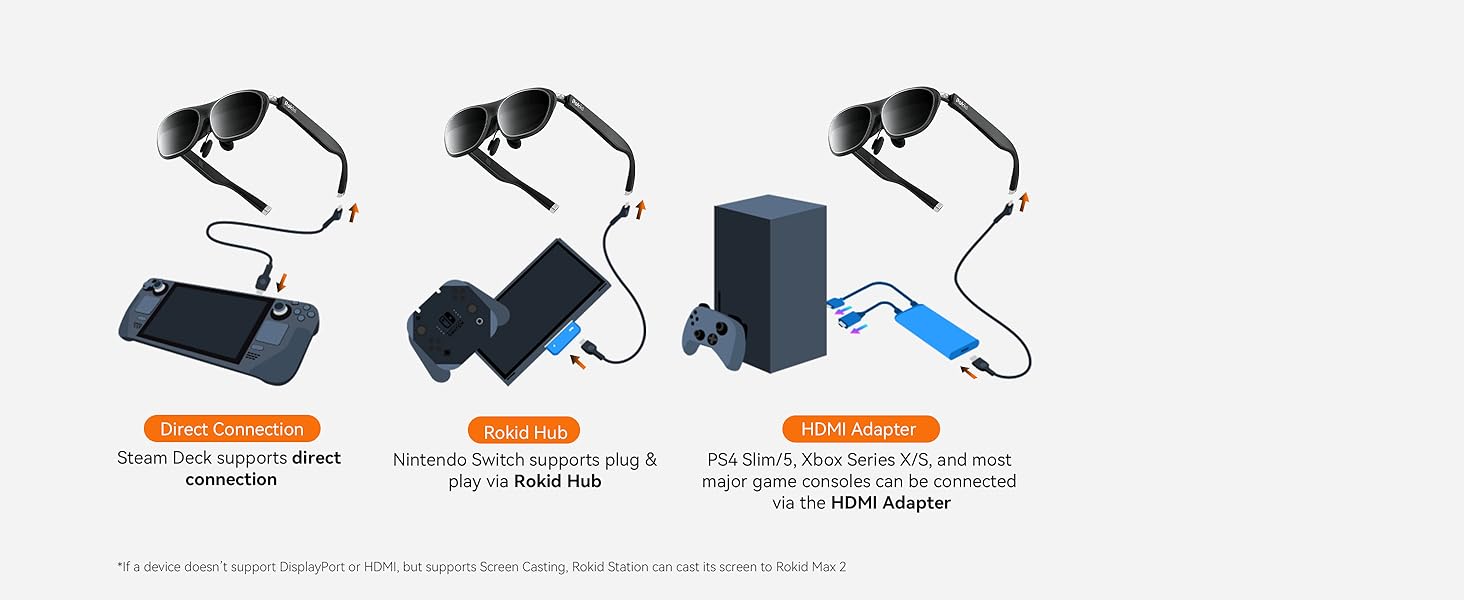
Which devices can be used with the Rokid Max 2 glasses through an HDMI-to-USB-C adapter?
HDMI-to-USB-C adapters can be used to connect Rokid Max 2 glasses to the following devices:
Gaming consoles with an HDMI port (e.g., PS4, Xbox, etc.).
Computers with an HDMI port.
-
How wide of a head does the Max2 fit? Not sure if it will fit on me?
The Rokid Max2's frames are sized for average head width, with a maximum fit width of 16cm.
-
Which devices can be directly connected to the Rokid Max 2 glasses?
If your smart device (Pad, Intel NUC,etc.) supports DisplayPort over USB-C 3.1, you can connect it directly to the Rokid Max 2 glasses.
Note: check the type of your smartphone on the GSM Arena webs ite: https :// w ww.gsmarena .com
-
What has been upgraded in the Max 2 compared to the Rokid ar Max?
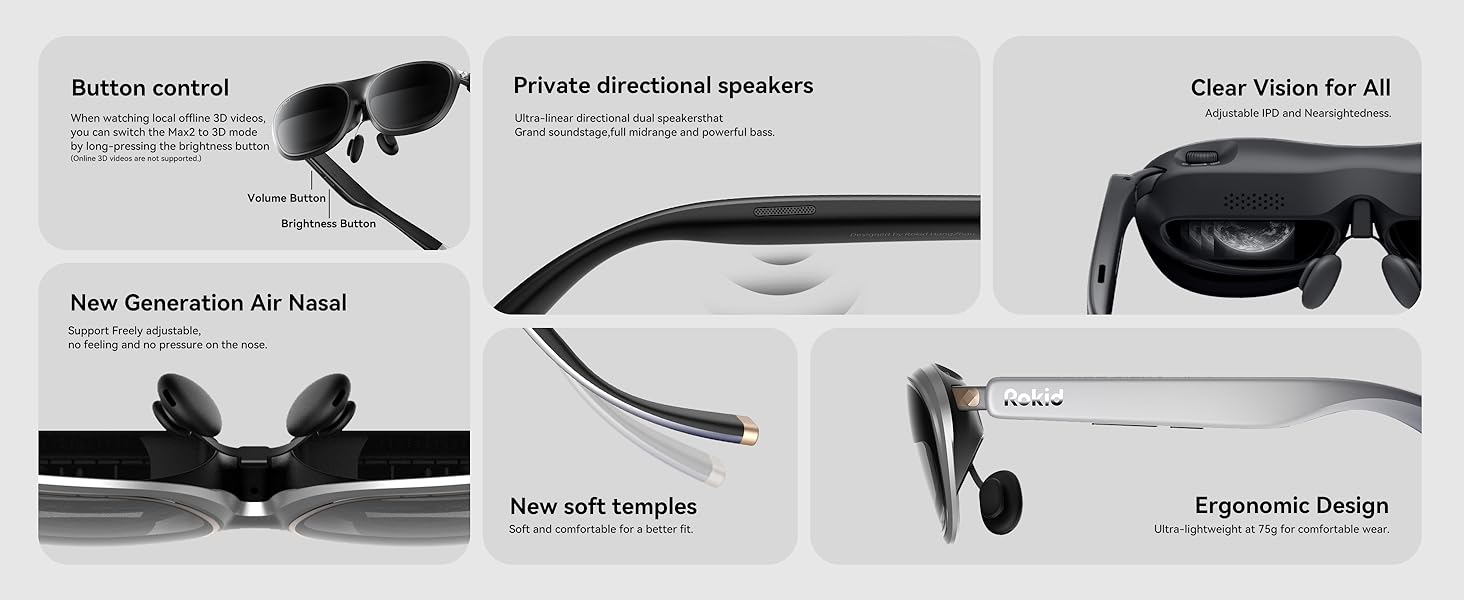
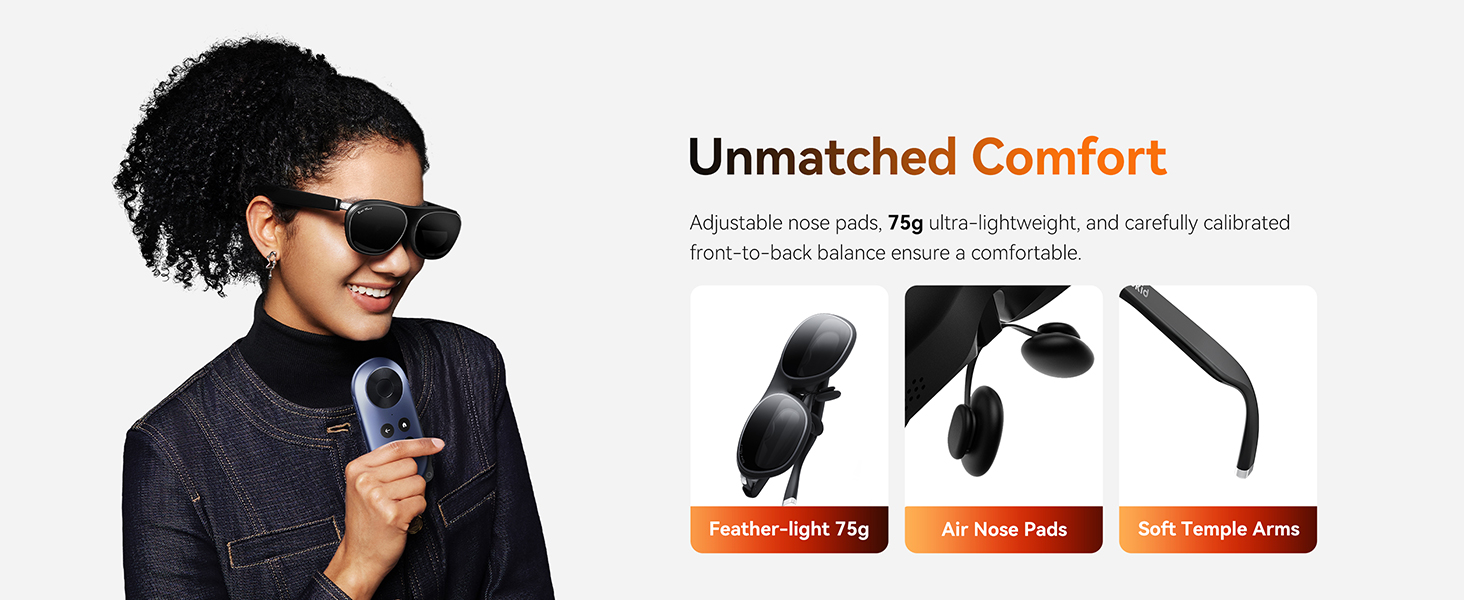
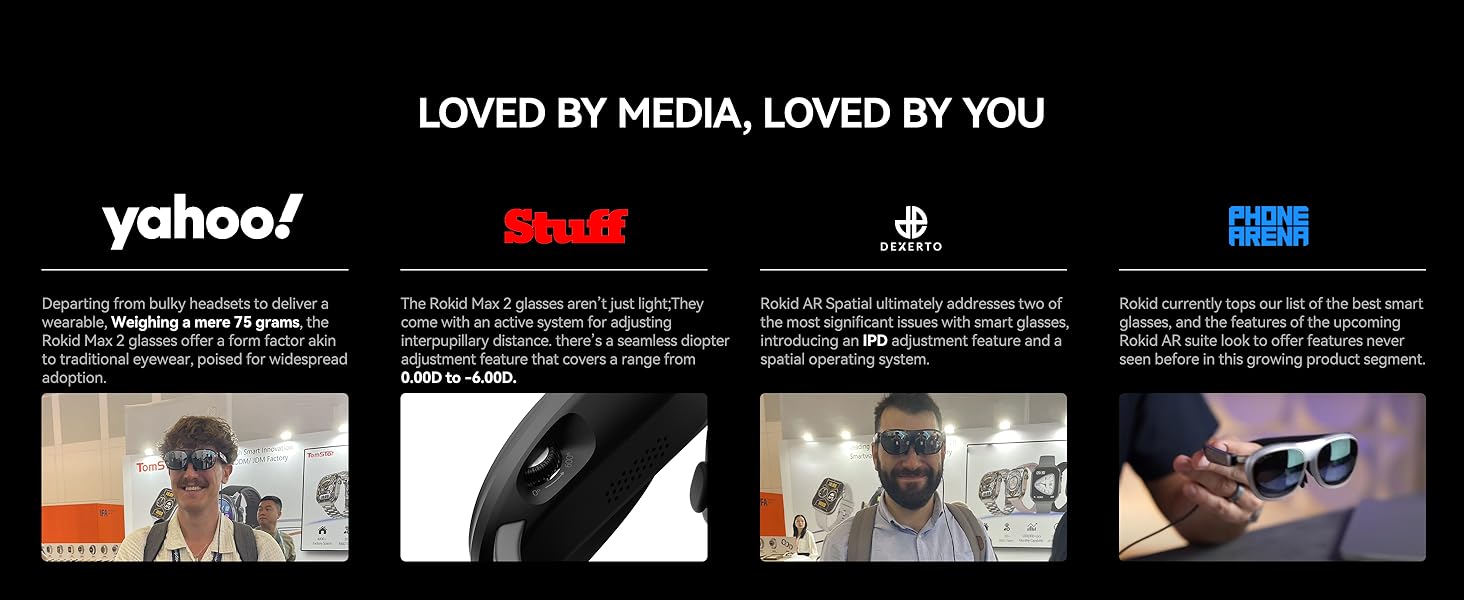
1. Enhanced wearing comfort, replaced with more comfortable nasal support material, more suitable for long time wearing
2. Optimized the widescreen edge picture, even the edge of the video, but also as clear. (Max generation will be blurred)
-
What has been upgraded in the Max 2 compared to the Rokid ar Max?
3. Increased the overall clarity of the screen, optimized all the previous bugs about the video screen.
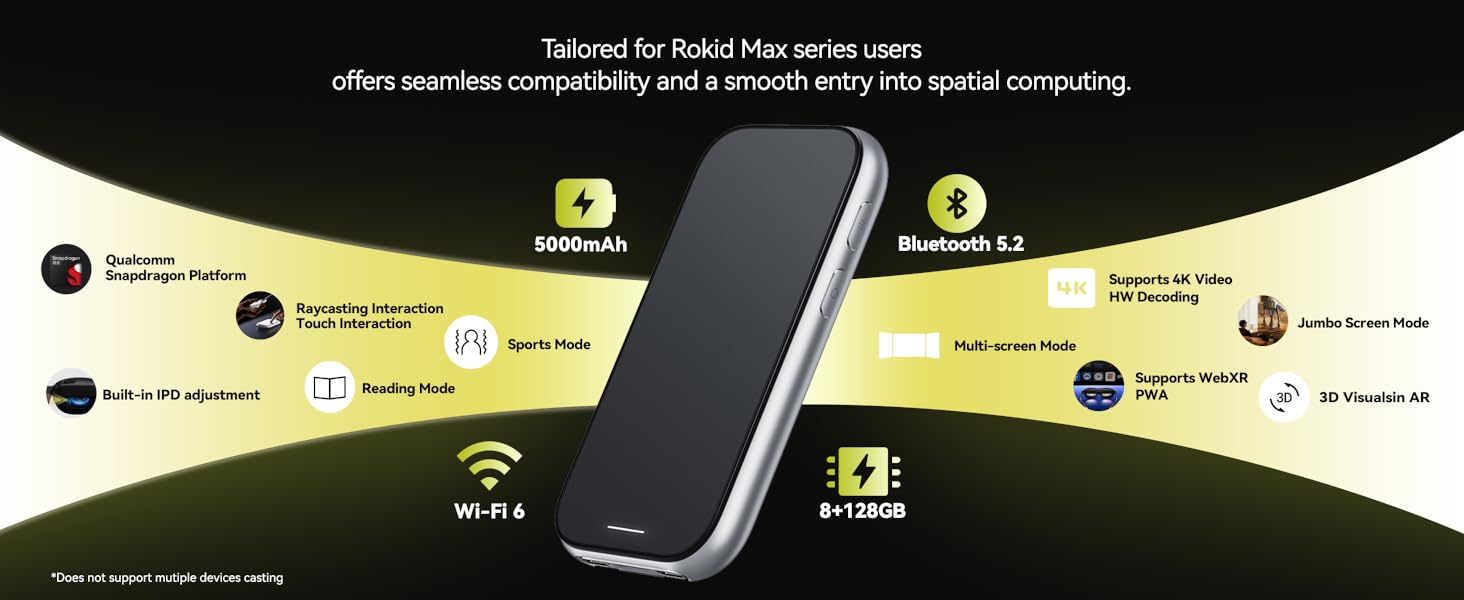
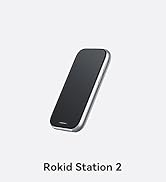
Rokid Station2 Google-Certified Spatial Calculator with Beam, Media Beam Best Companion Max2 AR Glasses, 5000mAh Battery, 8GB+128GB, Bluetooth 5.2, Wi-Fi 6

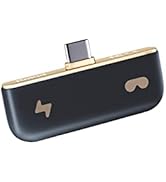

ACCESSORIES
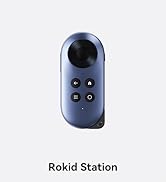
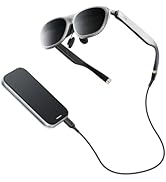
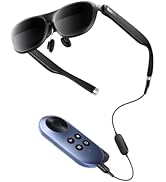
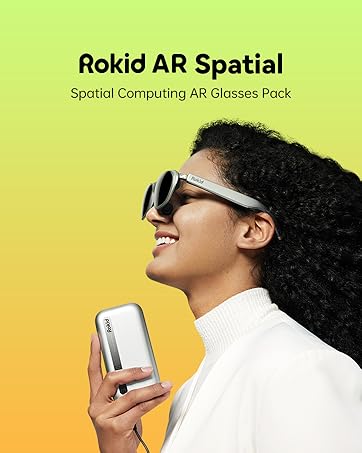
Station&Pack





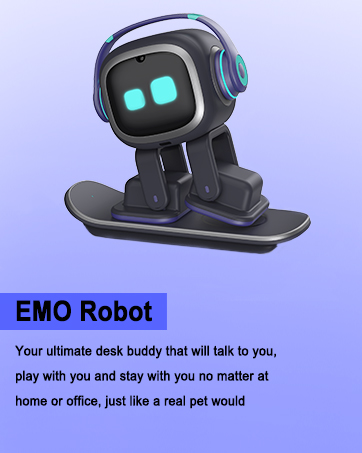
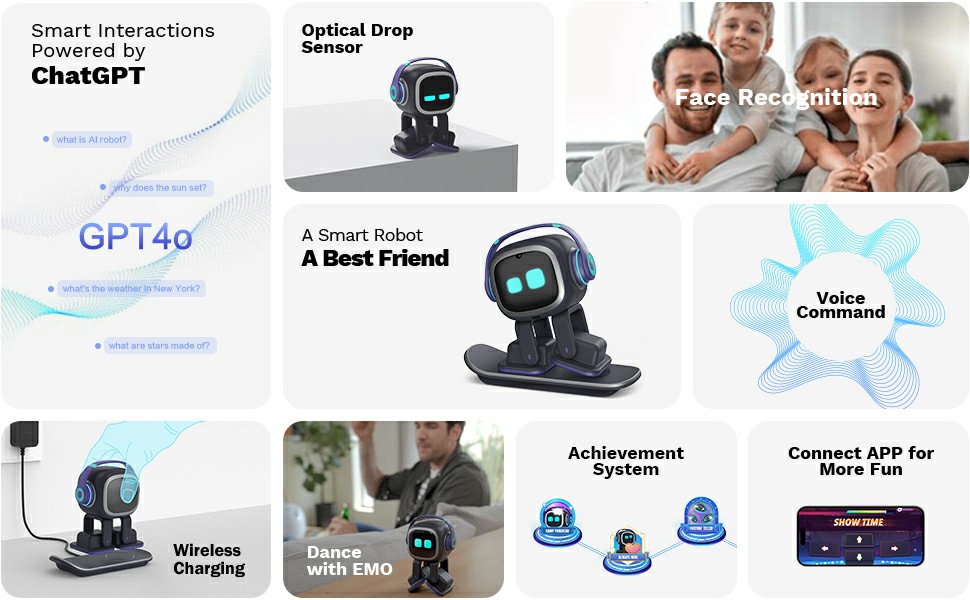
AI Desk Robot Companion - ChatGPT Enabled with Voice Commands & Dancing, Interactive AI Robot Pet with Personality, for Adults and Kids





EMOPET AI Desk Robot


EMO Has Personality
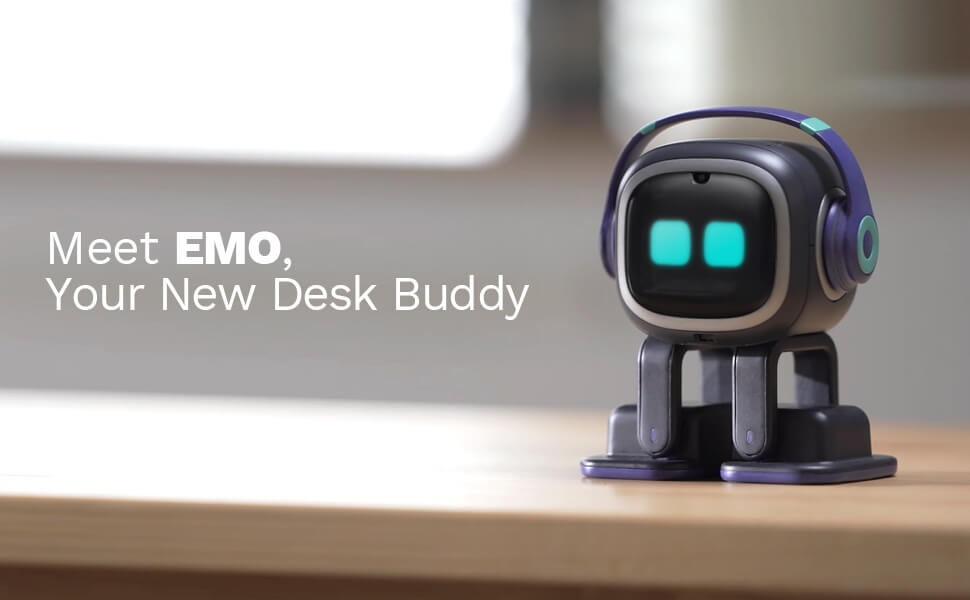
The EMO robot is not just a desk robot, it has built-in intelligence and powered by cutting-edge technology to help it see you, hear you and understand you. It can make you laugh, talk to you, send you brithday wishes or simply be there with you. And sometimes, it needs your companion too, just like a real pet would! EMO is perfect for those who want to have a "desk buddy" around there. Or if you are planning to adopt a pet but haven't tried one yet, you can certainly adopt a robot pet for starting!^^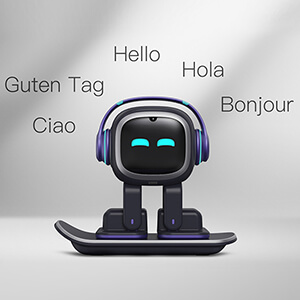
EMO Can Understand Multiple Languages
The EMO robot can understand multiple languages like Japanese, German, French, Italian, Spanish, Portuguese, Korean, and Chinese. etc. EMO will friendly repond to you in English. We are continuously upgrading EMO to allow it understand more languages. And with the ability powered by CHATGPT, EMO can chat with you and answer your questions just like a tech-savvy friend.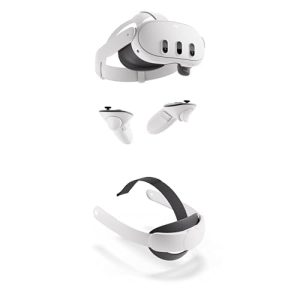
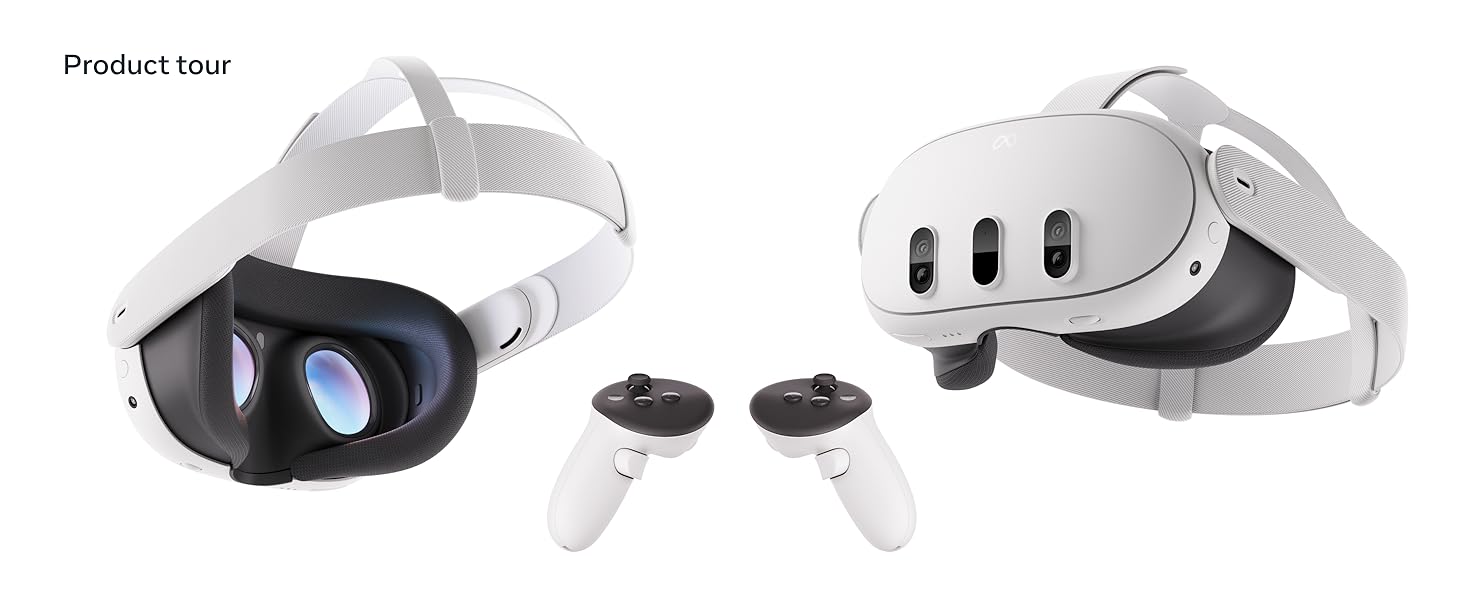
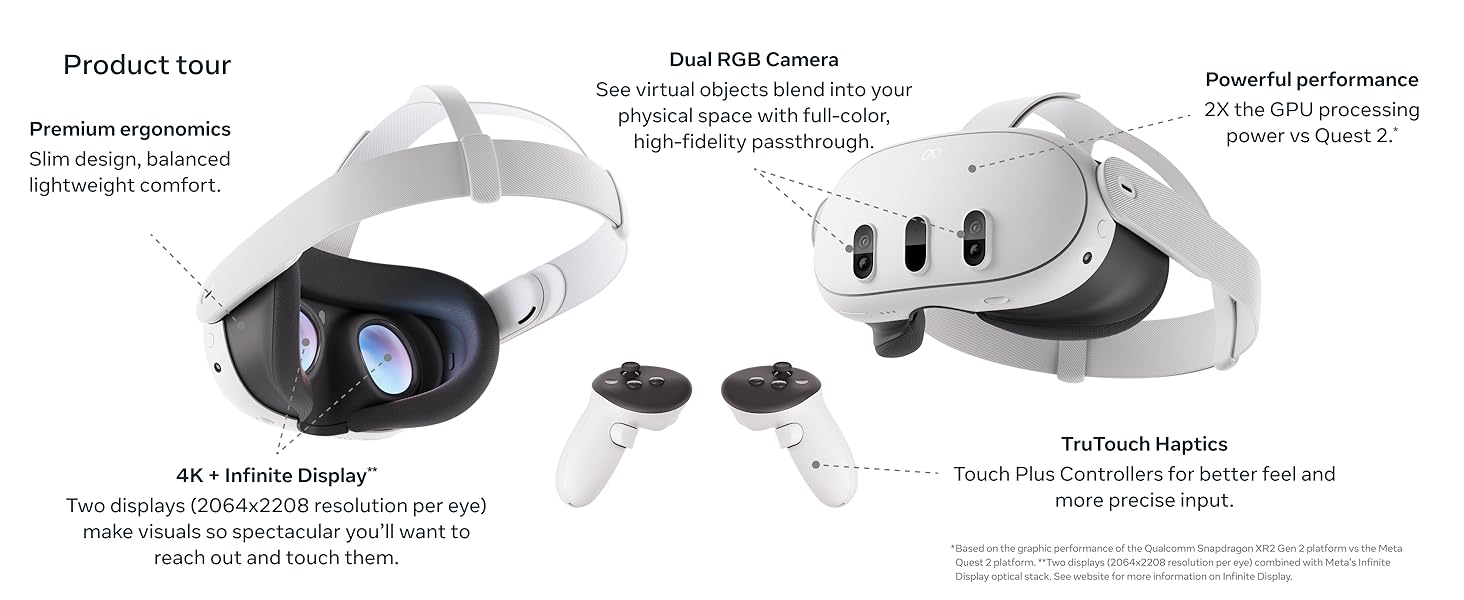
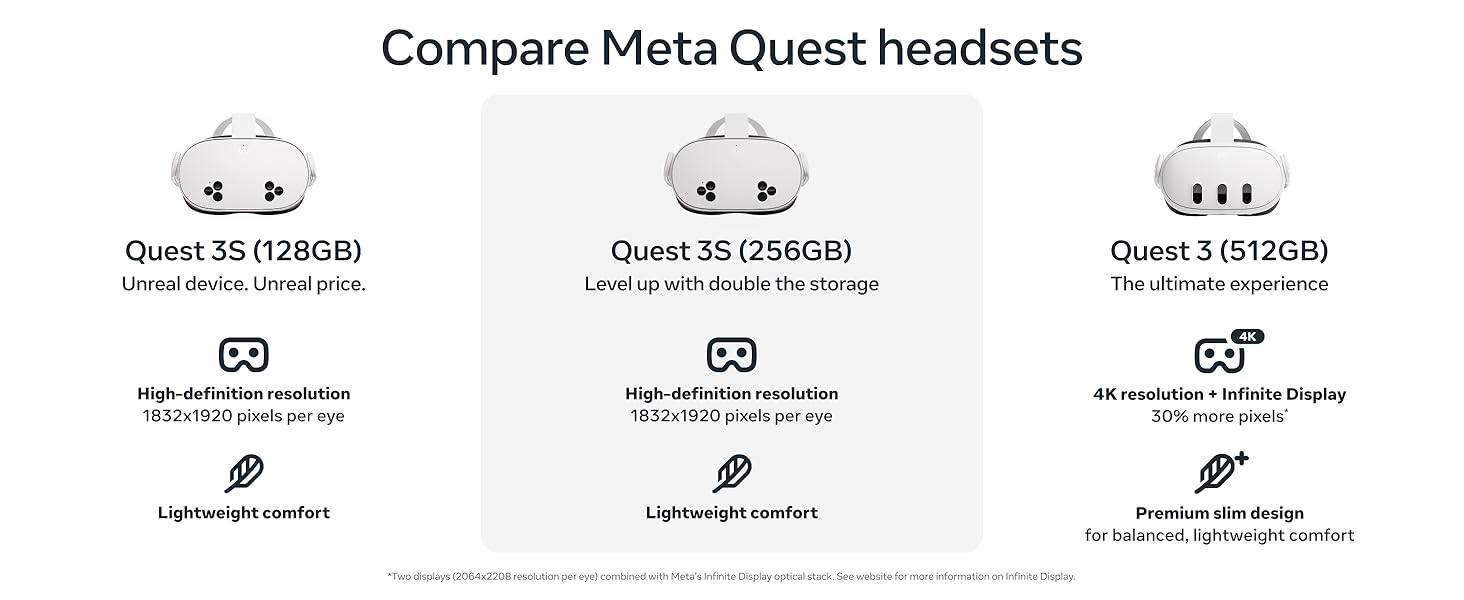
Quest 3 512GB + Elite Strap

Quest 3 s