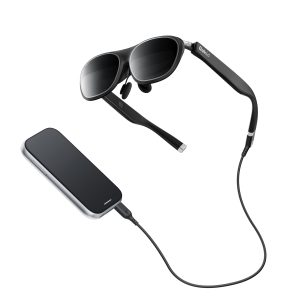
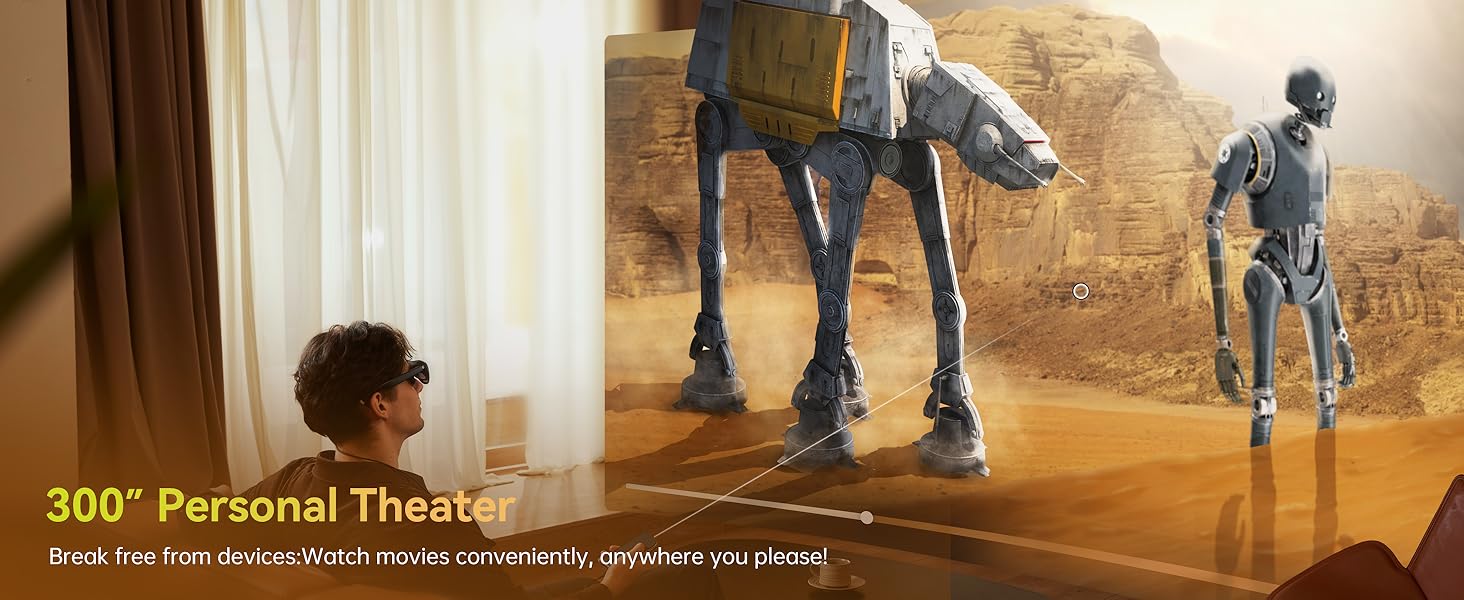
Put on these AR glasses and transform your living room into a private IMAX theater: lie back and enjoy a 300-inch movie screen, or dive into AAA action games instantly—the immersion is so intense, you'll forget reality
The video showcases the product in use.The video guides you through product setup.The video compares multiple products.The video shows the product being unpacked.
Immersive Experience for Movies and Gaming
Your everyday companion
Entertainment, movies, and work—Rokid makes everything worth every penny
The video showcases the product in use.The video guides you through product setup.The video compares multiple products.The video shows the product being unpacked.
Your everyday companion
Free switching between 0-DoF and 3-DoF
For better watching experience, DRM apps are limited to 0 Dof mode for now
The video showcases the product in use.The video guides you through product setup.The video compares multiple products.The video shows the product being unpacked.
Free switching between 0-DoF and 3-DoF
Rokid Spatial Computing AR Device
Rokid AR Spatial packs a 300-inch screen, triple multitasking, and 3-DoF spatial interaction right into your pocket
The video showcases the product in use.The video guides you through product setup.The video compares multiple products.The video shows the product being unpacked.
Rokid Spatial Computing AR Device
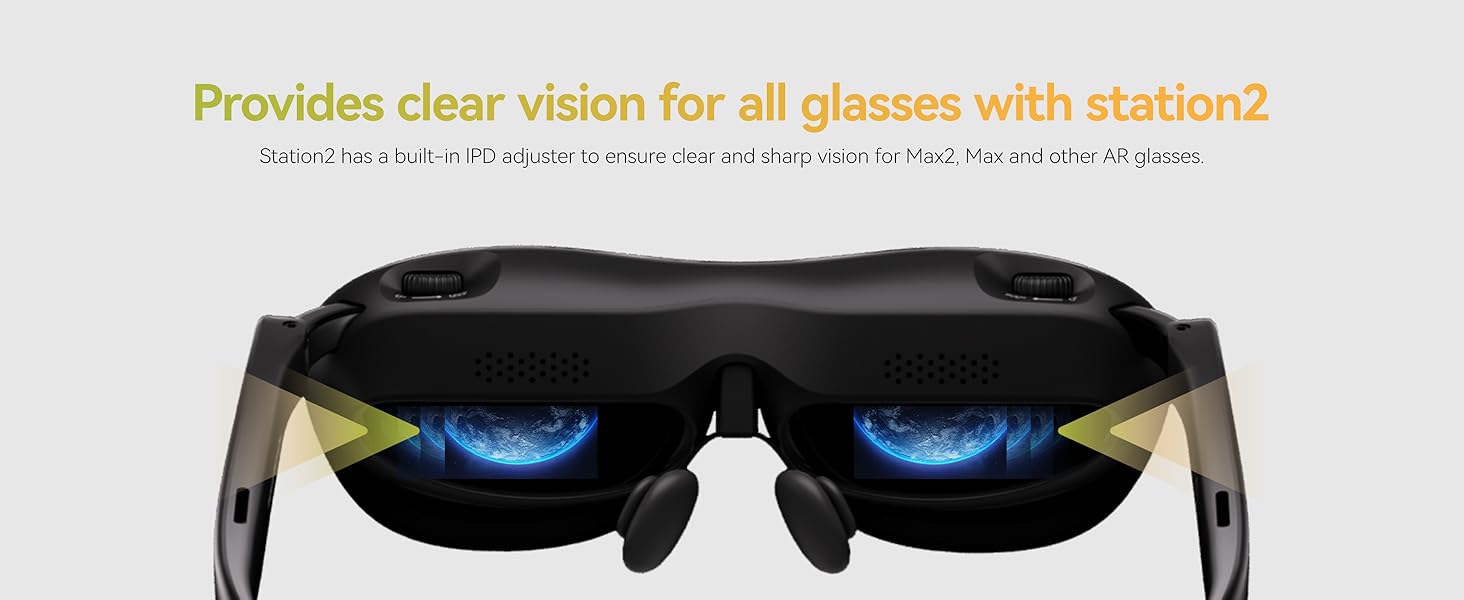
After setting the IPD distance on Station2, will this setting change when the AR glasses connect to other devices?
If the glasses are connected to another host, the pupil distance cannot be saved; Station 2, which has set the pupil distance, connects to other glasses to support the previously set pupil distance by default.
Why won't any of my video apps work?
After launching Station2 for the first time, you must perform a system version upgrade in the settings. For compatibility, download them from the Rokid Software Store or Google Play Store whenever possible.
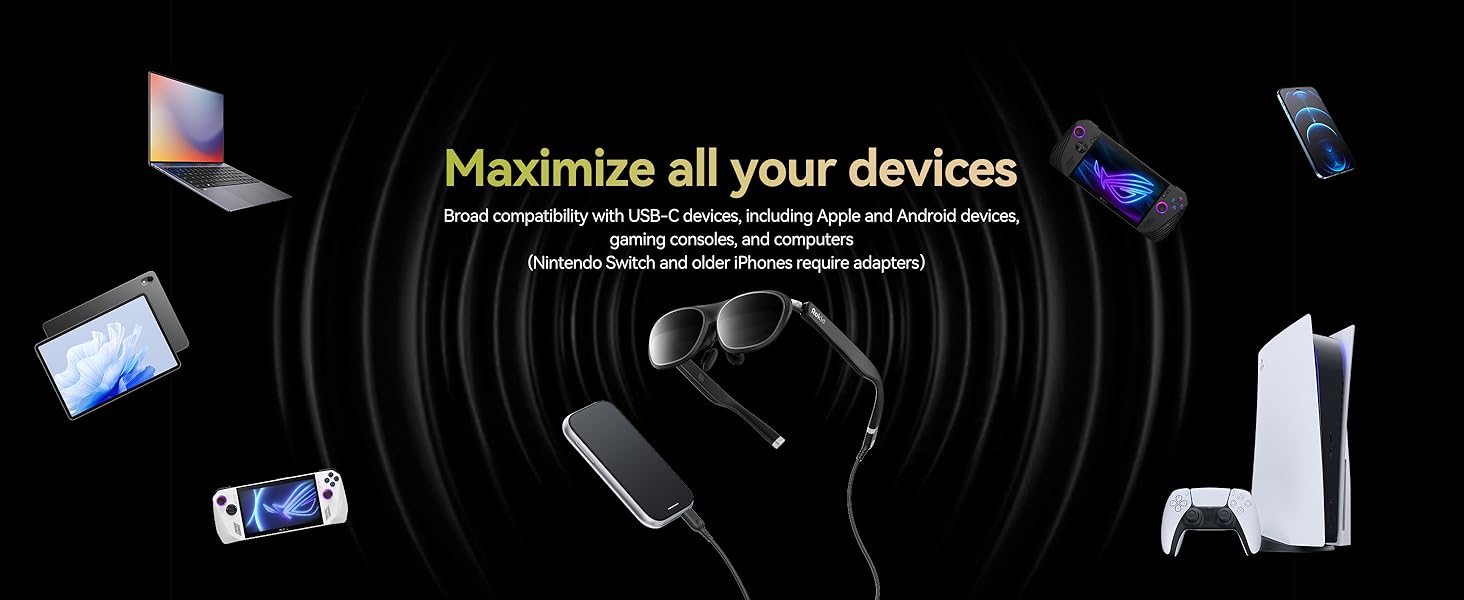
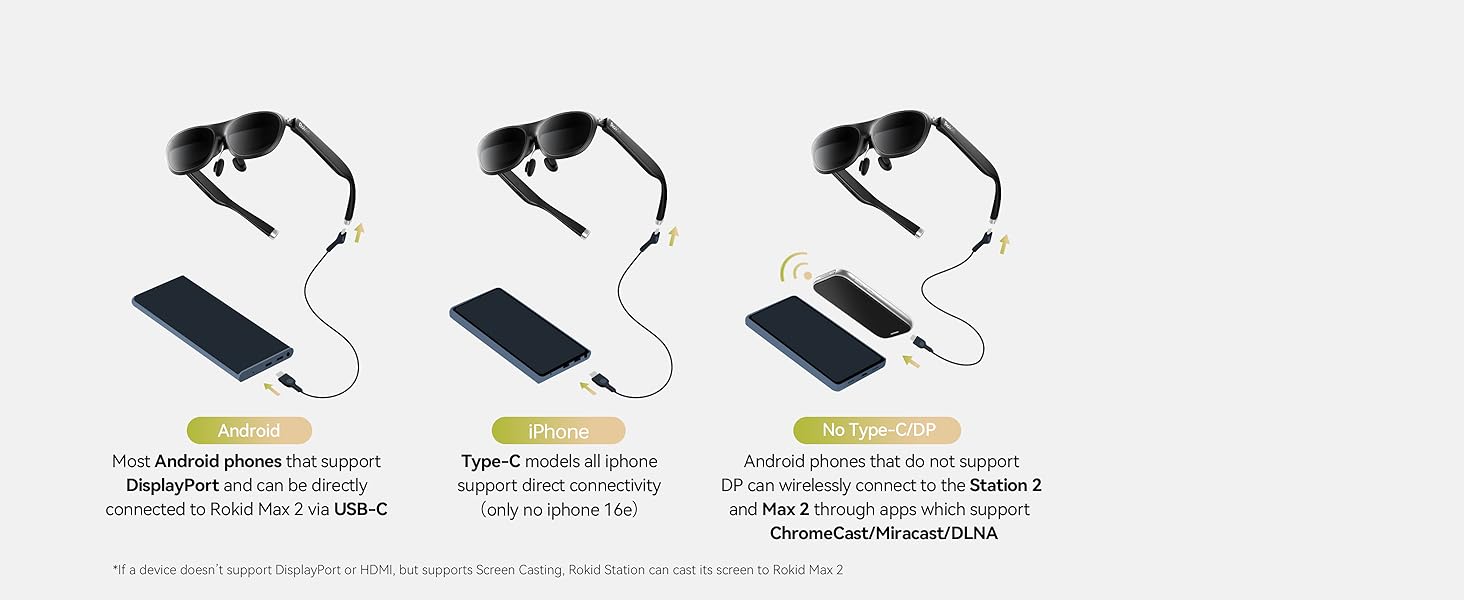
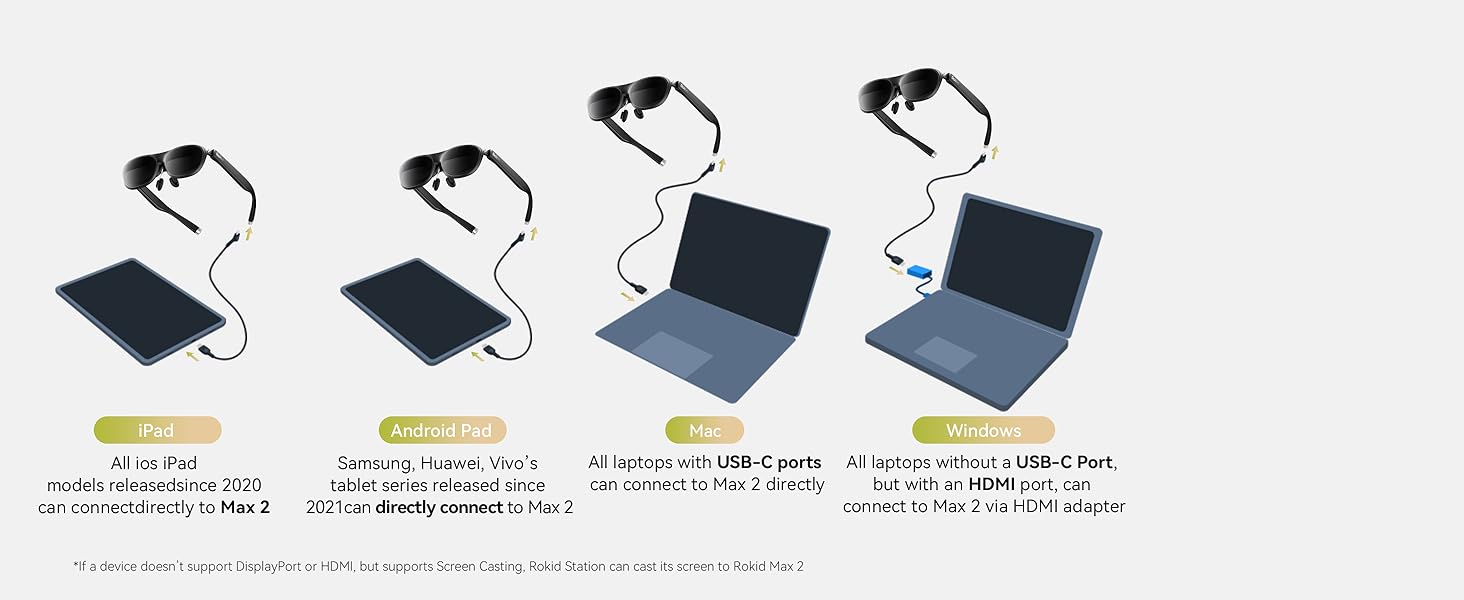
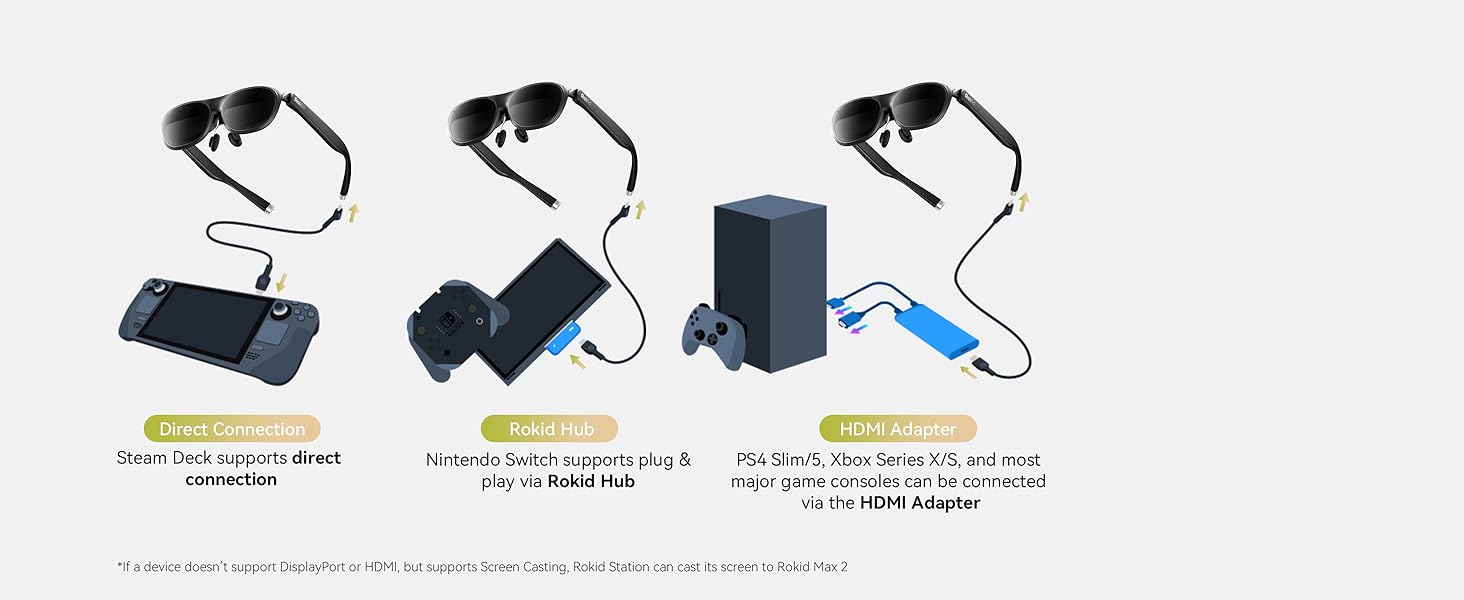
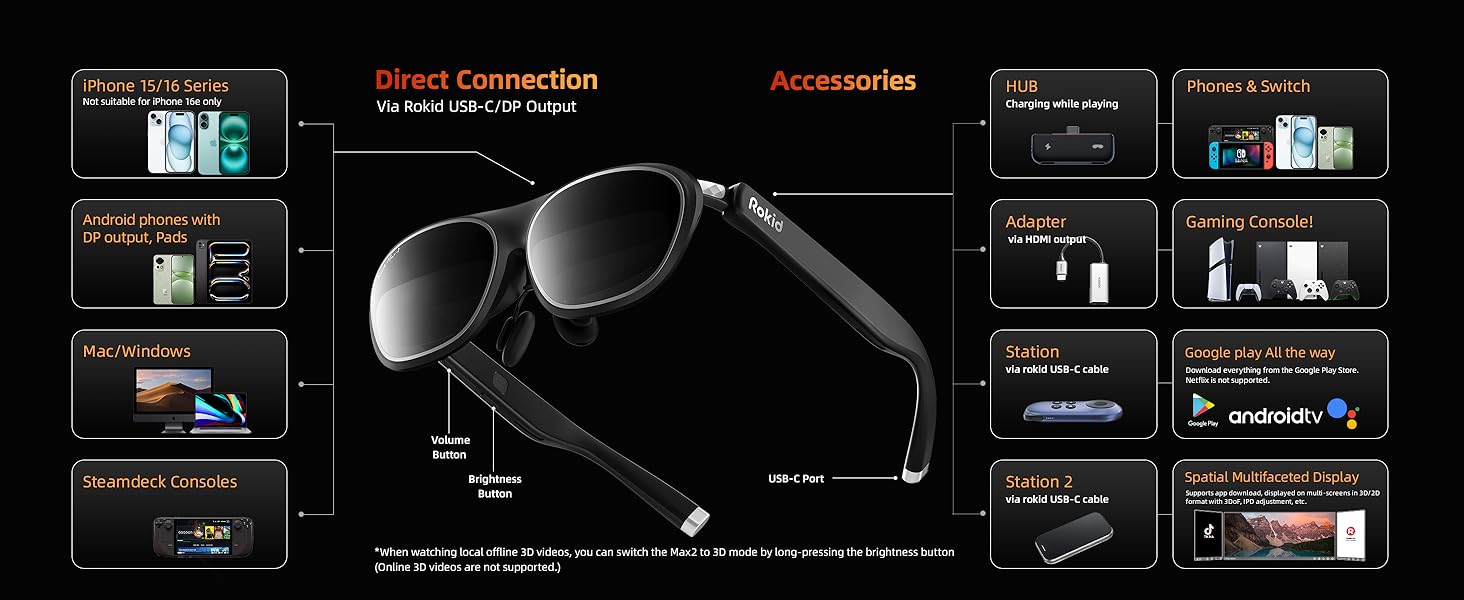
Which devices can be directly connected to the Rokid Max 2 glasses?
If your smart device (Pad, intel NUC,etc.) supports DisplayPort over USB-C 3.1, you can connect it directly to the Rokid Max 2 glasses.
Note: check the type of your smartphone on the GSM Arena webs ite: https :// w ww.gsmarena .com
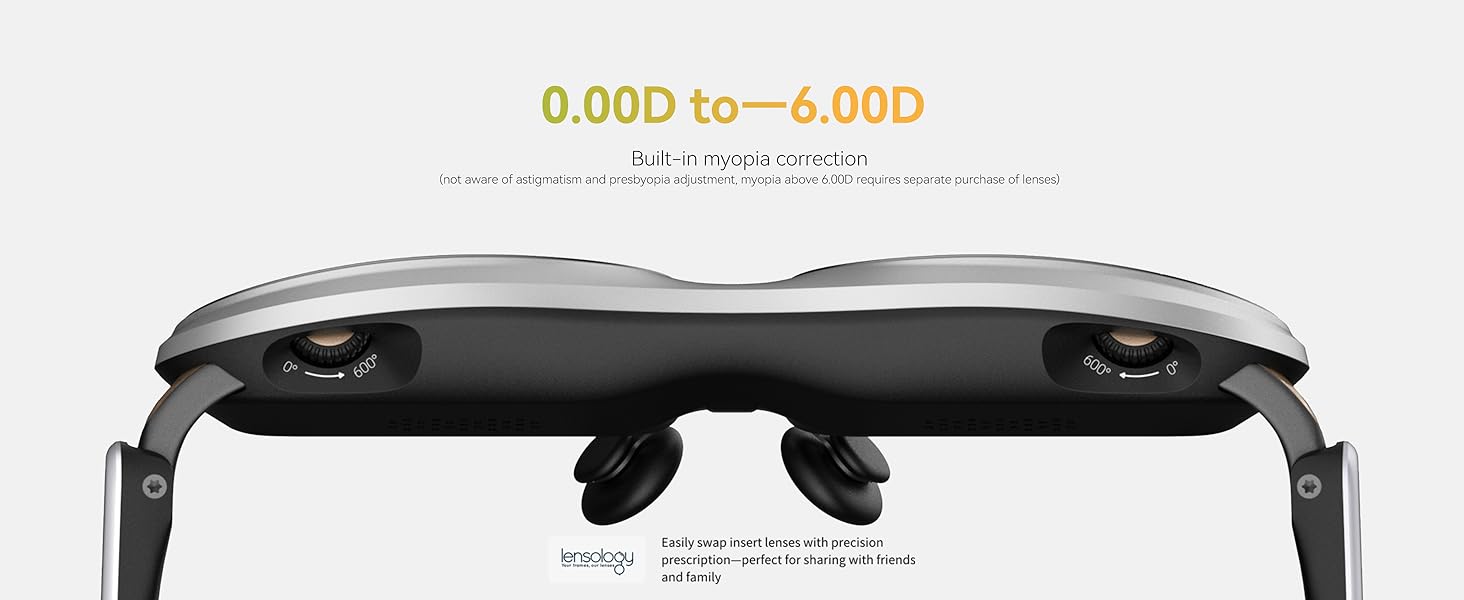
Can lenses be prescribed separately for hyperopia, astigmatism, or myopia exceeding 600 degrees?
Yes, hyperopia, astigmatism, or myopia exceeding 600 degrees requires separate prescription lenses tailored to individual needs. (Frames must be purchased separately. ASIN: B0C7GZGTH3)
Battery Cell Composition:Lithium Ion
Brand:Rokid
Color:BlackSet
Item Weight:75 Grams
Manufacturer:Rokid
Size:Max2+station2
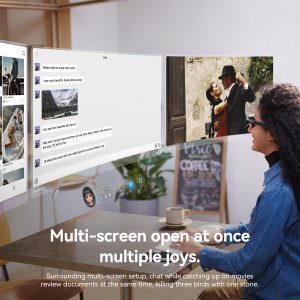
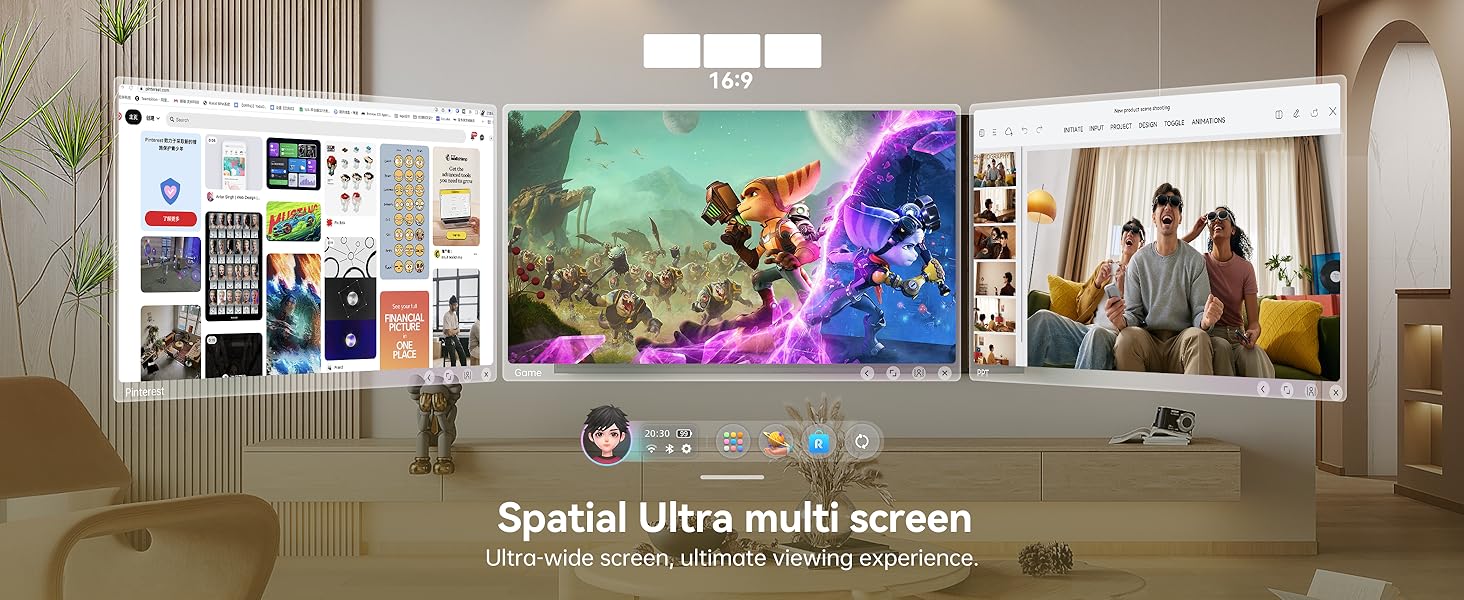
· 3-Screen Multitasking: Rokid AR Spatial features a unique 3-screen display, allowing simultaneous use of 3 apps for boosted productivity, gaming, or immersive entertainment.Note: When connecting with Android phones, the 3-screen display is only supported via DLNA protocol (Miracast and ChromeCast connections are limited to single-screen mode).
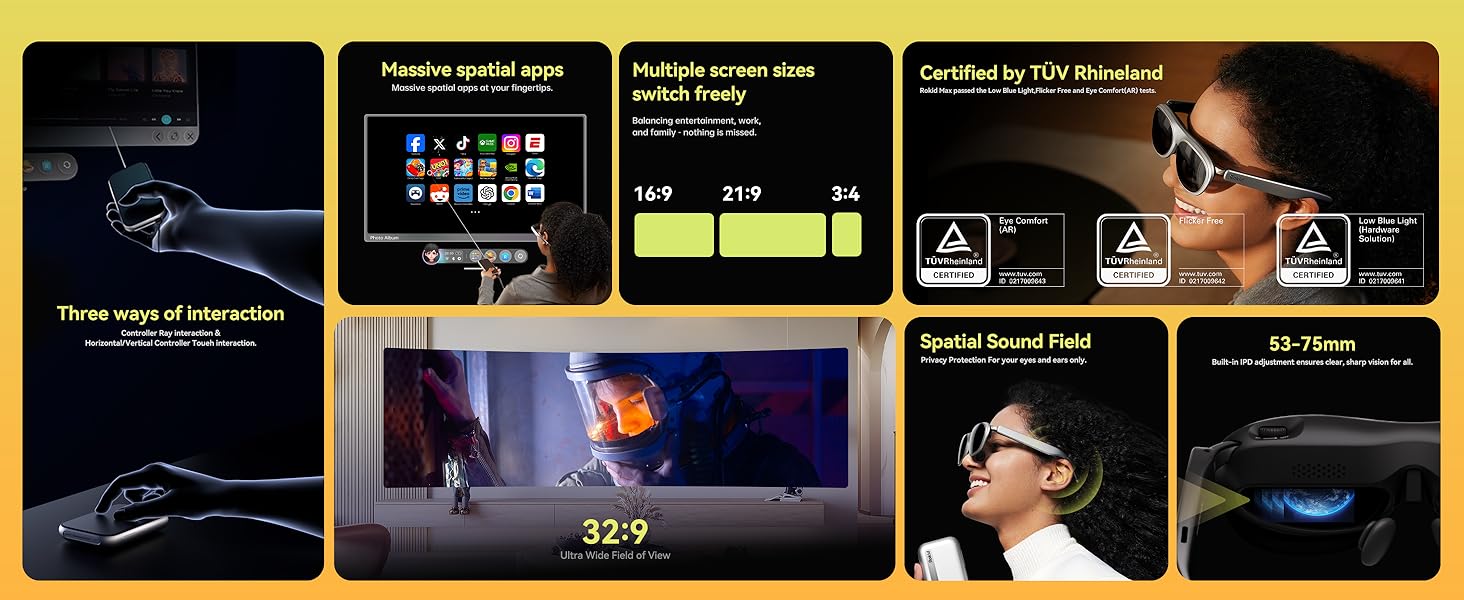
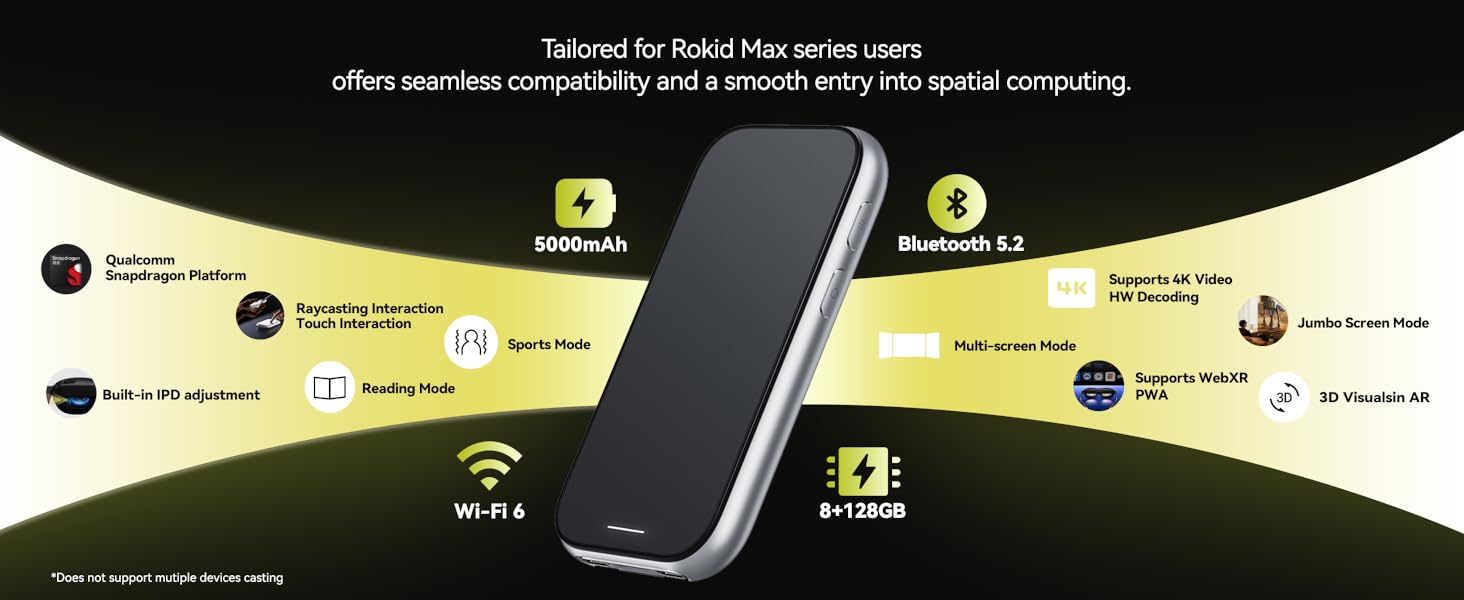
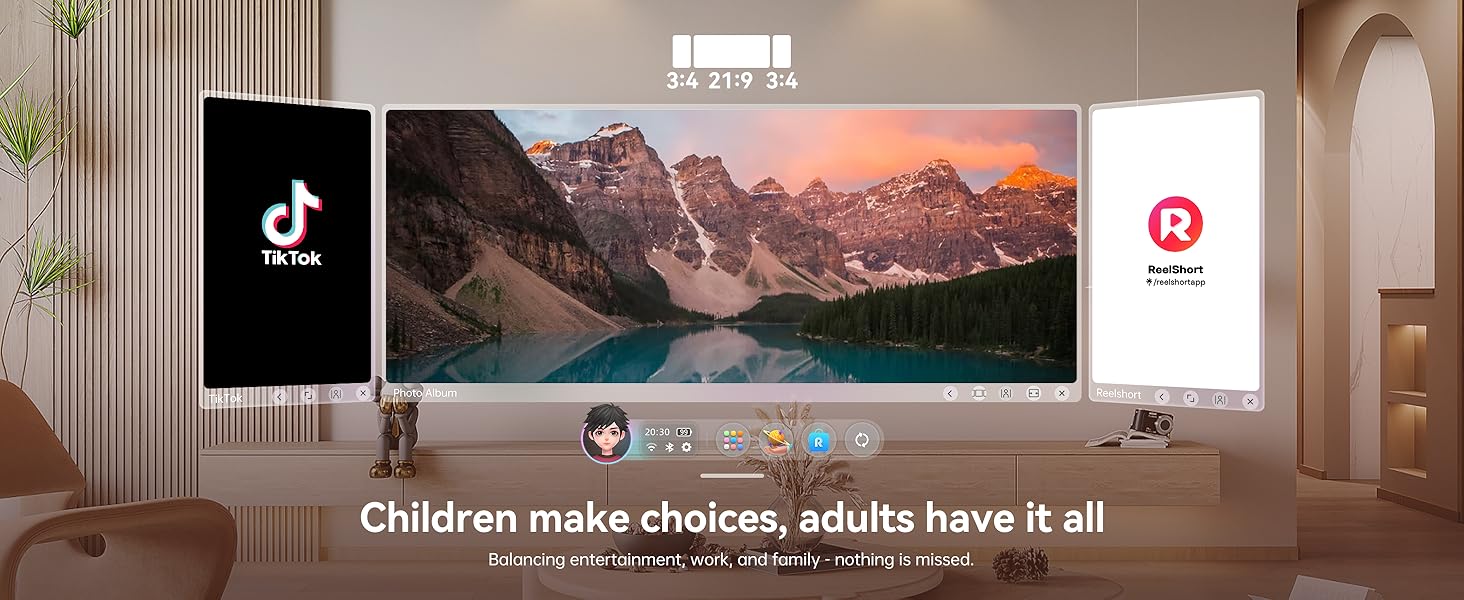
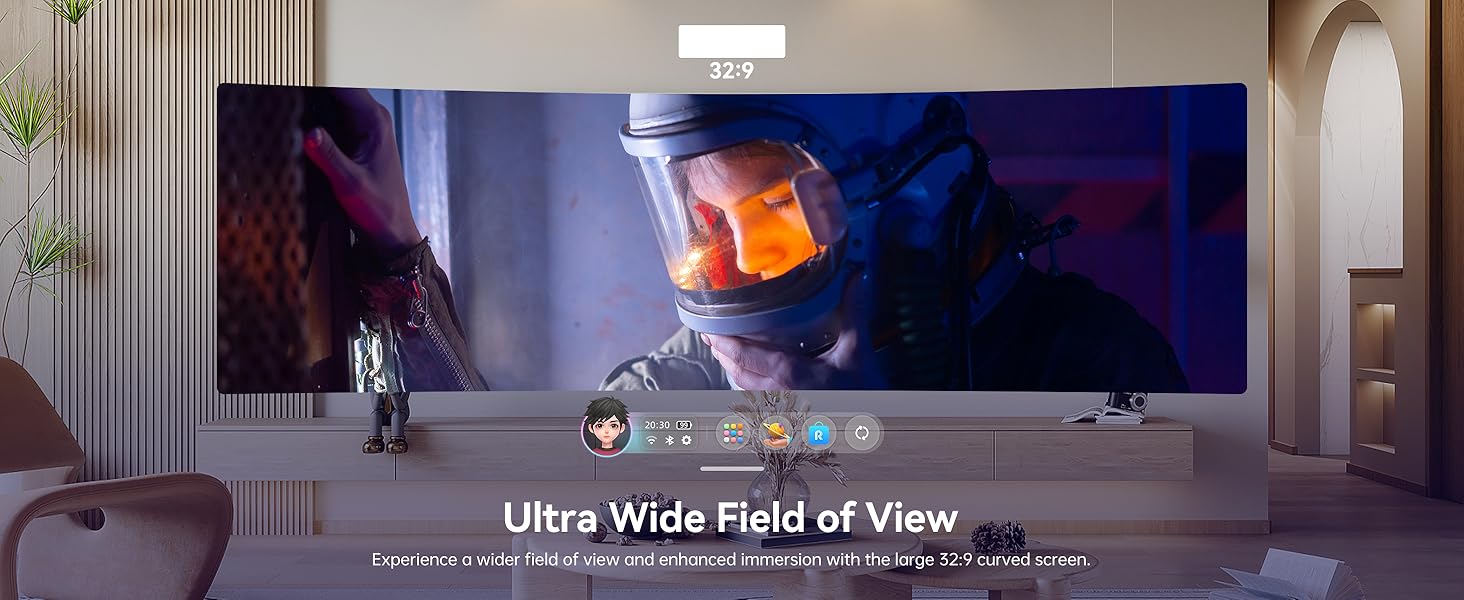
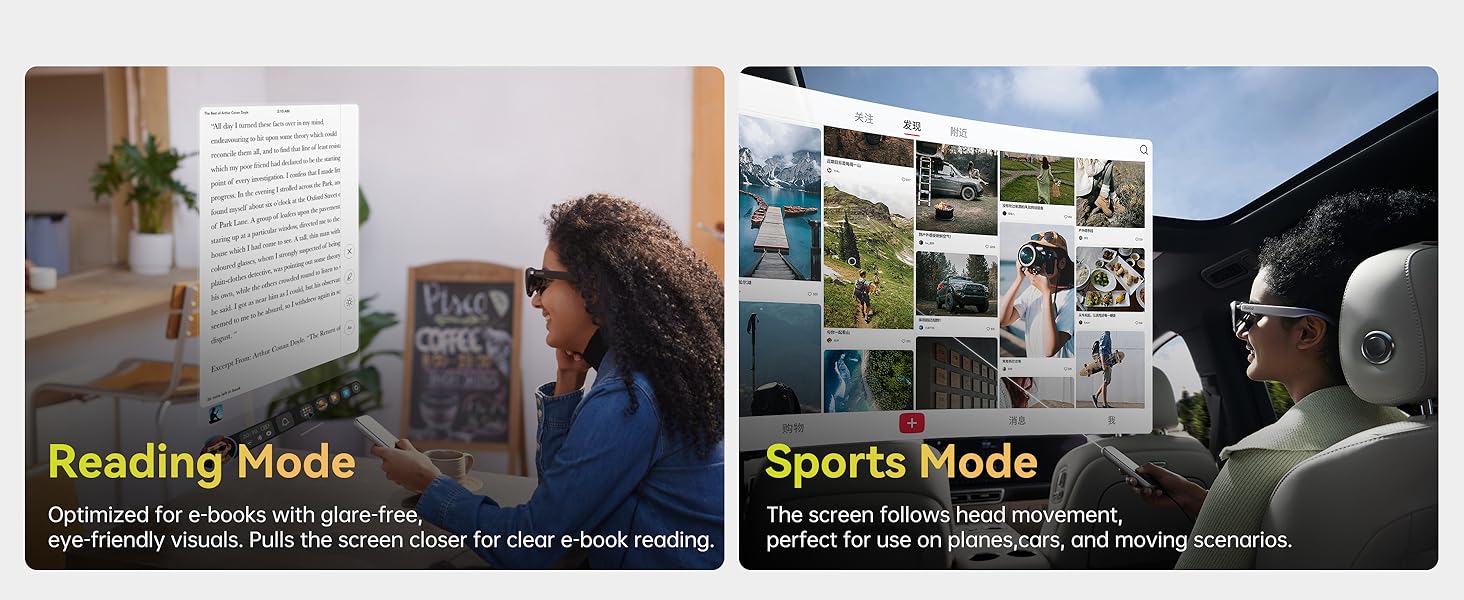
· 4 Smart Modes + 3 Screen Sizes: Switch between Reading, Giant Screen, Sports, and Multi-Screen modes, each adjustable to Wide (16:9), Narrow (3:4), or Ultra-Wide (21:9) ratios(Some apps,e.g., File Assistant,don`t support). In Giant Screen Mode, the aspect ratio can expand up to 32:9, delivering a more immersive viewing experience for movies and videos.
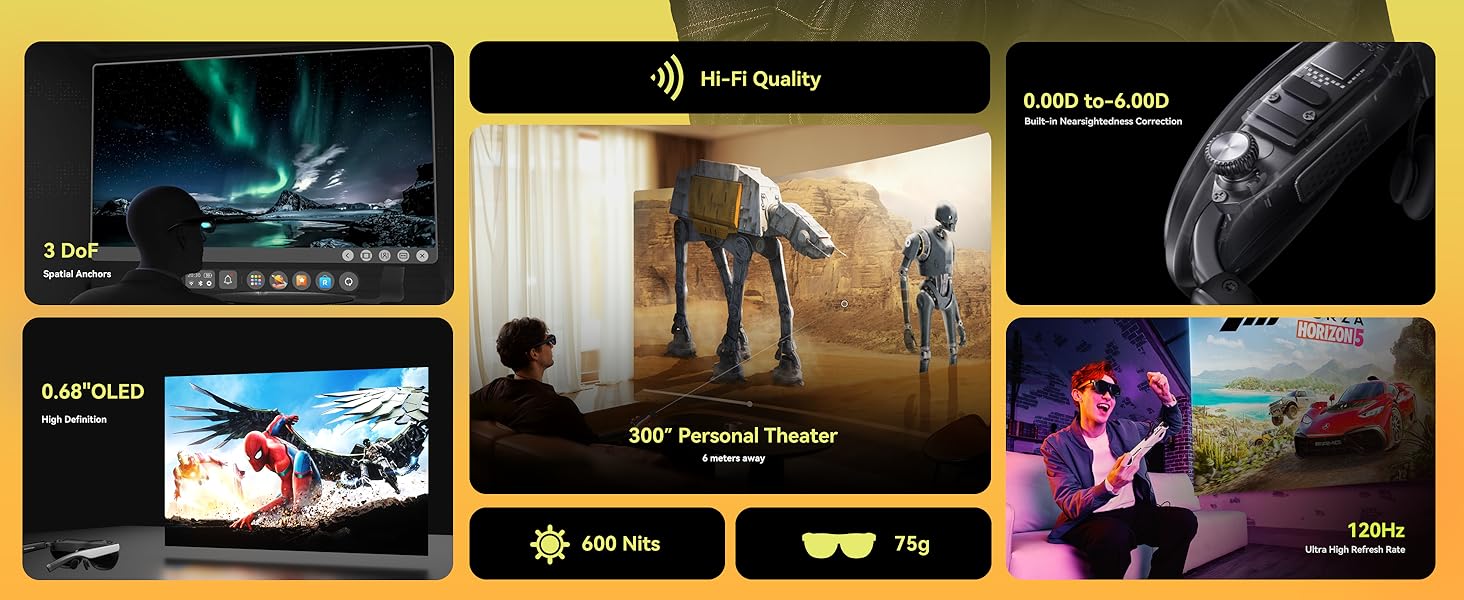
· 3DoF (Three Degrees of Freedom) Functionality: Giant Screen Mode and Multi-Screen Mode support 3DoF, allowing the display to remain fixed in space without following head movements. Sports Mode and Reading Mode only support 0DoF, meaning the screen moves along with your head. (Is a versatile AR solution for work and play)
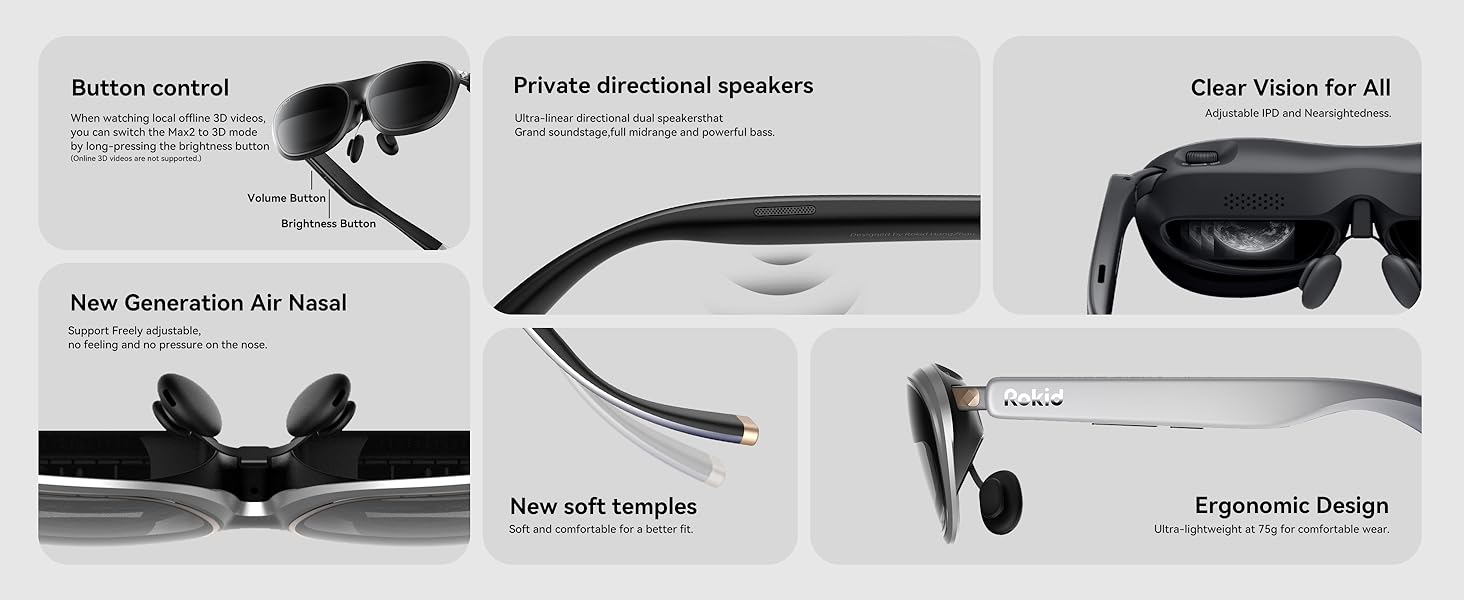
· Myopia & IPD Adjustment: Supports up to 600 degrees(currently, astigmatism is not supported). Effortlessly fine-tune the adjustment dials on top of the glasses to achieve optimal comfort and clarity, elevating your movie and gaming adventures to a new level. Users with myopia greater than 600° will need to purchase separate prescription lenses. Auto IPD adjustment (55–72mm) when paired with Station2.
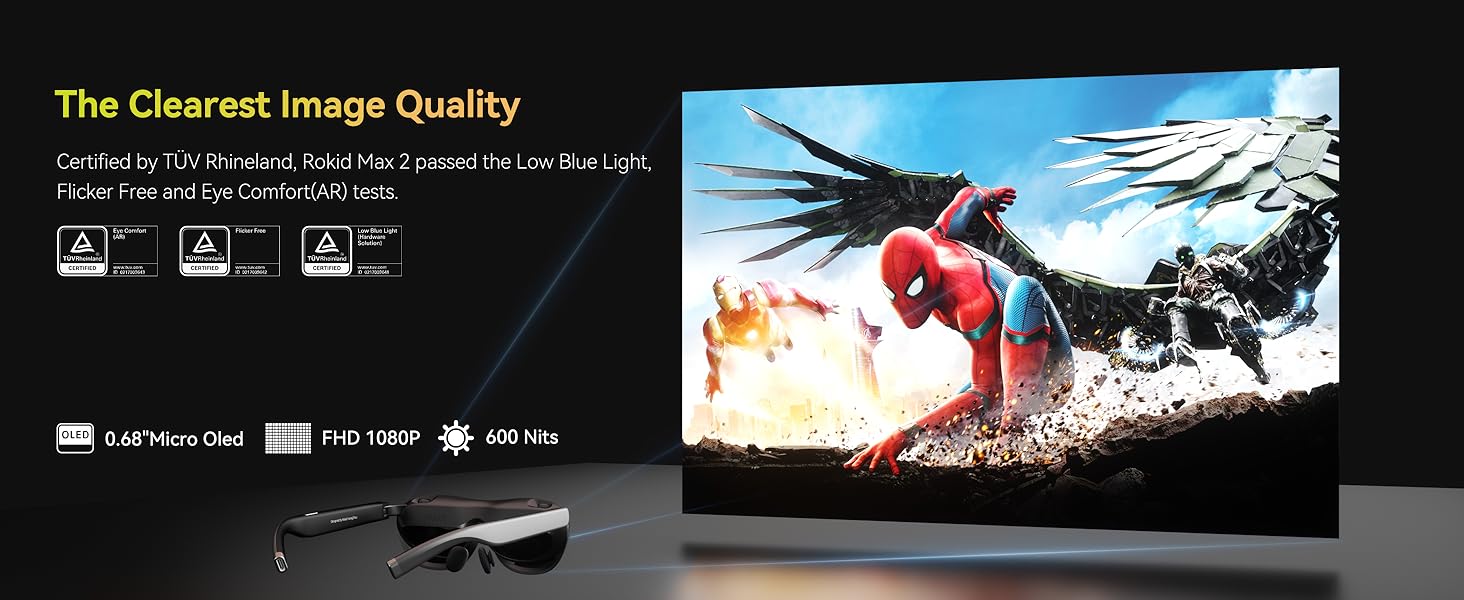
· Cinematic Visuals: Max2 AR glasses boast a 50% larger Micro OLED display vs. Max, with 1920×1200 resolution, 120Hz refresh rate, 600 nits brightness, and 108% sRGB for vivid, lag-free visuals. (Causes enhanced immersion in movies/games)
· All-Day Power & Performance: Station2 weighs 0.31kg for on-the-go use,spatial computer packs a 5000mAh battery (3.5h runtime), 8GB RAM + 128GB storage, Wi-Fi 6, and Bluetooth 5.2 for smooth operation. Dual Type-C ports enable charging while using.
· Comfort Redefined: The Rokid Max2 weighs just 75 grams and features soft, flexible temples for a lightweight fit. Its redesigned nose pad incorporates an airy cushioning design, significantly improving comfort. This innovative structure prevents slippage during wear and reduces pressure fatigue, ensuring long-lasting stability. (Additional spare sizes included.)
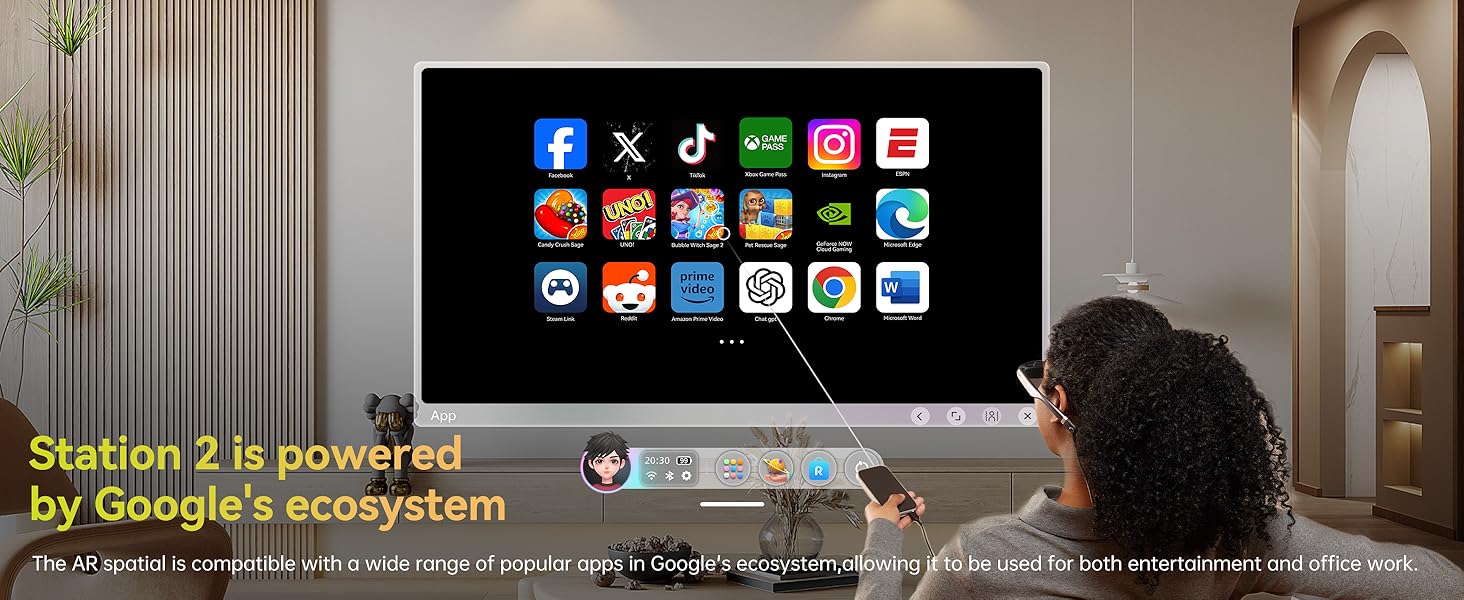
· Exclusive Rokid Ecosystem: Access Netflix, YouTube, Prime Video, and 3D games via Station2’s app store (Note: Netflix/Apple TV only support 0DoF). Effortlessly connect Rokid AR Spatial to gaming devices like Nintendo Switch, PS5, and Xbox for seamless, lag-free play, delivering an immersive and captivating gaming experience.
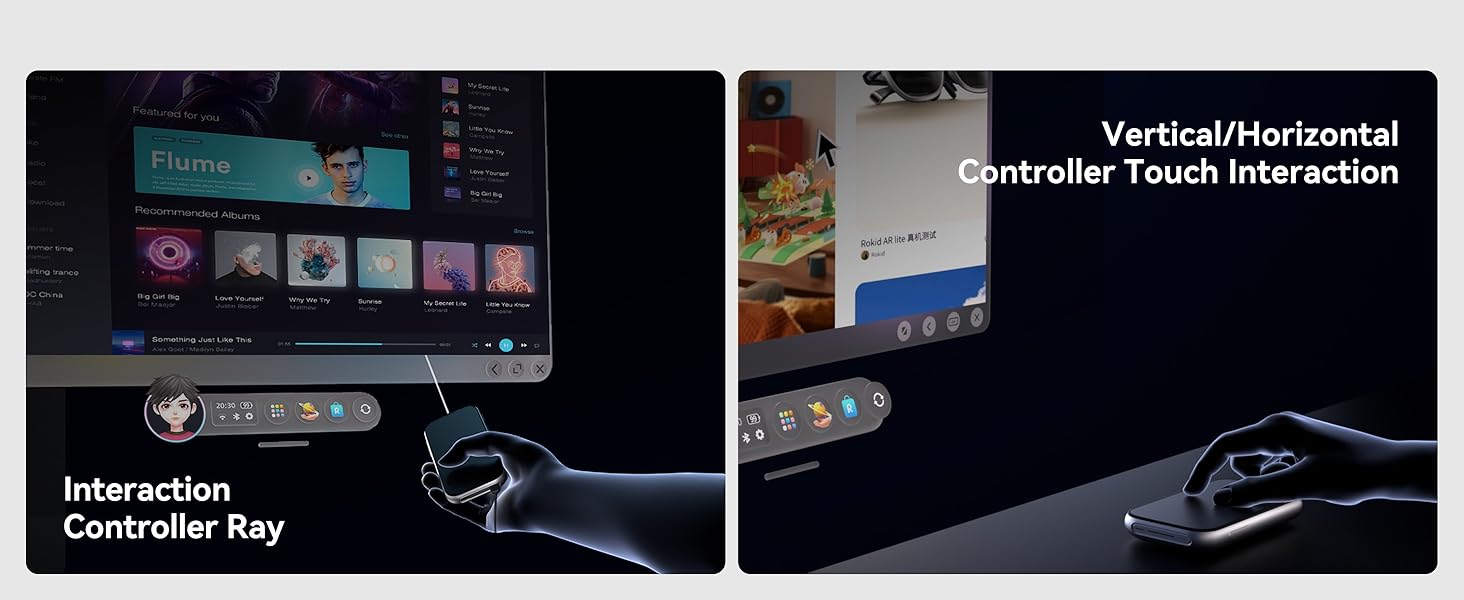
· Intuitive Controls: Navigate with gesture-based spatial rays, voice commands, touch, or connect gamepads/keyboards via Bluetooth/USB for precision control. Runs YodaOS-Master system with regular updates, ensuring compatibility with evolving AR/XR content.
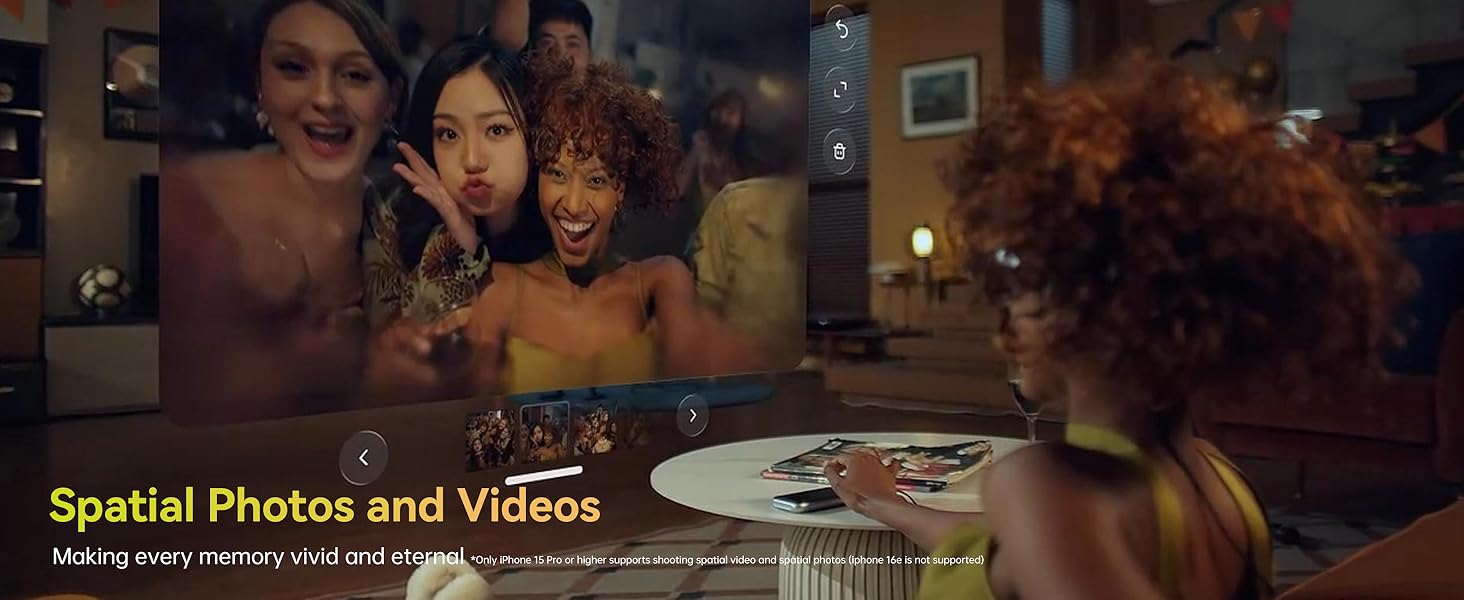
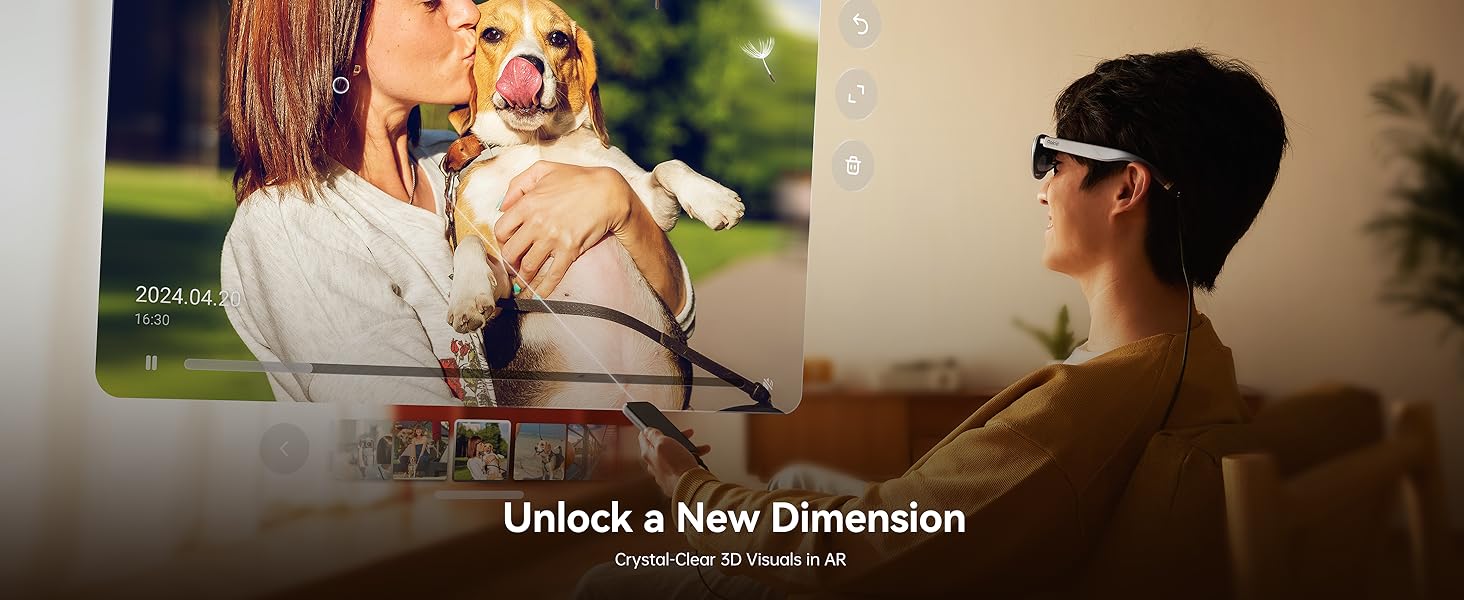
· Spatial Album & Cross-Device Sharing: Relive memories in 3D with Spatial Album (compatible with smartphones). Flash-transfer content from phones or other Station2 devices via Rokid AR app.
$550.00Original price was: $550.00.$459.00Current price is: $459.00.