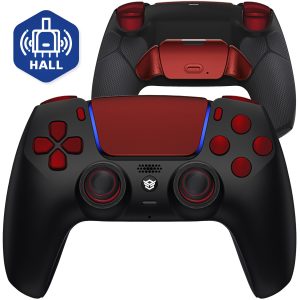
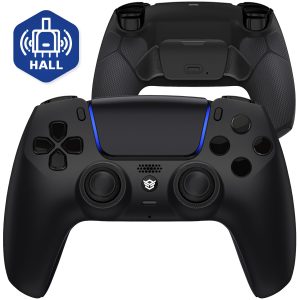
HEXGAMING RIVAL Hall Effect Wireless Controller Compatible with ps5-2 Back Buttons, Mouse-Click Hair Triggers, Interchangeable Thumbsticks - Black Red
HEXGAMING IS THE HIGH-PERFORMANCE CUSTOMIZABLE CONTROLLER BRAND FOR ESPORTS
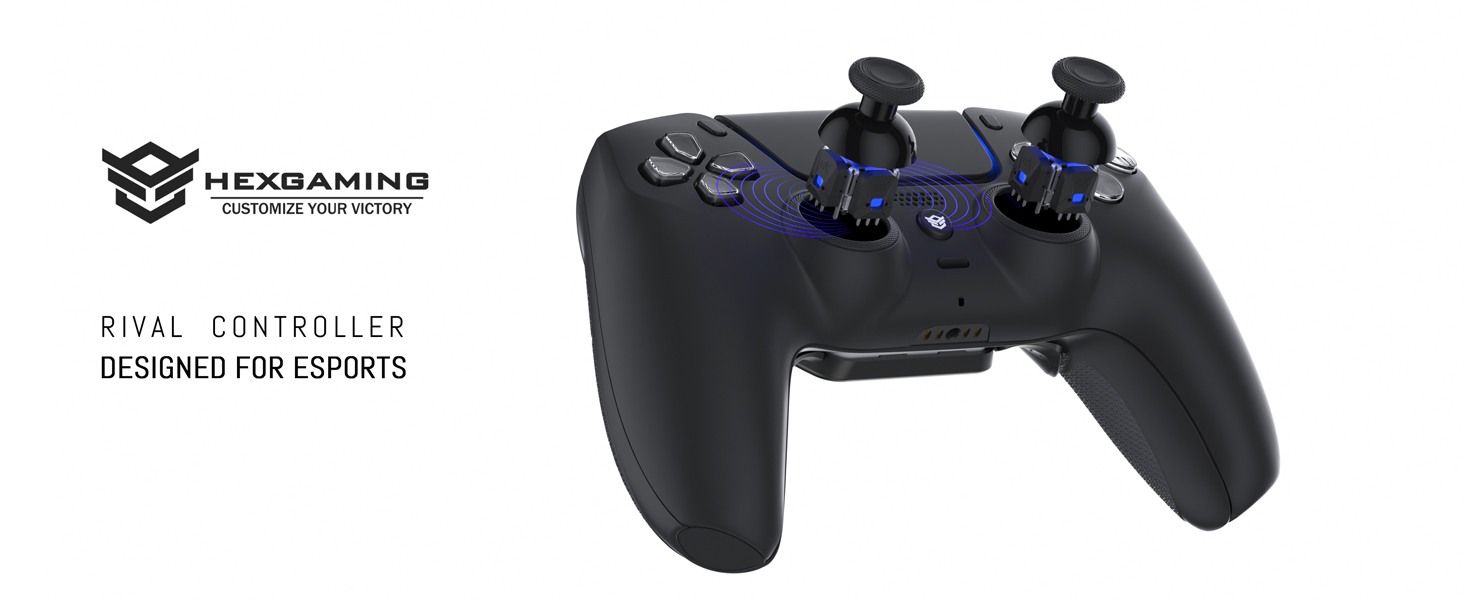
WE USE ONLY AUTHENTIC OFFICIAL CONTROLLERS TO BUILD OUR CUSTOMIZED CONTROLLERS
Advanced Hall effect joysticks deliver exceptional accuracy and long-lasting durability.
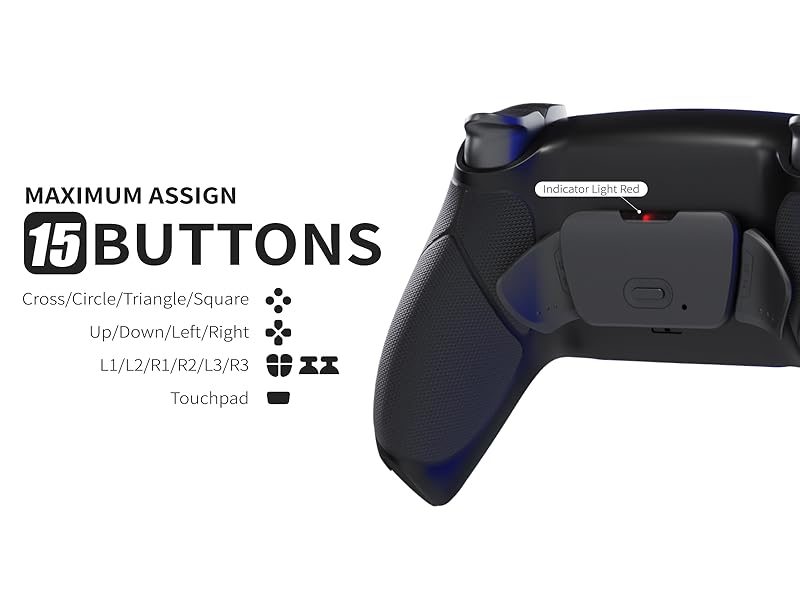
CUSTOMIZABLE BACK BUTTONS FOR REMAPPING
Maximum assign 15 buttons (X, O, Triangle, Square, Up, Down, Left, Right, L1, L2, R1, R2, L3, R3, Touchpad) to the rear buttons.
Note: Back buttons support standard remapping only. Macro functions are not supported.
ENHANCE PRECISION WITH DETACHABLE THUMBSTICKS
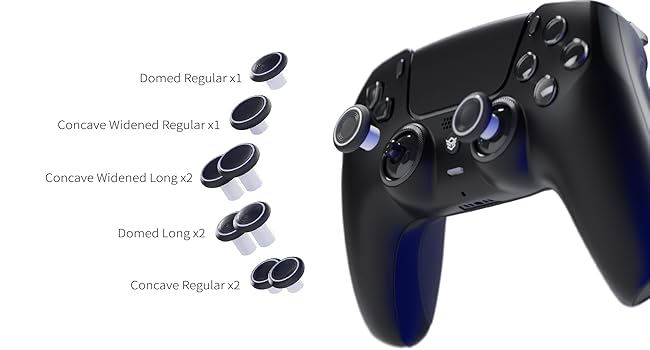
8 INTERCHANGEABLE TEXTURED THUMBSTICKS
2 different heights, 3 different ergonomic thumb grip designs, domed, concave, and concave widened.
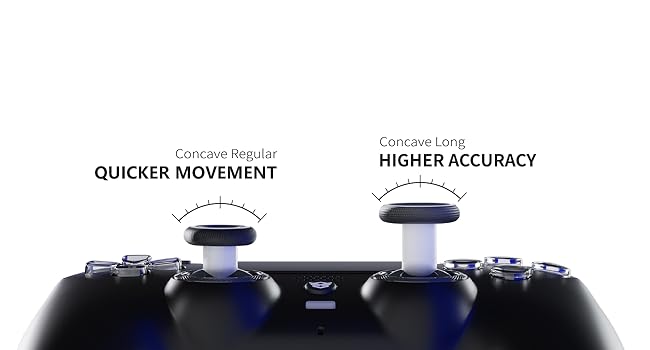
For MOVEMENT AND AIMING ACCURACY
You can operate the controller flexibly, capture targets faster, and improve accuracy.
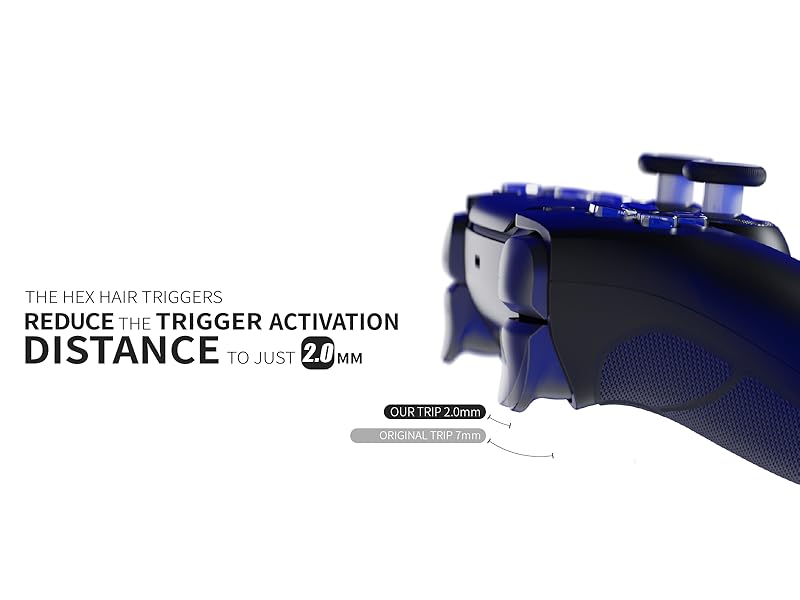
HAIR TRIGGERS CLICKY FOR INSTANT RESPONSES
The HEX Hair Triggers reduce the trigger activation distance to just 2.0 mm, all you need to do is press slightly to instantly launch a full fast shoot to save valuable time in competitive games. *These triggers do not work for racing games.
Dominate the game with HEXGAMING Controller
NEW EDGE CONTROLLER |
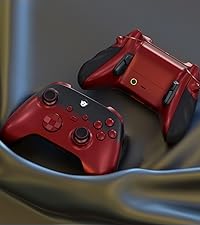
ULTRA X CONTROLLER |
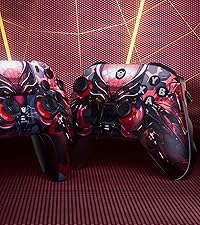
ADVANCE CONTROLLER |
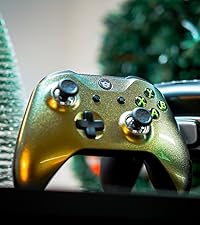
ULTRA ONE CONTROLLER |
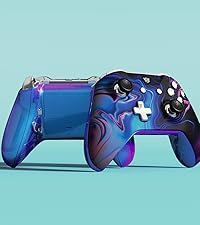
BLADE CONTROLLER |
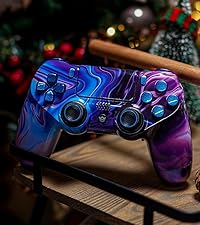
NEW SPIKE CONTROLLER |
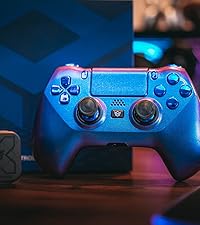
HYPER CONTROLLER |
|
|---|---|---|---|---|---|---|---|
|
Customer Reviews |
32
|
4
|
29
|
8
|
27
|
6
|
32
|
|
Price |
$129.99 | — | $189.99 | $114.99 | — | $129.99 | $139.99 |
|
Number of back buttons |
Four | Four | Four | Four | Two | Two | Four |
| — | — | — | — | — | — | — | |
| — | — | — | — | — | — | — | |
| — | — | — | — | — | — | — | |
| — | — | — | — | — | — | — |
-
Is a charging cable included?
No, please note controller doesn't come with a cable or any other accessories. Package contains: RIVAL Controller, 8 in 1 interchangeable textured thumbsticks, and user manual.
-
First-time controller use?
Please kindly connect the controller to your console via a data cable for pairing; it's essential for wireless functionality.
-
How to change the thumbsticks?
Gently pull up the original thumbstick, align the new one with the groove of the thumbstick base, and then put the new one on. After replacing the new one, gently press the thumbstick to make the base back to its original position.
-
Does the controller vibrate in default?
Yes, it does.
-
How to remap the rear buttons?
Please press the setting button for 3 seconds, then hold both the button you wish to assign and the rear button you wish to map. The indicator light will quickly flash in RED 3 times to confirm the assignment.