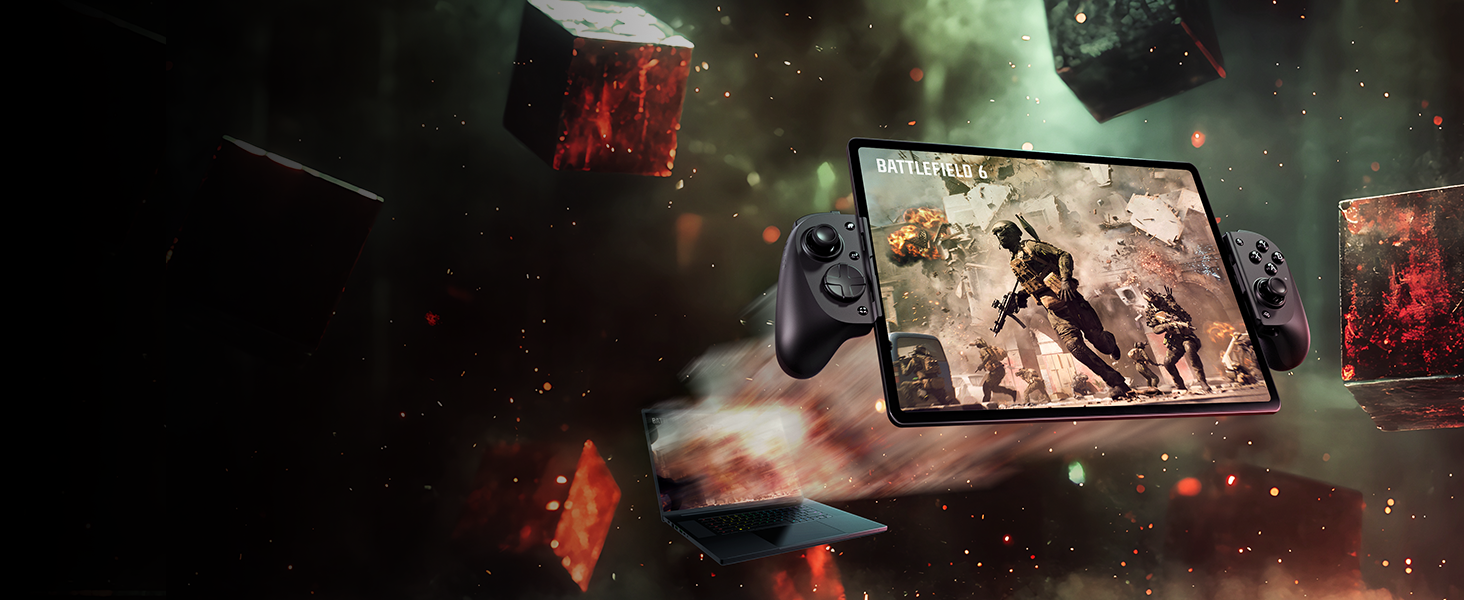
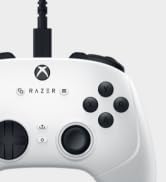
Experience mobile gaming like never before with the Razer Kishi V3 Pro XL—the ultimate full-sized mobile gaming controller. Designed for Full-Sized tablets including iPad and 10""-13"" Android tablets, and PC, this controller brings console-quality gameplay to your fingertips. Enjoy pro-grade ergonomics and precision with full-sized TMR thumbsticks for ultra-accurate movement. Dominate every match with dual back buttons featuring crisp mouse-click actuation and claw grip bumpers for responsive, competitive play. Feel every impact with Razer Sensa HD Haptics* for next-level immersion. Whether you're battling on your phone, tablet, or PC, this controller is built for peak performance and all-day comfort. Perfect for cloud gaming, remote play, or native mobile titles, it's the definitive choice for serious mobile gamers. *Haptics requires Android 12+ or Windows 11; currently not supported on iOS.
The video showcases the product in use.The video guides you through product setup.The video compares multiple products.The video shows the product being unpacked.
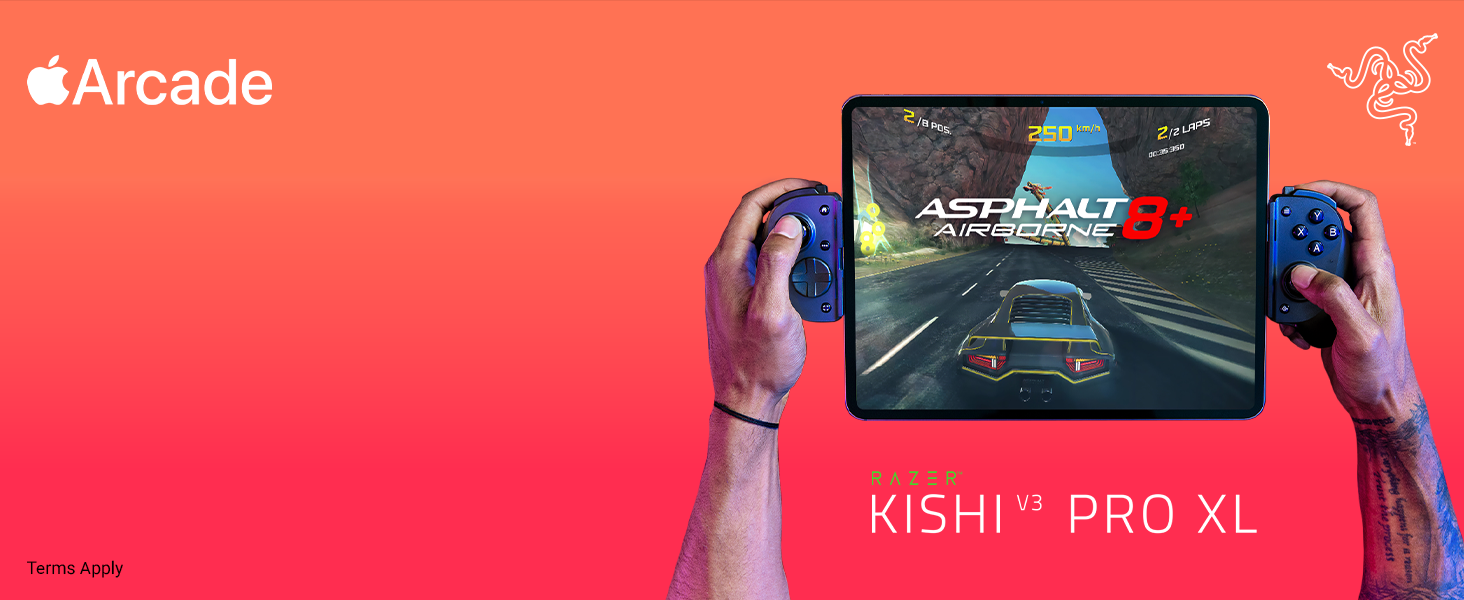
Kishi V3 Pro XL Banner
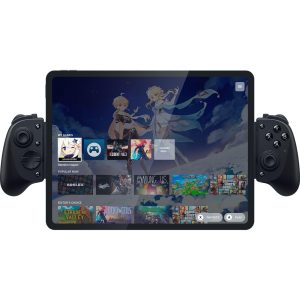
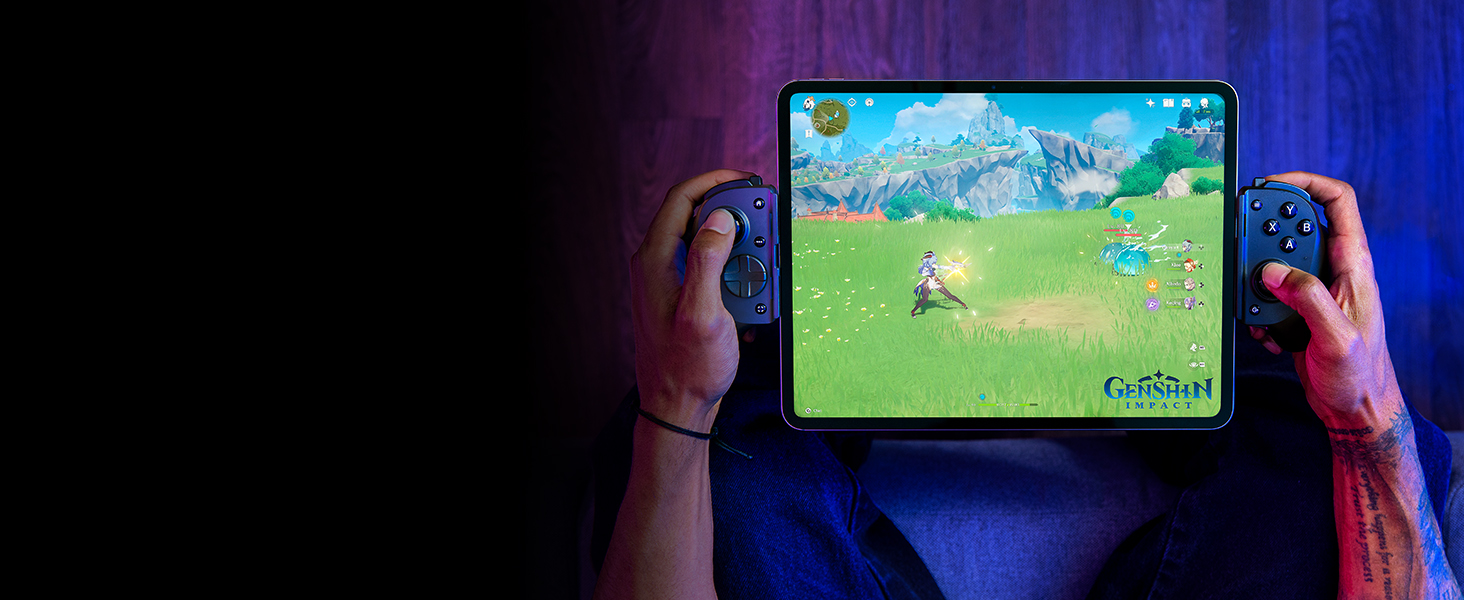
Full-sized Form Factor for iPad & Android Tablets
Console gaming form factor meets Mobile Gaming convenience on the biggest scale
With Swappable Caps
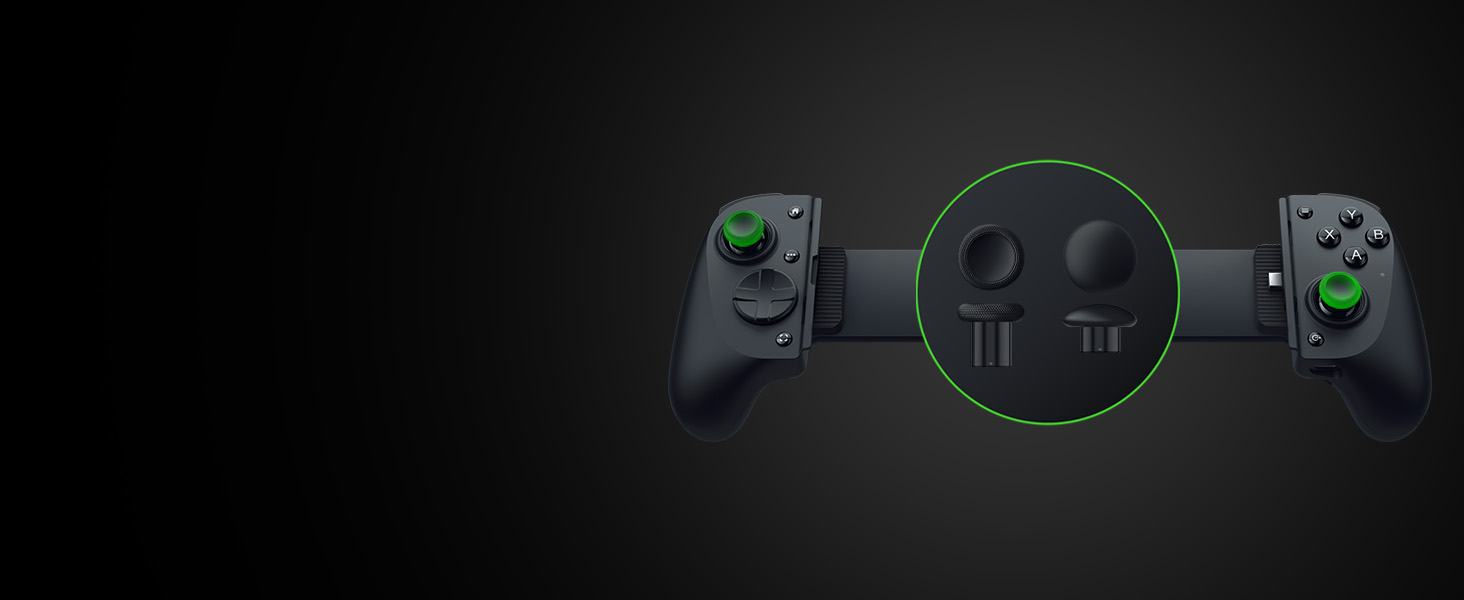
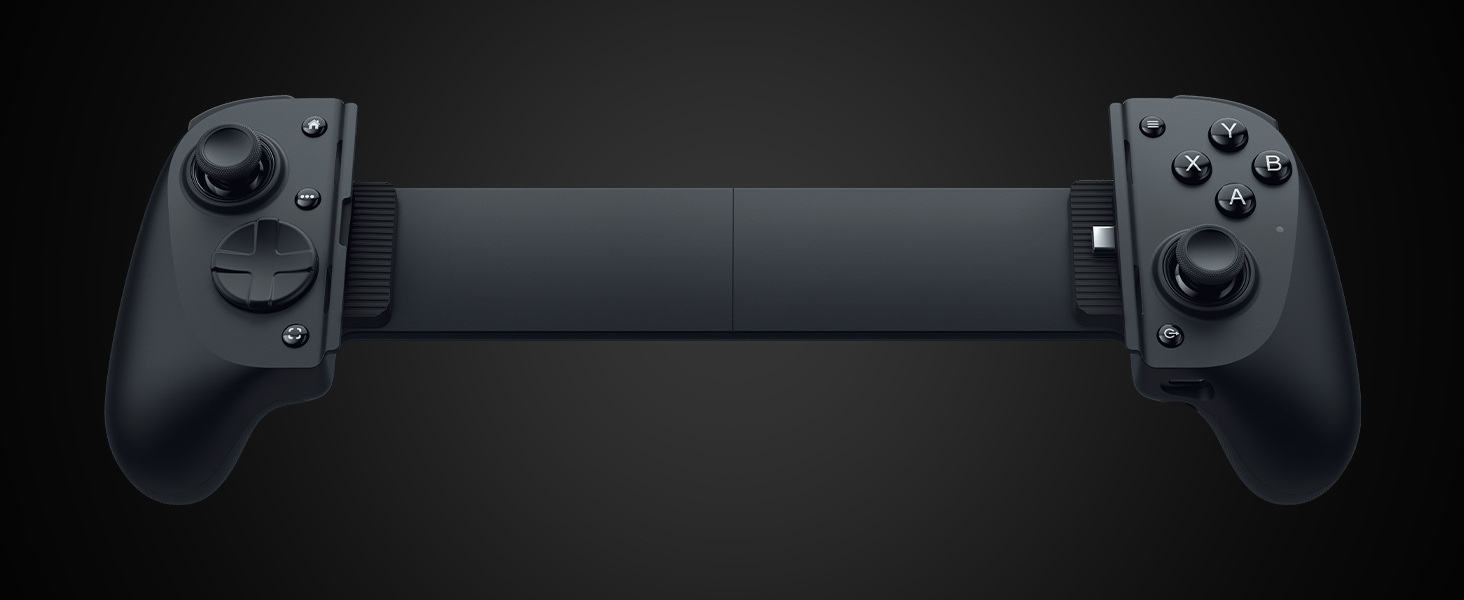
Full Sized TMR Thumbsticks with Swappable Caps
Dominate with anti-drift sticks that beat Hall Effect, plus 2 swappable caps for speed or precision
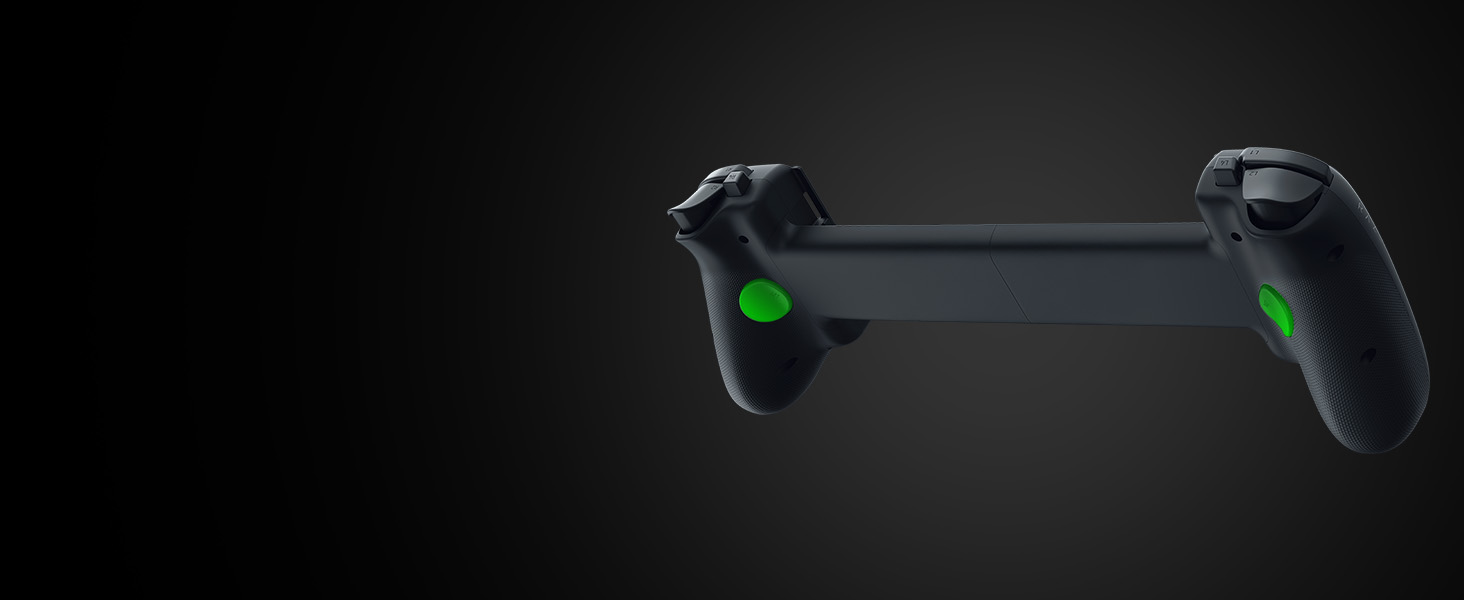
Dual Mouse Click Back Buttons & Claw Grip Bumpers
Mouse-click back buttons meet claw bumpers for the ultimate in mobile control
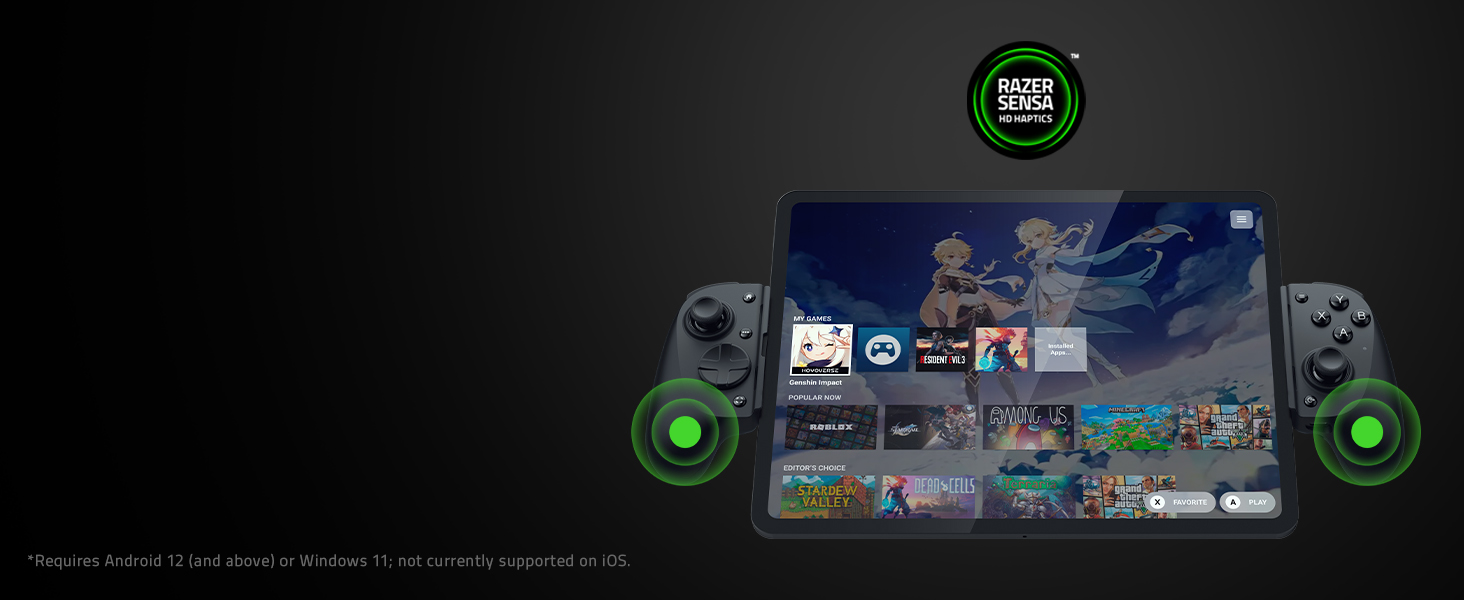
Feel every action and be immersed in every moment with high-fidelity haptics that are stronger, more detailed, and more nuanced than traditional console controller vibrations.
6 Free Months of Apple Arcade
Play 200+ awesome ad-free games, all in one place
Inputs
Two TMR thumbsticks with clickable buttons (L3/R3) | One Mecha-tactile 8-way D-pad | Mecha-tactile ABXY face buttons | Two hall effect triggers (L2/R2) | Two bumpers (L1/R1) | Two programmable multifunction buttons (L4/R4) | Two Programmable Back Buttons (M1/M2) | Menu and Options buttons (labelled Start and Select in some games) | Home Button | Screenshot/Record| Razer Nexus Button
Ports
TYPE C plug for tablet connection | TYPE C port for passthrough charging only | Charging indicator light
Dimensions and Weight
Height: 64.6 mm | Width: 327.9 mm | Length: 110.8 mm | Weight: 311 g
Device Size Compatibility
Max tablet dimensions: 282 mm (length) Remove or swap the included rubber cushions to give your device a secure fit.
iOS Device Compatibility
Compatible with iPad Pro (11-in), iPad Pro (13-in), iPad Air (11-in), iPad Air (13-in), iPad (10.9-in with USB-C)
Android Device Compatibility
10-13 inch (diagonal) USB C Android tablets with Android 14 or higher. If the Razer Kishi V3 Pro XL is not detected when connected to an Android phone, do the following: 1) Ensure the phone runs on Android 8 or later. To do this, go to Settings > System > About phone. 2) Ensure the phone’s OTG setting (if available) is turned ON and no timeout is set.
Other Device Compatibility
Compatible with Windows 11 and iPad via USB C cable
Which devices does the Kishi V3 Pro XL work with?
The Razer Kishi V3 Pro XL is compatible with iPad Pro (11-in), iPad Pro (13-in), iPad Air (11-in), iPad Air (13-in), iPad (10.9-in with USB-C) . It also supports Android Devices running Android 14 or higher between 10"-13".
Do I have to remove my tablet's case to use Kishi V3 Pro XL?
The Kishi V3 Pro XL works with many popular tablet cases. Swap out or remove the attached rubber cushions to give your device and its case the most secure fit possible. Cases that directly cover the USB port of phones may not be compatible
How do I receive my 6 free months of Apple Arcade?
The Apple Arcade offer will be provided directly through the Razer Nexus app. New and qualified returning subscribers only. $6.99/month (in the US) after free trial. Prices vary by region. Plan automatically renews until cancelled
What steps should I take if my Kishi V3 Pro XL has issues connecting to my Android device?
Do the following: 1) Ensure the phone runs on Android 8 or later. To do this, go to Settings > System > About phone. 2) Ensure the phone’s OTG setting (if available) is turned ON and no timeout is set.
Razer Mobile Products
Razer Console Products
Razer Console Skins
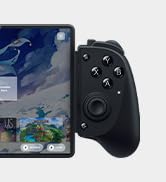
· FULL SIZED CONTROLLER FORM FACTOR — Console performance meets mobile convenience; play for extended periods in complete comfort and control with larger ergonomic handles that feel more natural to hold than standard mobile controllers
· FITS IPADS & ANDROID TABLETS UP TO 13" — Experience larger than life mobile gaming; get a viewing experience worthy of the best AAA games with an innovative telescopic bridge that fits iPads and Android tablets up to 13”
· FULL SIZED TMR THUMBSTICKS WITH SWAPPABLE CAPS — Perfect your aim with high-precision, anti-drift thumbsticks that are superior to Hall Effect designs; customize them for more speed or precision with 2 swappable caps
· DUAL MOUSE CLICK BACK BUTTONS & CLAW GRIP BUMPERS — Enjoy the same ultra-responsive actuation found in our top gaming mice with 2 back buttons built into the controller’s ergonomic handles—topped with 2 claw grip bumpers for even more control
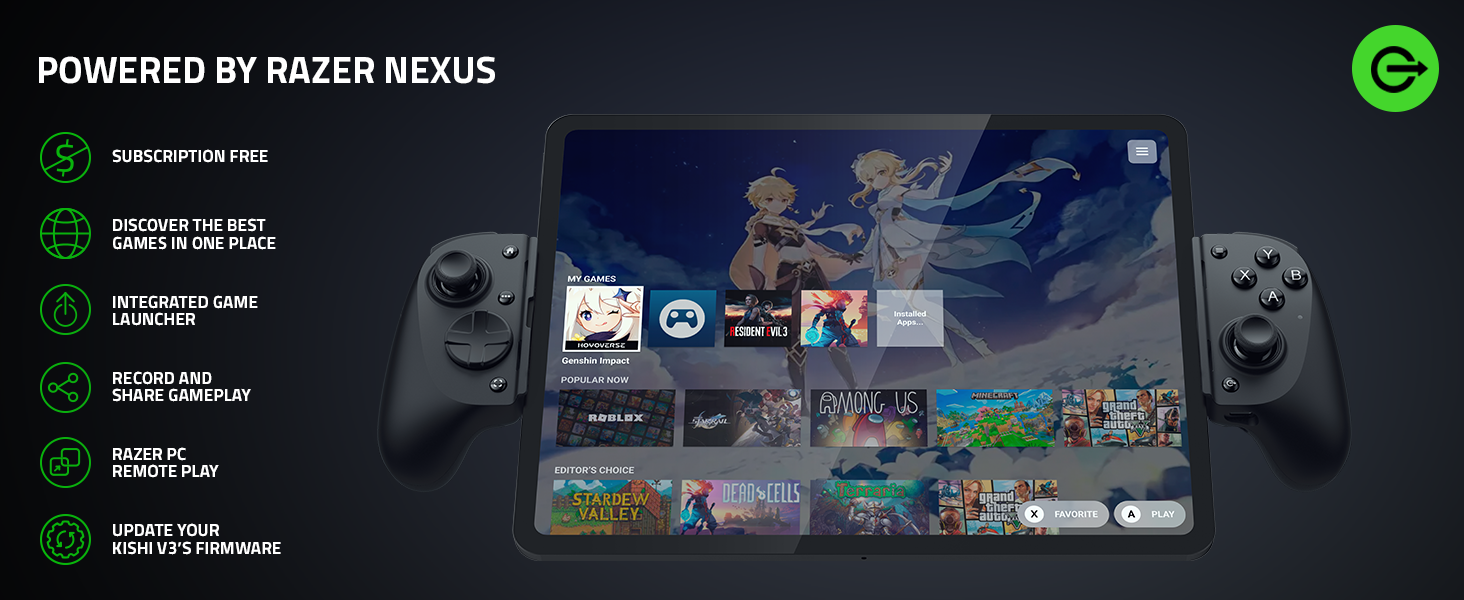
· POWERED BY THE RAZER NEXUS GAME LAUNCHER — Launch games, customize controls, record and share gameplay, and keep the controller updated with a free* app that can be brought up at the touch of a dedicated button. (*Razer Nexus does not require a fee/subscription, however some apps within Razer Nexus do)
· WIRED & REMOTE PLAY FOR PC — Turn the Kishi V3 into a haptic PC controller via a direct low-latency USB C connection (cable sold separately) or remote play PC games from any launcher with Razer Nexus and enjoy AAA gaming anywhere
· UNPARALLELED CASE COMPATIBILITY — Fits many popular iPad cases thanks to an innovative USB C ‘island’ design and thicker depth clearance than other controllers
· RAZER SENSA HD HAPTICS — Feel every action and be immersed in every moment with high-fidelity haptics that are stronger, more detailed, and more nuanced than traditional console controller vibrations (Requires Android 12 and above or Windows 11; not currently supported on iOS)
· SEAMLESS CONNECTIVITY AND CONVENIENCE — Enjoy low-latency gaming and smooth audio with plug-and-play convenience; power the device while gaming with passthrough charging
· 6 FREE MONTHS OF APPLE ARCADE — Enjoy 6 free months of Apple Arcade with purchase; the Apple Arcade offer will be provided directly through the Razer Nexus app (new and qualified returning subscribers only) - $6.99/month (in the US) after free trial; prices vary by region; plan automatically renews until cancelled
$119.00–$149.00Price range: $119.00 through $149.00
Select optionsThis product has multiple variants. The options may be chosen on the product page